

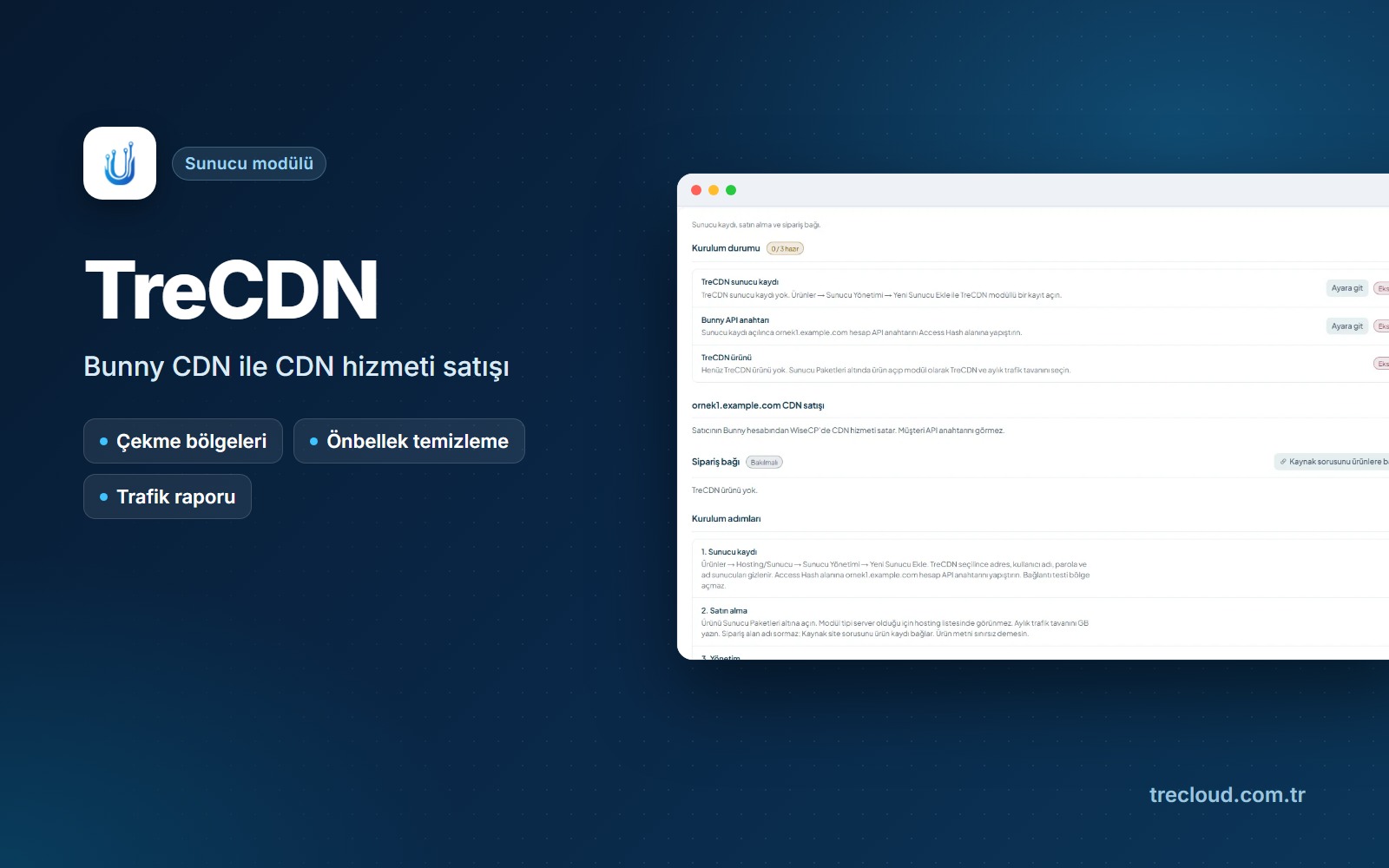
TreCDN connects the seller's own bunny.net account to WISECP. The customer buys a CDN service in WISECP, never sees the API key, and is billed by WISECP. Bunny delivers the files.
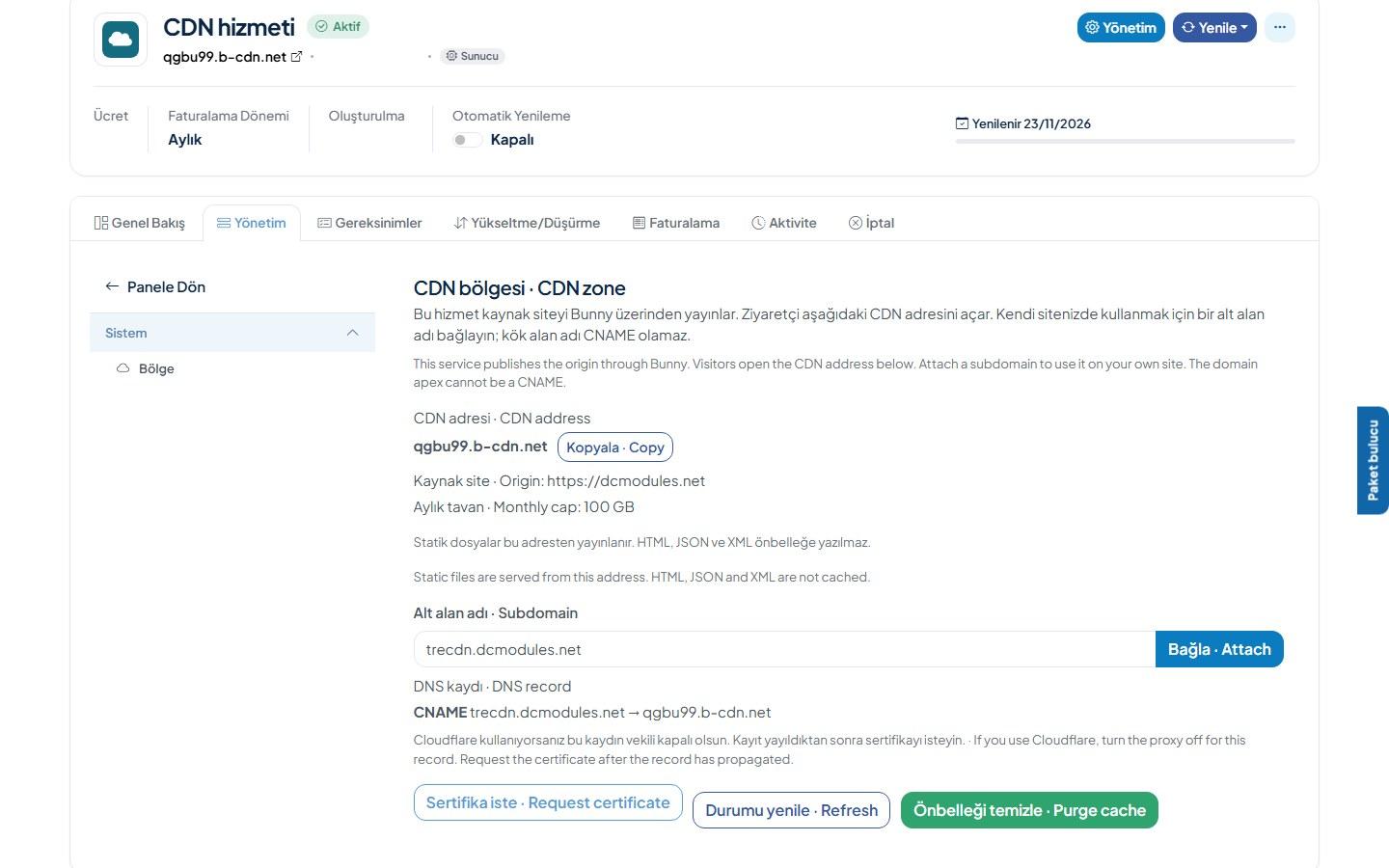
When payment is approved the module opens one pull zone and stores a b-cdn.net address on the service. A file on the origin is available at the same path on that address. Smart Cache is on, so HTML, JSON and XML are not cached. The origin can later be changed on the same zone. The customer attaches a subdomain such as cdn.example.com and the page shows the CNAME target. The certificate is requested after DNS propagates, and SSL can then be forced. The apex is not attached.
The product must set a monthly traffic cap in GB, included in the price. Usage is read from Bunny and the renewal invoice line shows the used and capped GB; overage is not billed. The screen warns at four fifths of the cap. When the cap is reached Bunny disables the zone until the next billing period. The product text must not say unlimited.
On the service page the customer sees usage, the cap and suspension, copies the address, refreshes the status and purges the cache. The host header, query string and CORS settings are switched on the same zone. Suspend stops delivery with a Bunny edge rule; unsuspend removes it.
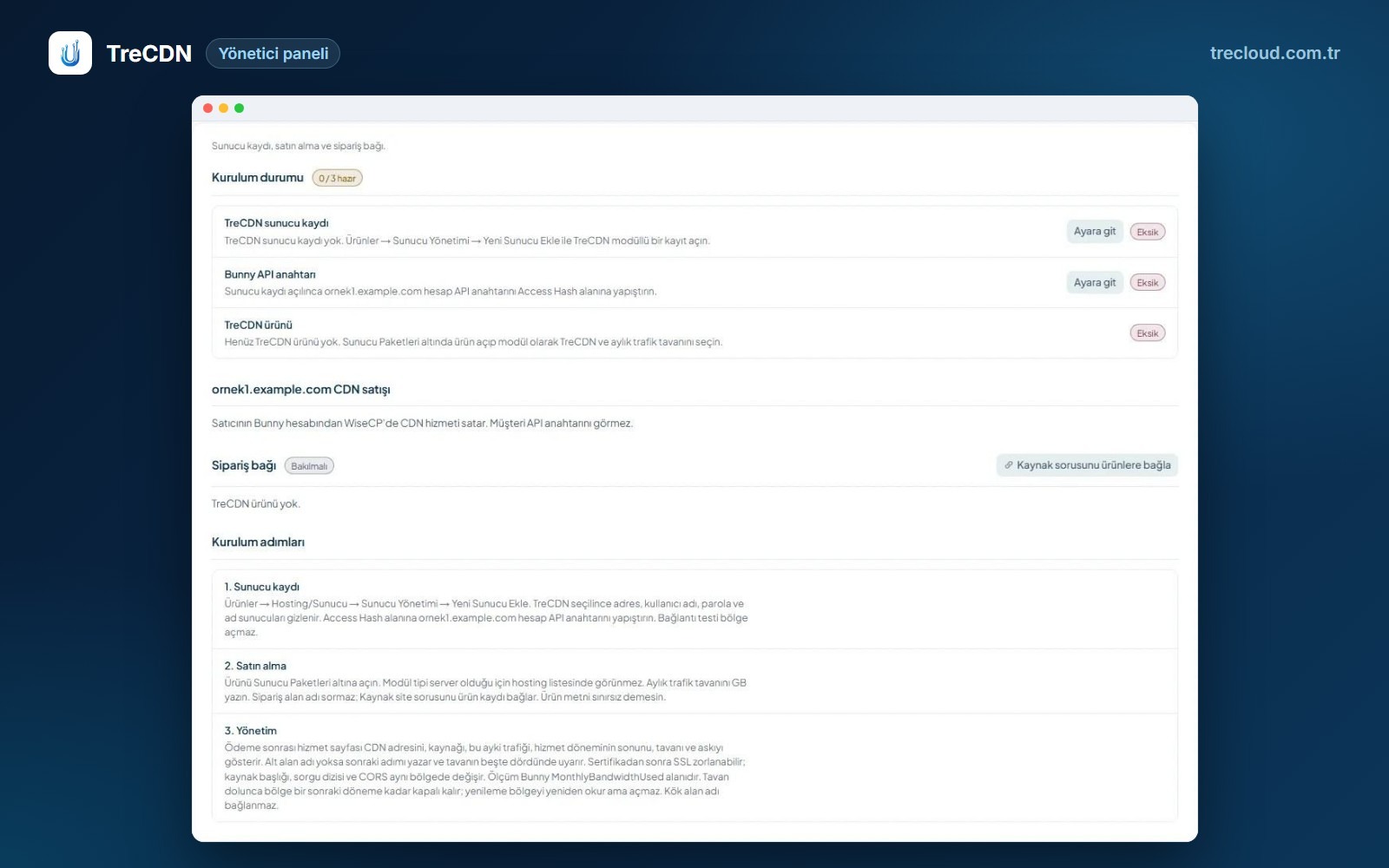
The same service does not open a second zone. Cancel deletes only the zone that belongs to that service. The admin overview shows a setup status checklist; while a setting is missing, the product screen warns and provisioning stops with a clear message. A new order needs a valid license; if the license ends, customer tools on services already open keep working. Screens open in Turkish or English based on the panel language (English for other panel languages).
Buy the license at trecloud.com.tr. The license key is issued for your WISECP domain and server, and you download the module from the WISECP Marketplace with that license. Updates arrive through the Marketplace.
TreCDN
ModulesWISECP server module that opens a Bunny pull zone and serves files from a b-cdn.net address.
| Released | 23 October 2026 |
|---|---|
| Last Update | 17 November 2026 |
| Version | 1.5.6 |
| License | 1 WiseCP panel (domain and IP) |
| Updates | Included while active |
- PHP 8.2 or 8.3 with ionCube Loader.
- WISECP 5.
- A bunny.net account and account API key. The WISECP server must reach https://api.bunny.net.
- coremio/storage must be writable. The install prefix is stored in coremio/storage/trecdn.
Other Products
Browse All Products Popular
Ready to Launch?
Create your account and order your first service in just a few minutes.