

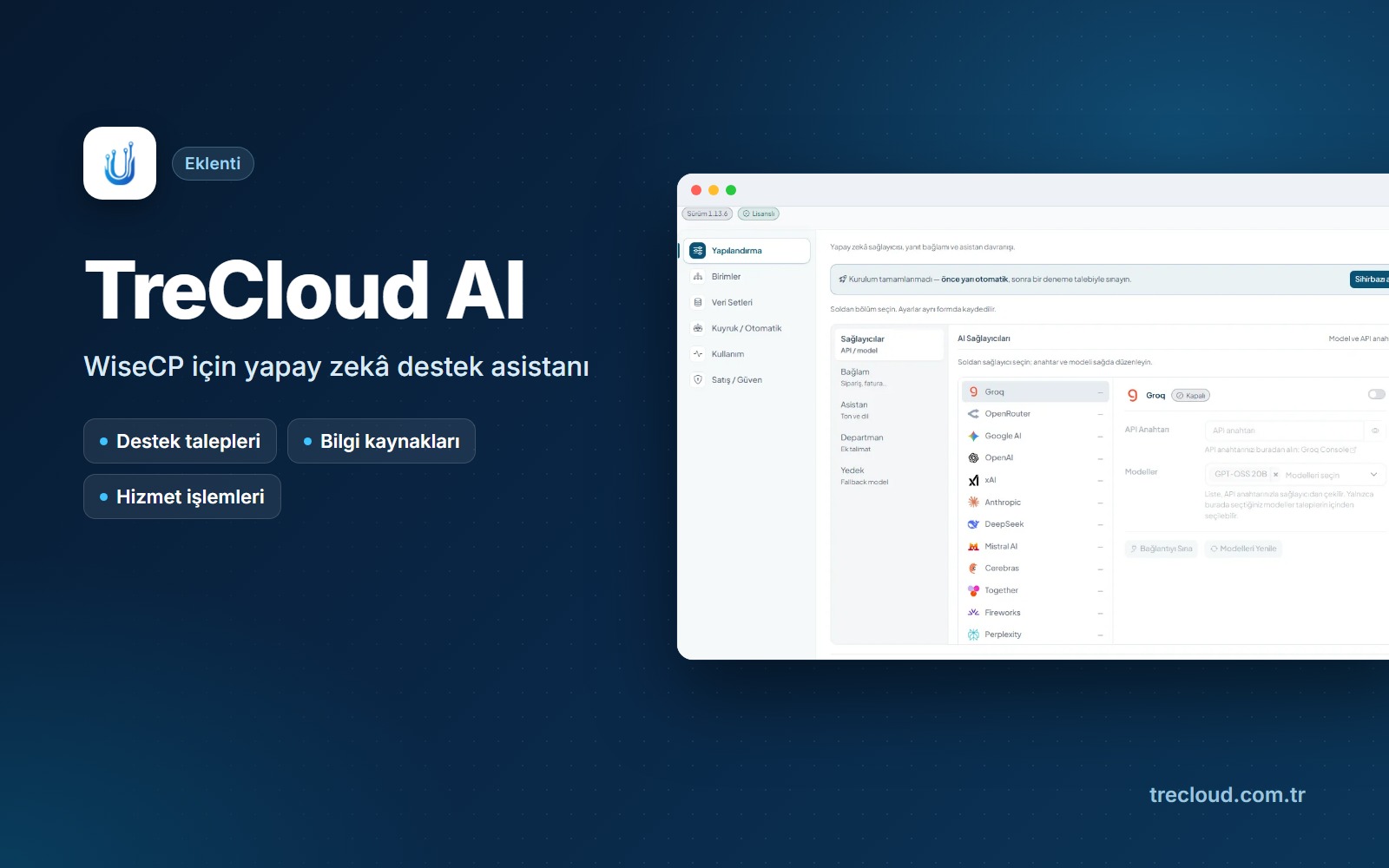
The first ticket of the morning is often the same line. Mail is not arriving, the server is off, the site will not open. The customer waits. Staff check DNS, then mail, then the server, then the invoice. TreCloud AI finishes that round beside the ticket.
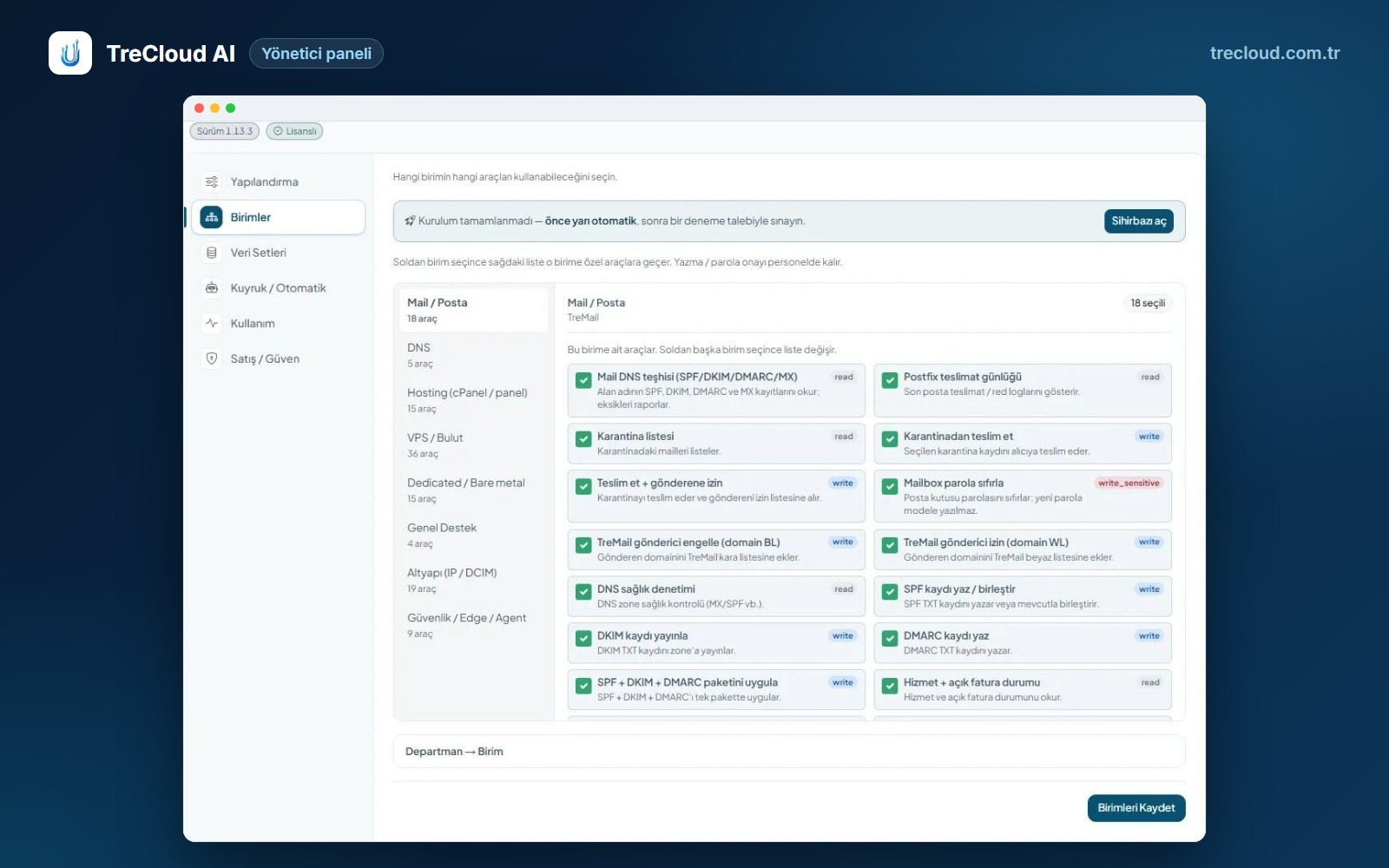
It is a support addon for the WiseCP admin. On the ticket you have Diagnose, Draft, Improve, Summarize, Ask and Reply. Diagnose reads the service, the domain and the invoice tied to the ticket. On TreMail it checks SPF, DKIM, DMARC and the quarantine. On a VPS or dedicated box it looks at power. On hosting it sees suspend, SSL and backups. A blocked address at TreIP Edge, an unpaid invoice or a suspended service is written in plain language, with the job beside it: write the missing record, release the quarantined mail, start the machine, lift the suspend after payment.
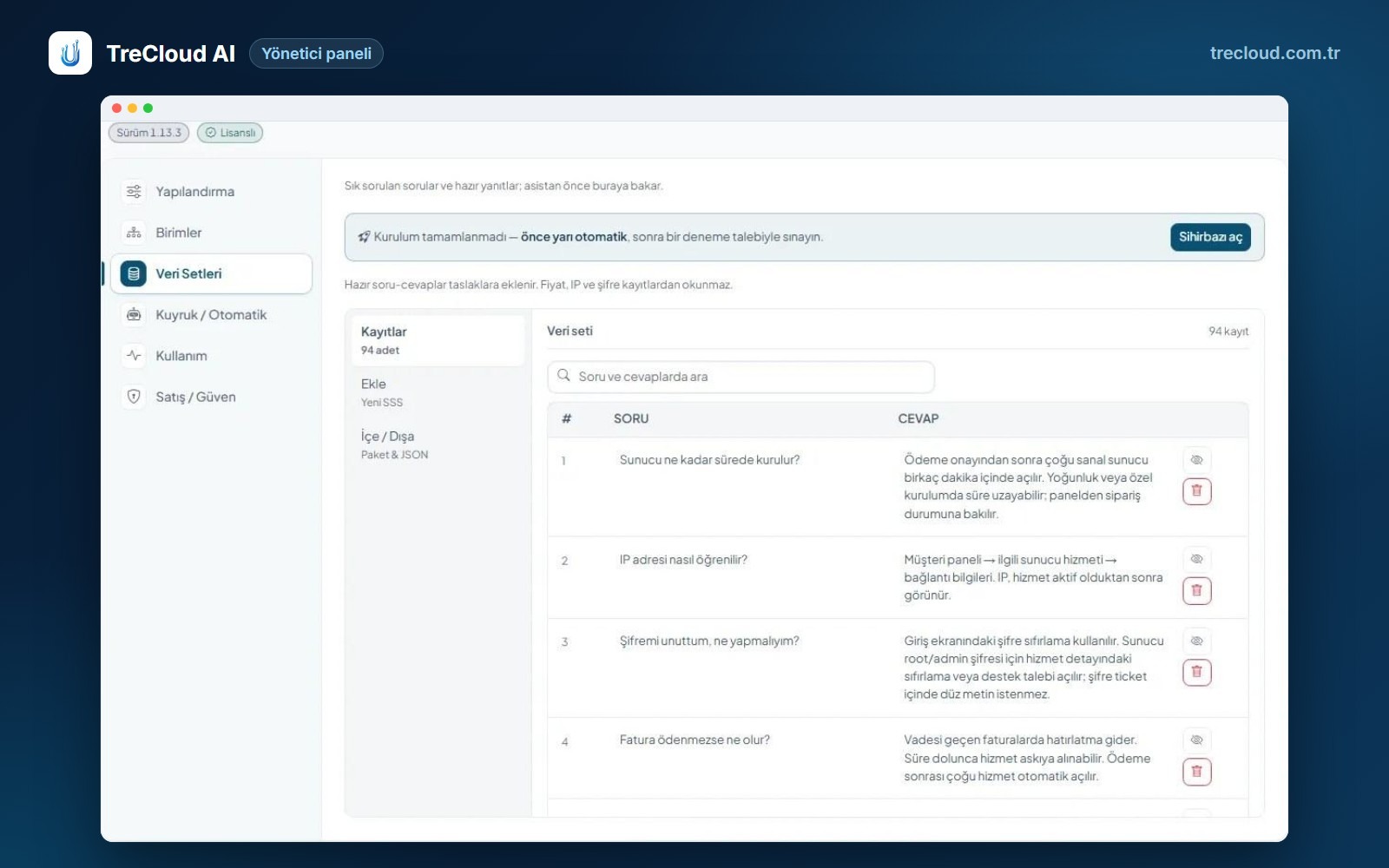
Staff approve the suggestion. On Pro that job goes to the server. SPF, DKIM and DMARC can be written together in one approval. There are ready step packs for a spam complaint, a stopped VPS, or opening a service after payment. Draft writes the customer text from the ticket and your FAQ. Improve edits a staff draft, Summarize shortens a long ticket, Ask answers a question with the live account in view. Reply posts the box as the staff answer. Passwords never go to the model; if one is created it stays in the staff box.
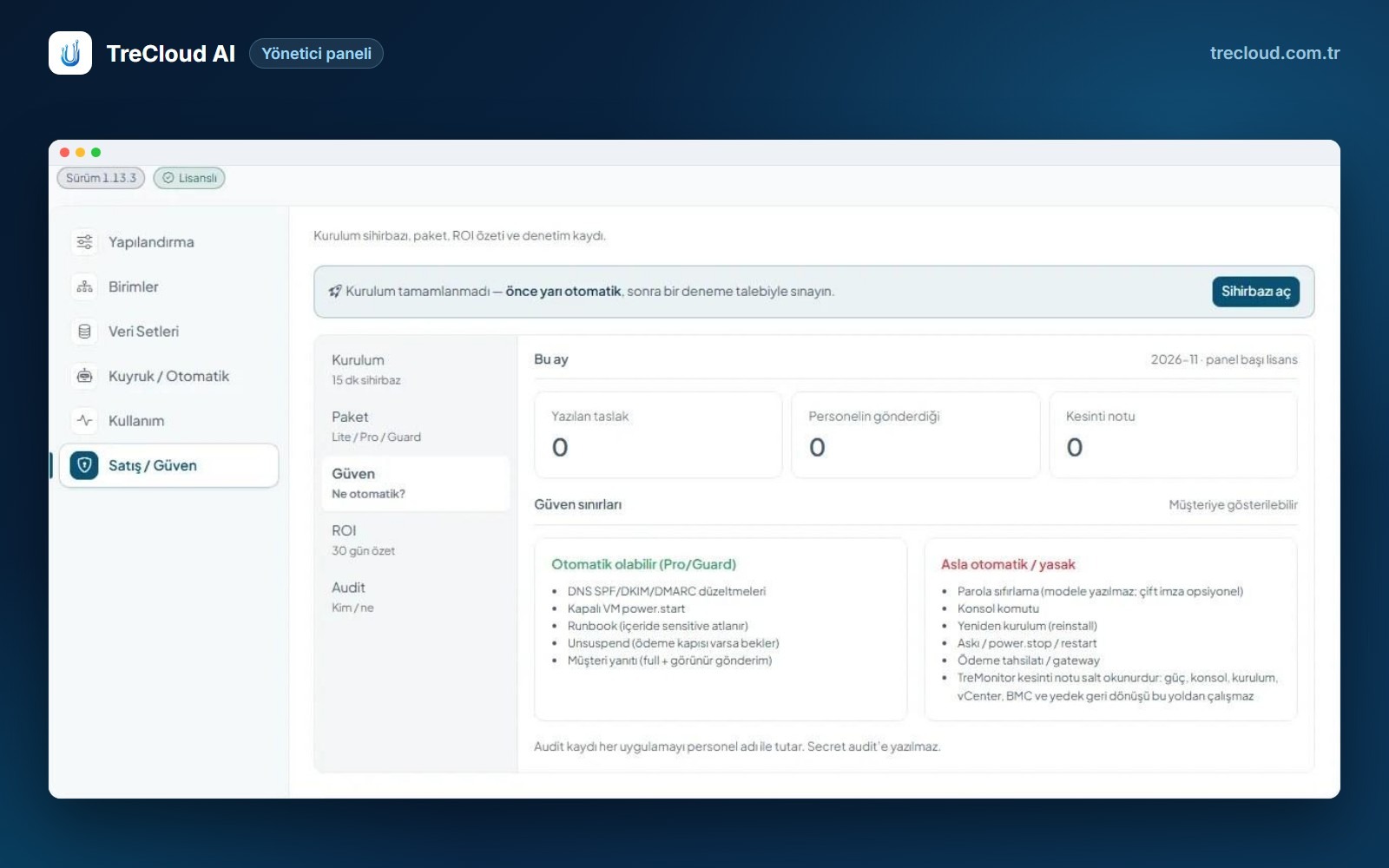
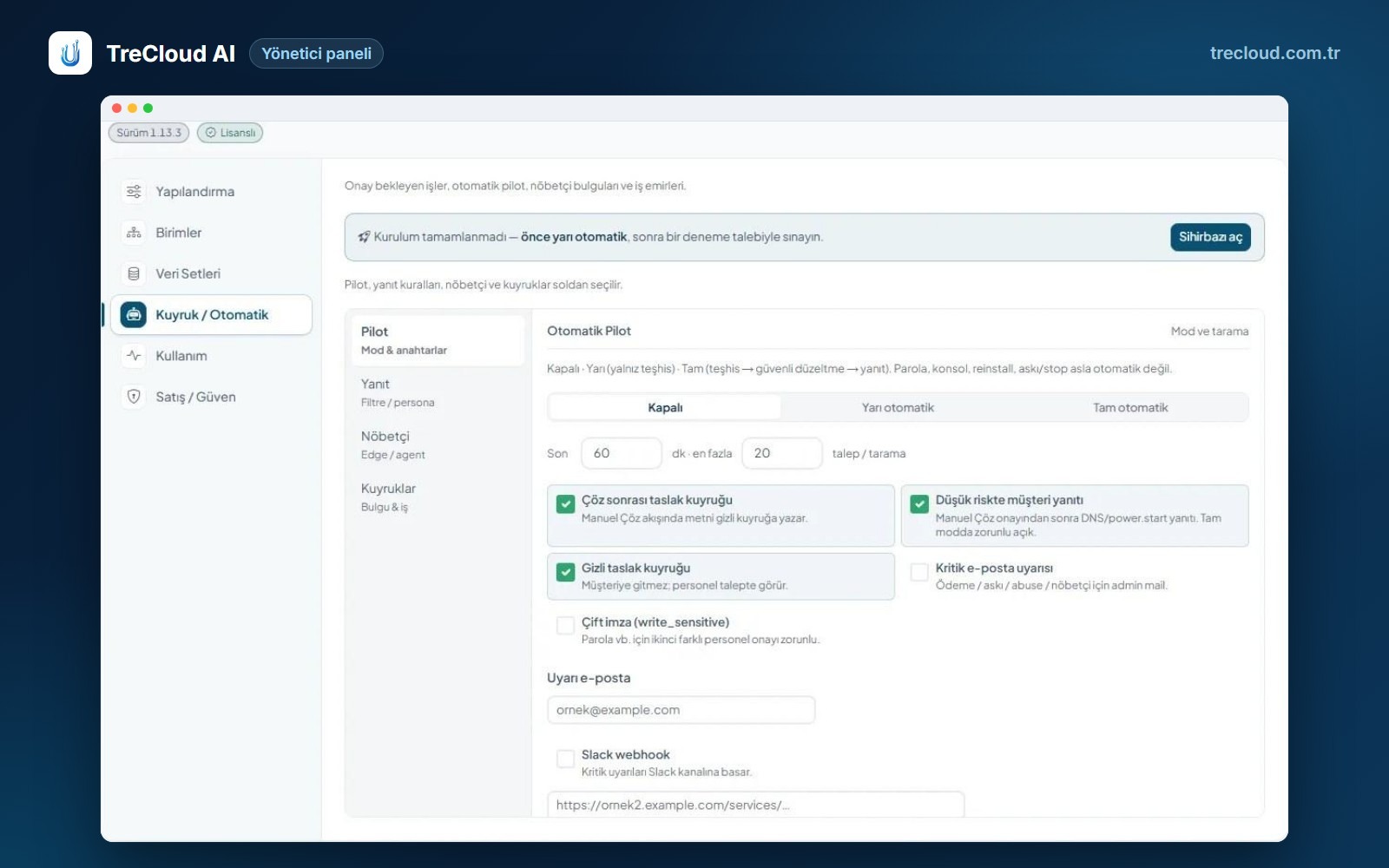
New tickets can diagnose themselves. In full mode the safe jobs (mail DNS, starting a machine, lifting a paid suspend) can run and the reply can be posted. Console, reinstall, shutting a machine down, suspending a service and taking payment never enter that mode. A password reset can wait for a second person. Who applied what stays on record.
Lite is diagnose, draft, improve and the dataset. It does not write to the server. Pro turns on approved apply, the semi and full pilot, work orders, dual sign-off and the summary panel. On Guard a security watchman runs on a schedule. It looks at repeated admin login tries, TreIP Edge health, IP records that drifted from the panel, unpaid invoices, a swollen quarantine and machines that are off. It lists what it finds and can put it on a work order. It writes to Slack or Telegram. You can put an address on the denylist and on the Edge. The watchman does not start machines. The fix still waits for approval.
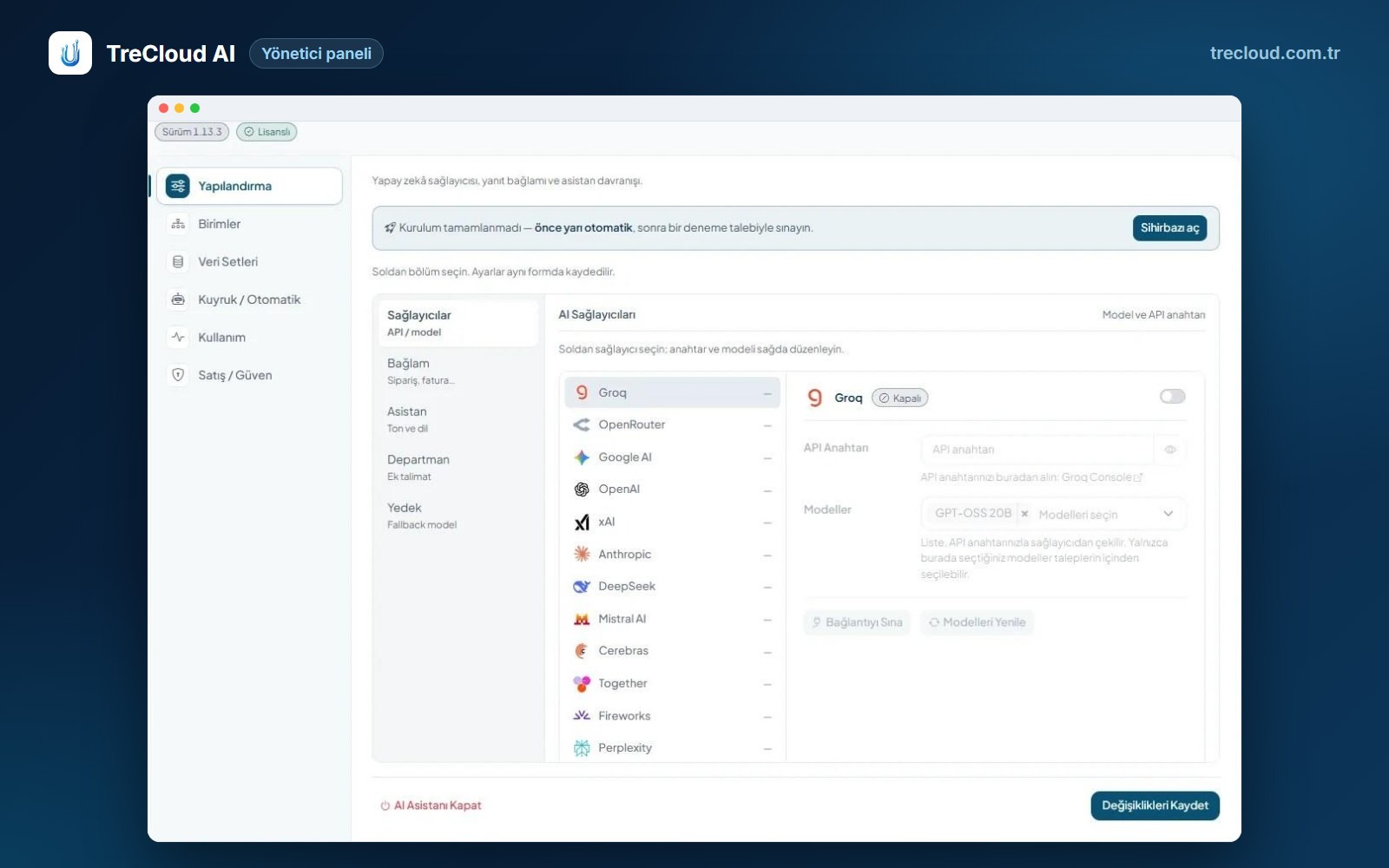
There is no extra screen in the client area. The AI key is yours. TreCloud AI does this work every day on the trecloud.com.tr support desk. Updates come as a package. Open tickets are not deleted when a license expires.
- Extract the zip under
coremio/modules/Addons/TreCloudAI. - Enable under Addons; save the license and API key.
- Sales / Trust → Setup: turn on semi, run smoke diagnose, finish.
- Pick Lite / Pro / Guard; set the pilot mode.
See KURULUM.md in the package and the docs.
TreCloud AI
Add-ons- Diagnose, Draft, Improve, Summarize, Ask and Reply on the ticket
- SPF / DKIM / DMARC, quarantine, VPS power, suspend and invoice
- After approval the record is written or the machine starts
| Billing Cycle | Total |
|---|---|
| Monthly | $15 |
| Annually | $150 |
| One Time | $750 |
Staff should not tour the panels. AI reads the ticket and writes the cause; the fix is one approval away.
| Released | 2 November 2026 |
|---|---|
| Last Update | 17 November 2026 |
| Version | 1.13.8 |
| License | 1 WiseCP panel (domain and IP) |
| Updates | Included while active |
- WiseCP 5.0+
- PHP 8.2 / 8.3 / 8.4, ionCube, curl, openssl, PDO MySQL
- Writable
coremio/storage - Your LLM API key and outbound HTTPS
- Optional TreDNS, TreHypervisor/VPS, TreIP, TreMail or host agent
- License:
wisecp.trecloud.com.tr(product codetrecloudai) - Working cron for automatic jobs
Other Products
Browse All Products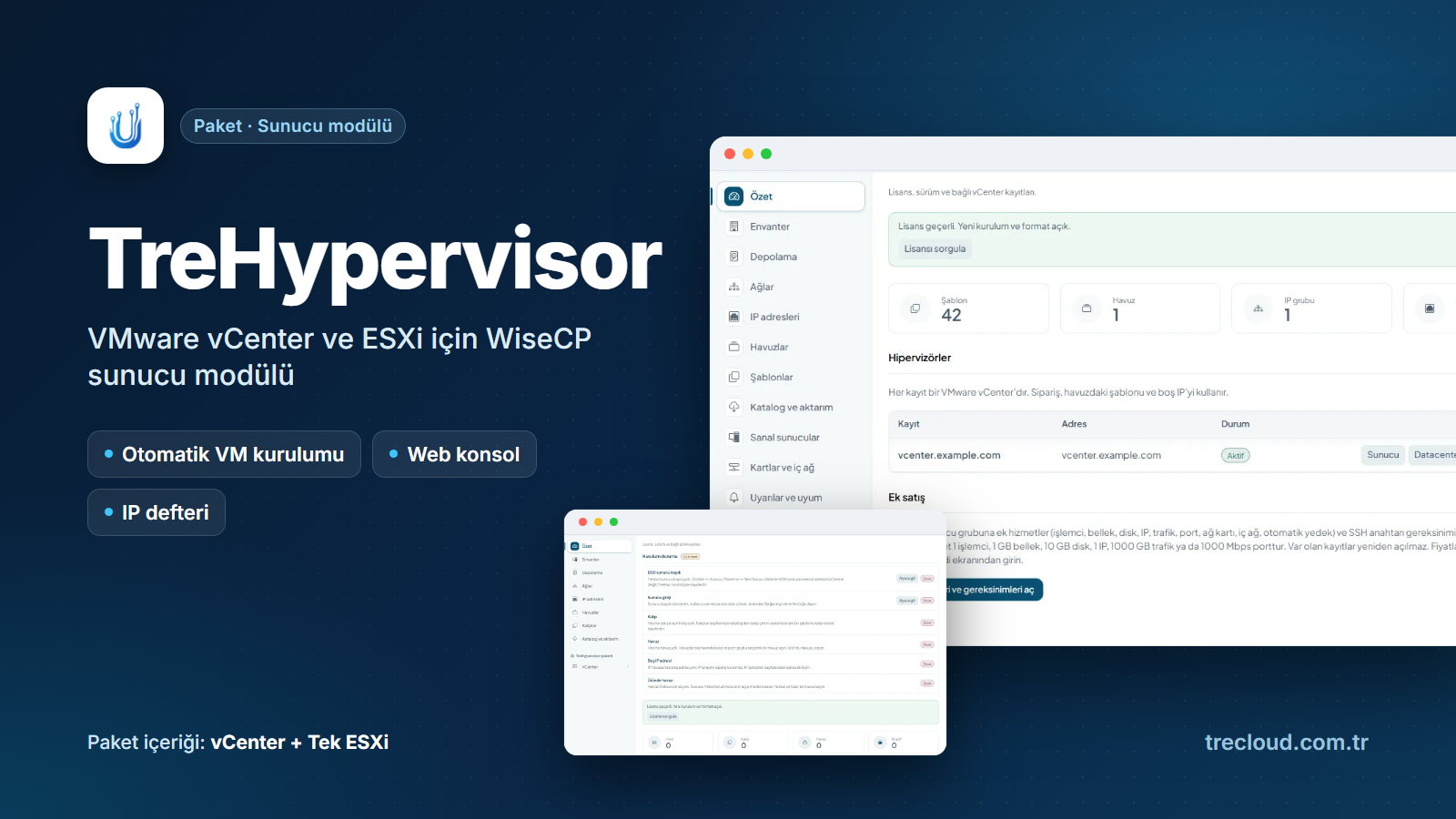 Popular
Ready to Launch?
Create your account and order your first service in just a few minutes.