

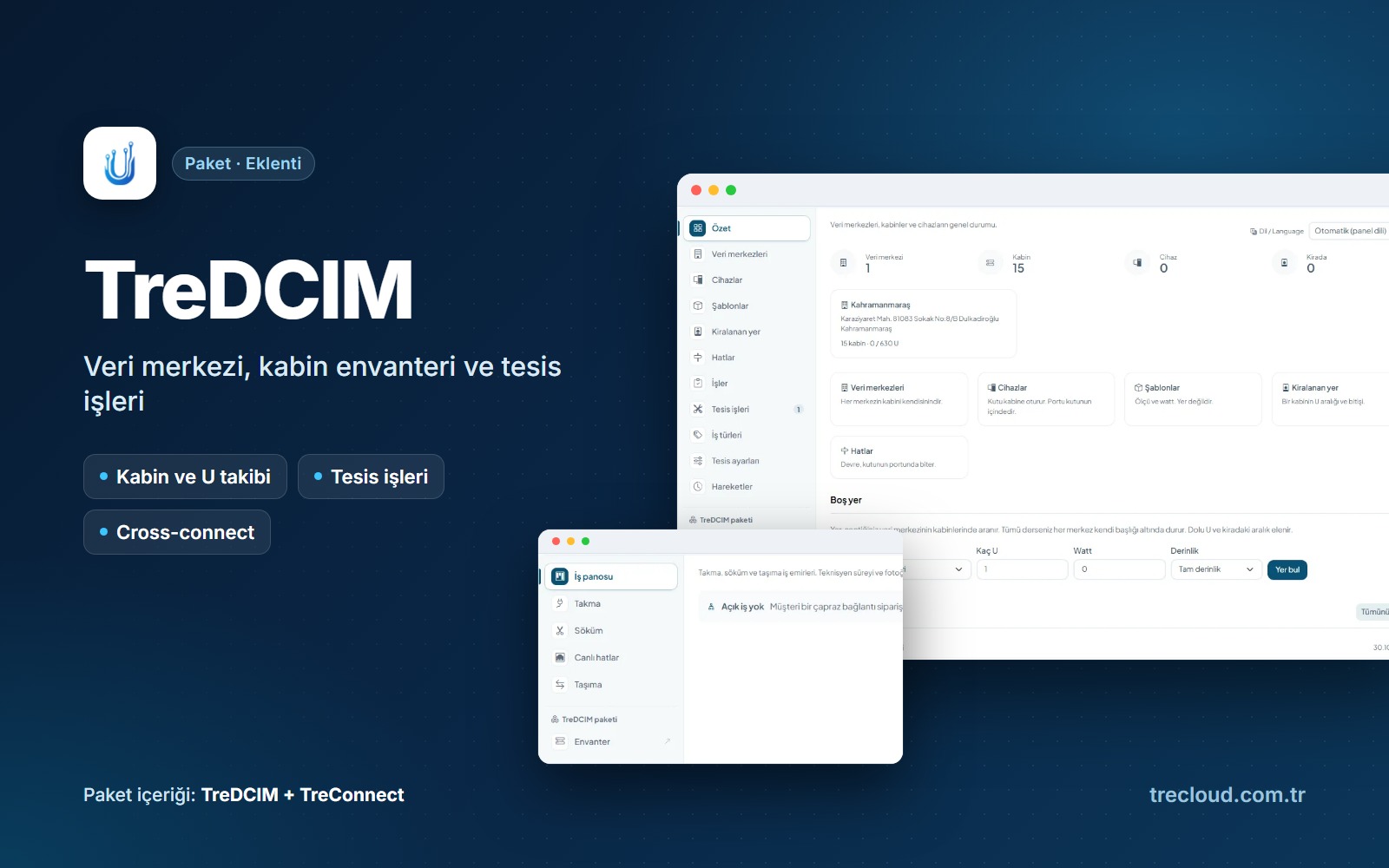
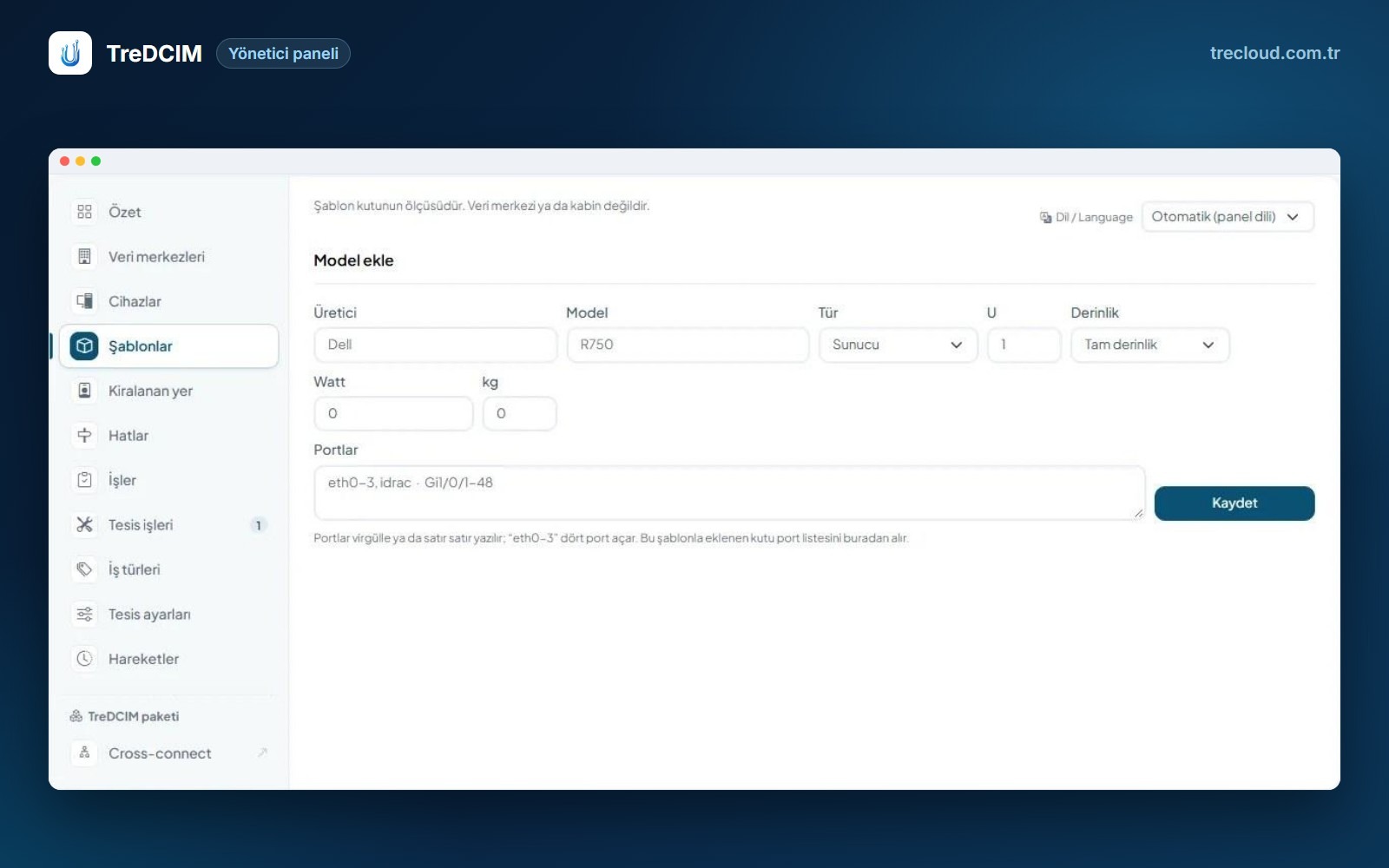
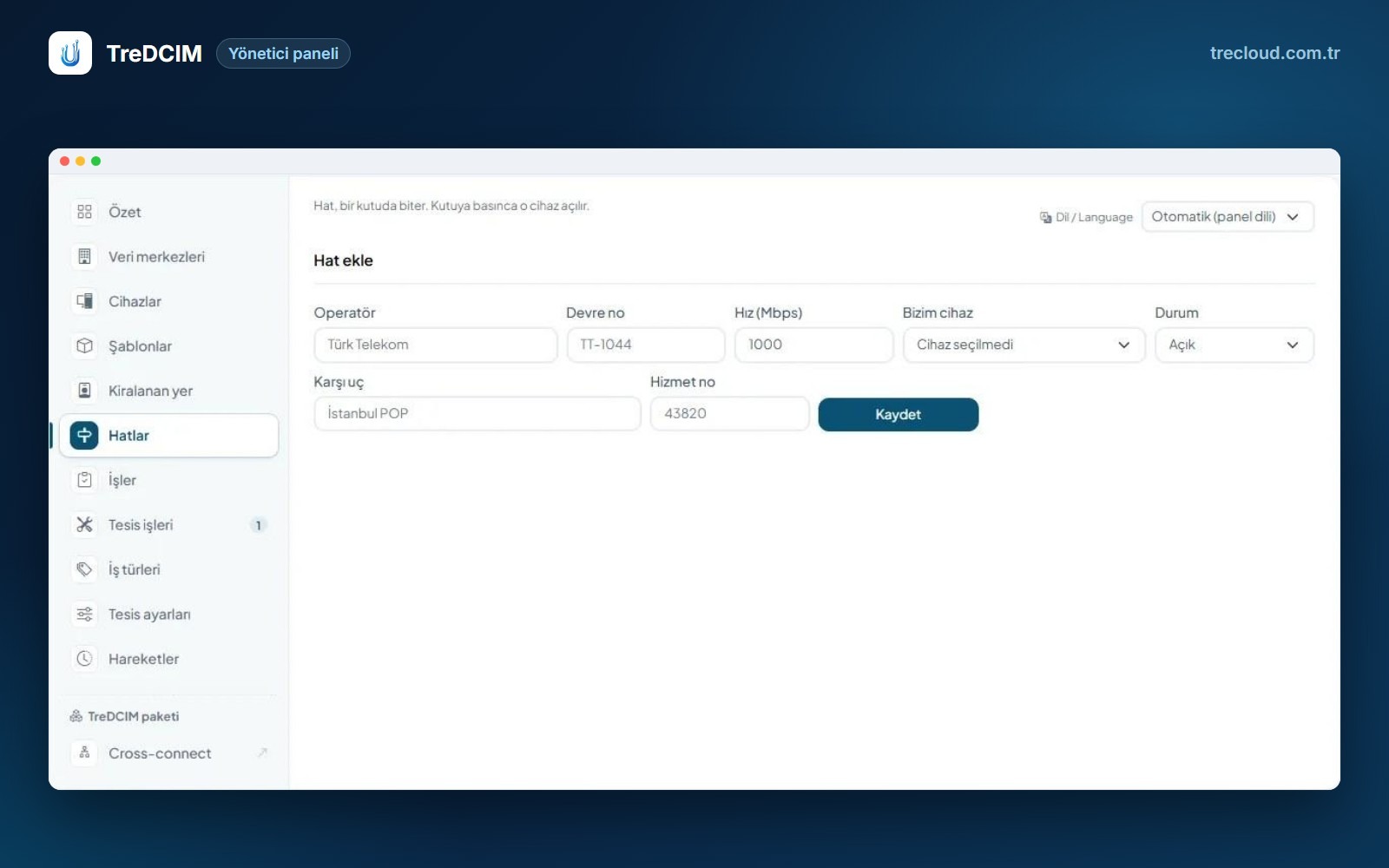
TreDCIM is an inventory and operations package for data center and colocation companies that run WISECP. Data centers, halls, rows, cages, racks, devices, PDUs, cables, carrier lines and the U space you rent to customers are kept in one place.
The package is one product, one zip and one license key with two modules:
- TreDCIM (addon): inventory, racks, power, labels, reports and facility jobs (remote hands with proof photos).
- TreConnect (product module): customers order a cross-connect between two ports from the TreDCIM records.
The rack screen shows the front and rear of each rack. Devices are placed by drag and drop; a device cannot go on an occupied row, on rented space or past the rack's power limit. Half-depth devices can share a row with a device on the other side.
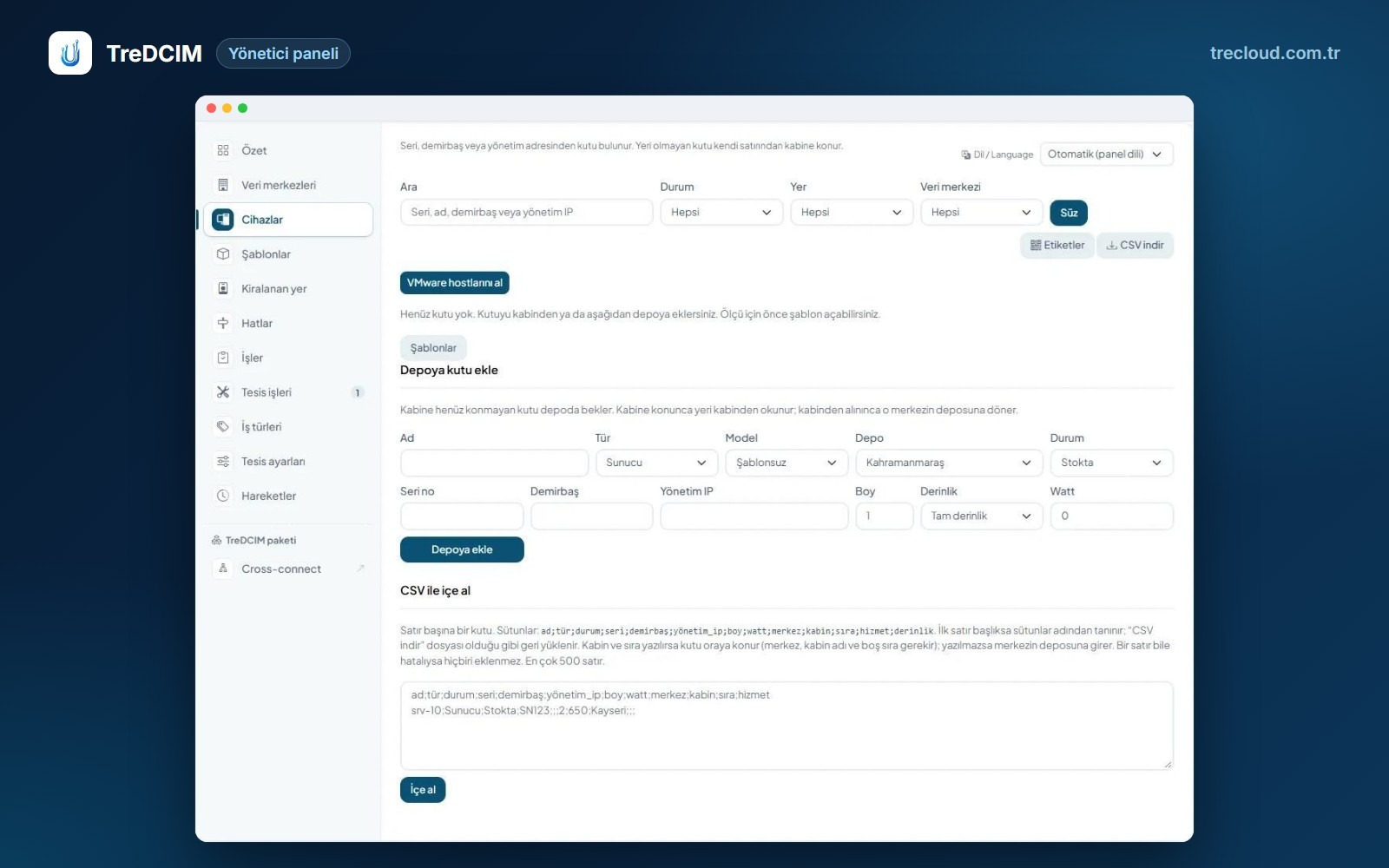
Devices not yet in a rack wait in storage as in stock, spare, in repair, faulty or scrapped. Device cards show port connections with cable type, colour and length. QR labels for devices and cables print on roll labels or A4 sheets, and rack reports can be saved as PDF.
Nameplate watts are used for placement and rack limits. Live watts can be read from your own PDU collector through a measurement address. When live draw passes the rack's kW limit, staff get one alert.
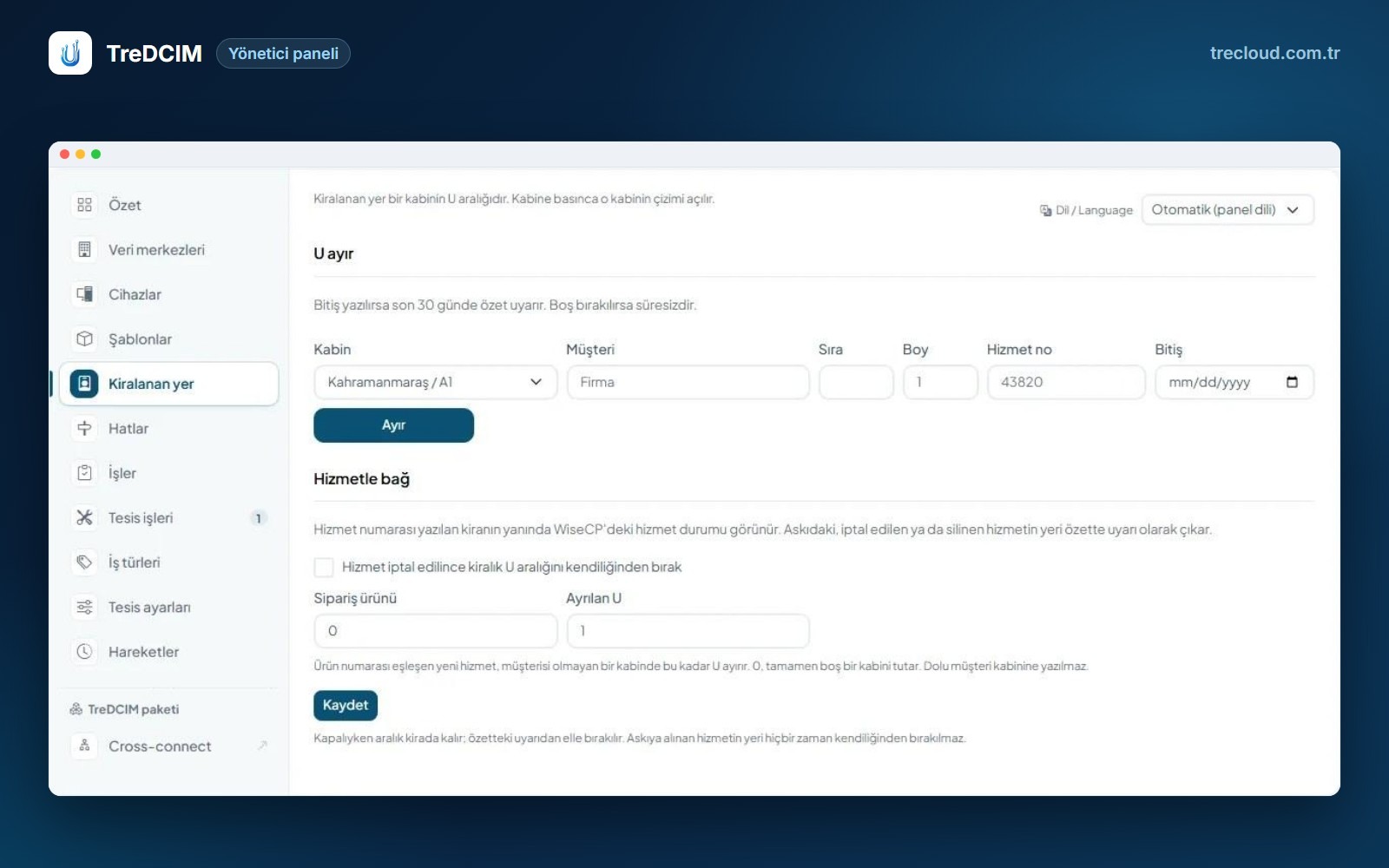
Rented U space and devices can be linked to WISECP services. Customers see their position, device status and current draw on their service page; other customers are shown without names. A new service from your colocation product reserves free rack space, and the space of a cancelled service can be released automatically.
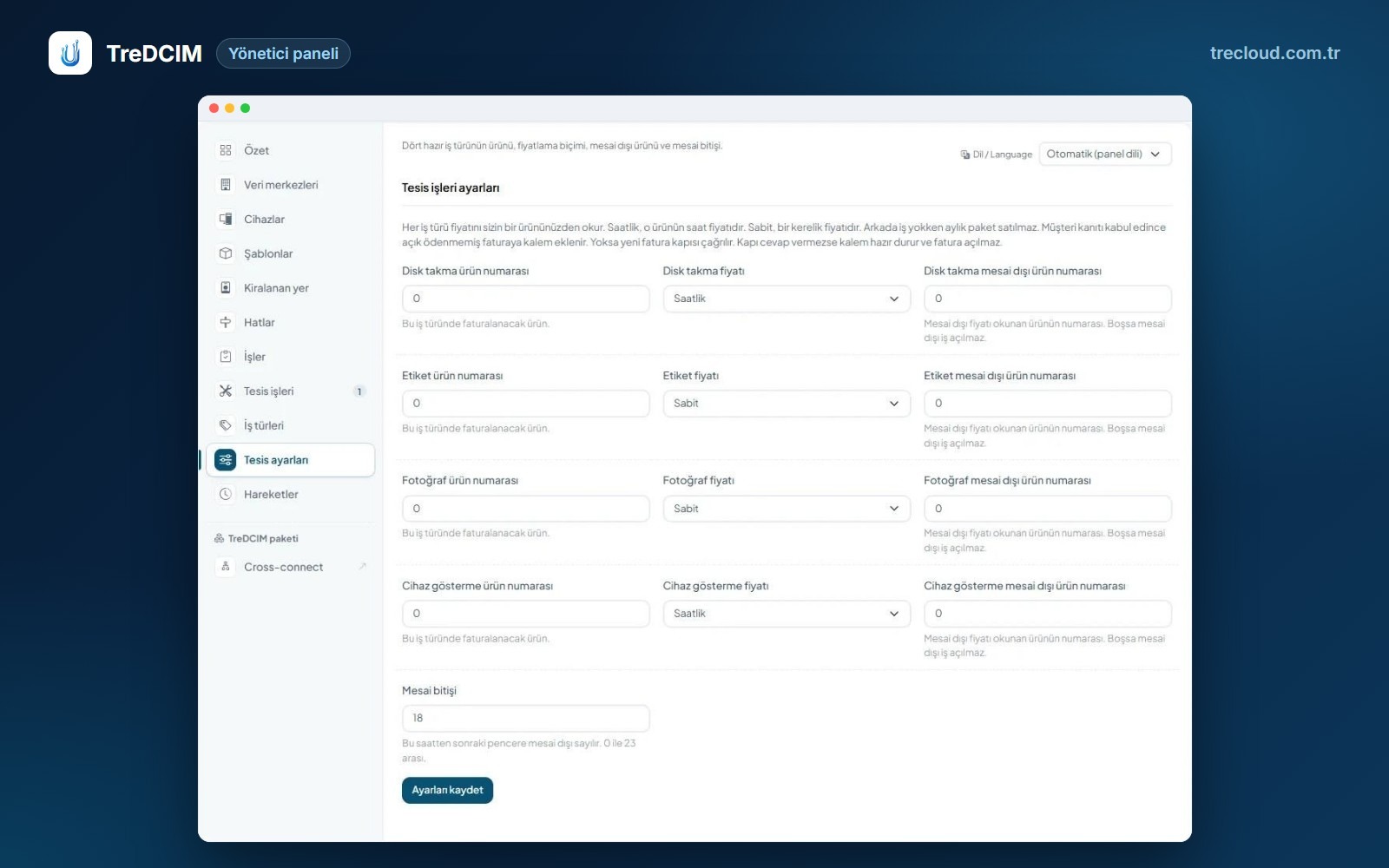
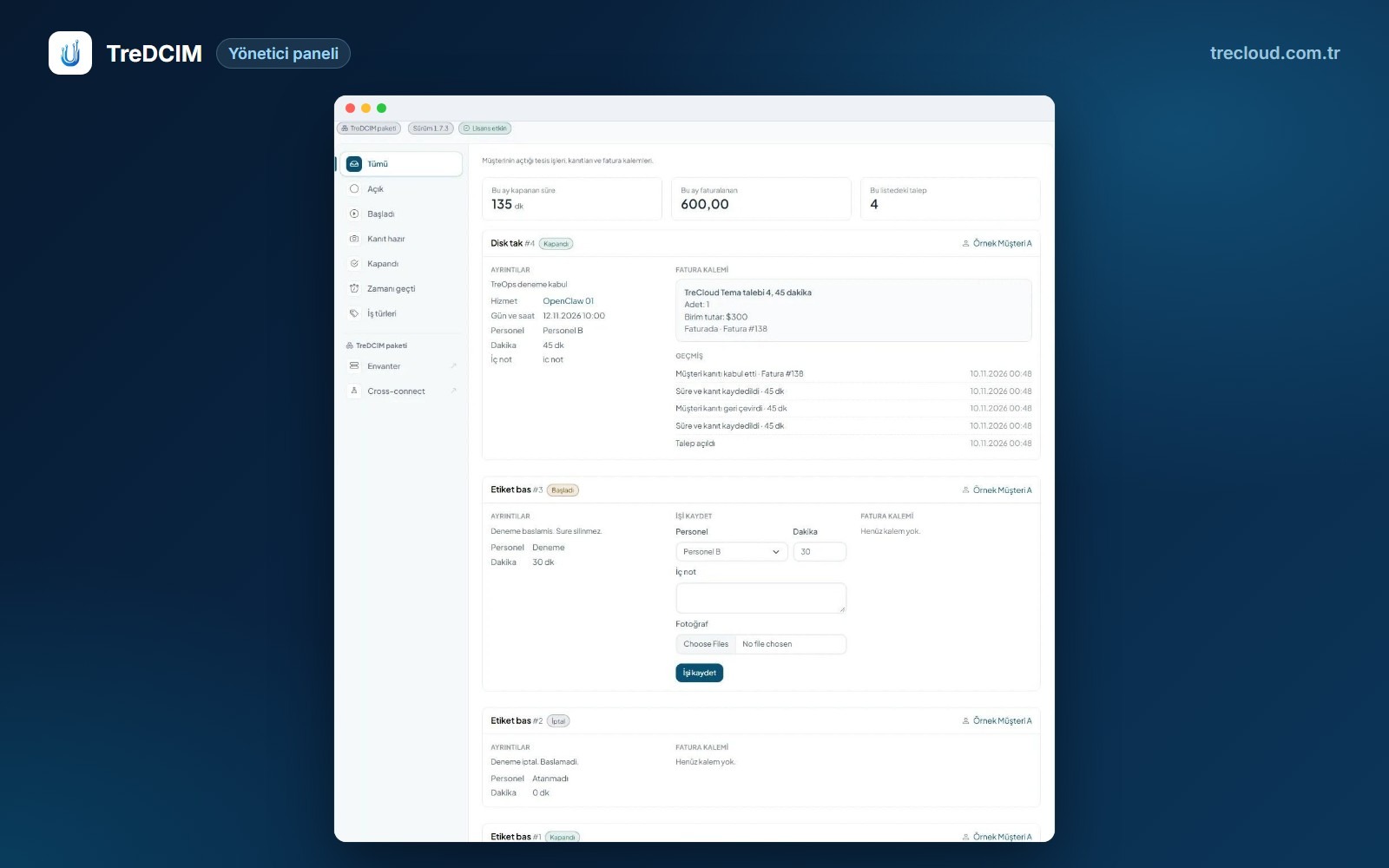
For a facility job the customer picks the service, job type and time; staff record minutes and photos. When the customer accepts the proof, the charge is added to an open invoice. Pricing can be hourly or fixed, with an out-of-hours product.
A cross-connect order opens a work order in the support system and moves through Ordered, Installing and Live. Cancelling does not delete a live cable, it opens a removal job.
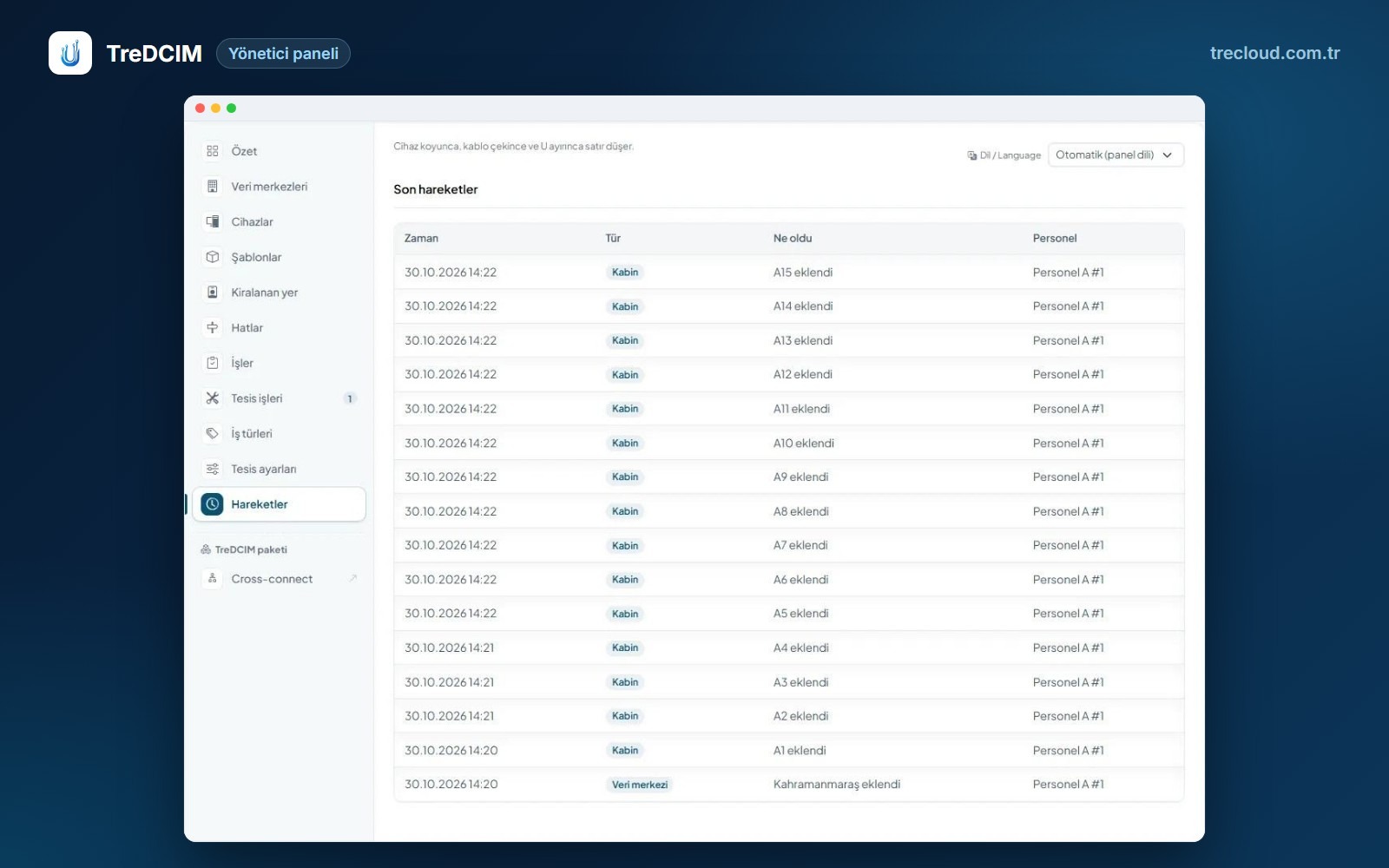
The device list can be exported and imported as CSV; if any row has an error, nothing is added. Every change is logged with the staff member's name. With TreHypervisor, VMware hosts can be imported as devices; with TreIP, a device's IP addresses appear on its card.
The screens open in Turkish or English depending on the panel language (English in other panel languages). All data stays in your own WISECP database.
Buy the license at trecloud.com.tr. The license key is issued for your WISECP domain and server, and you download the module from the WISECP Marketplace with that license. Updates arrive through the Marketplace.
TreDCIM
Add-ons- **TreDCIM** (addon): inventory, racks, power, labels, reports and facility jobs (remote hands with proof photos).
- **TreConnect** (product module): customers order a cross-connect between two ports from the TreDCIM records.
| Billing Cycle | Total |
|---|---|
| Monthly | $10 |
| Annually | $100 |
Data center, rack, device and rented U inventory, facility jobs and cross-connect orders inside the WISECP admin panel.
| Released | 19 October 2026 |
|---|---|
| Last Update | 17 November 2026 |
| Version | 3.5.5 |
| License | 1 WiseCP panel (domain and IP) |
| Updates | Included while active |
- PHP 8.2 or 8.3 with ionCube Loader
- MySQL or MariaDB (InnoDB)
- Write access to the coremio/storage folder (facility job photos)
- WISECP cron for scheduled tasks
- WISECP support system for cross-connect work orders
- The server must be able to reach wisecp.trecloud.com.tr for the license check
- A label printer or A4 label sheets for labels
- Optional: your own PDU collector (JSON) for live power, TreHypervisor for VMware host import, TreIP for IP addresses
- License: trecloud.com.tr/yazilim/tredcim
Other Products
Browse All Products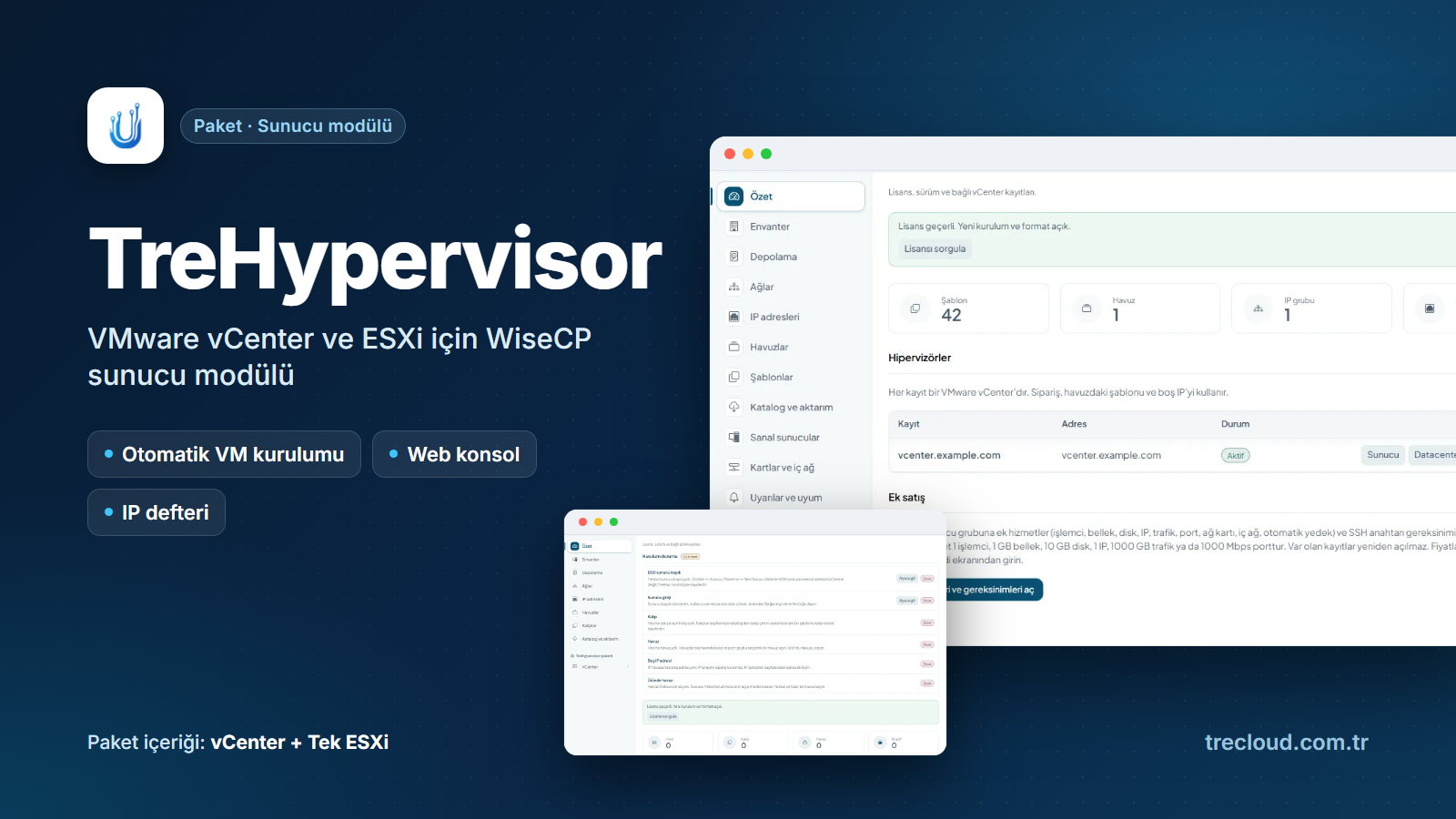 Popular
Ready to Launch?
Create your account and order your first service in just a few minutes.