

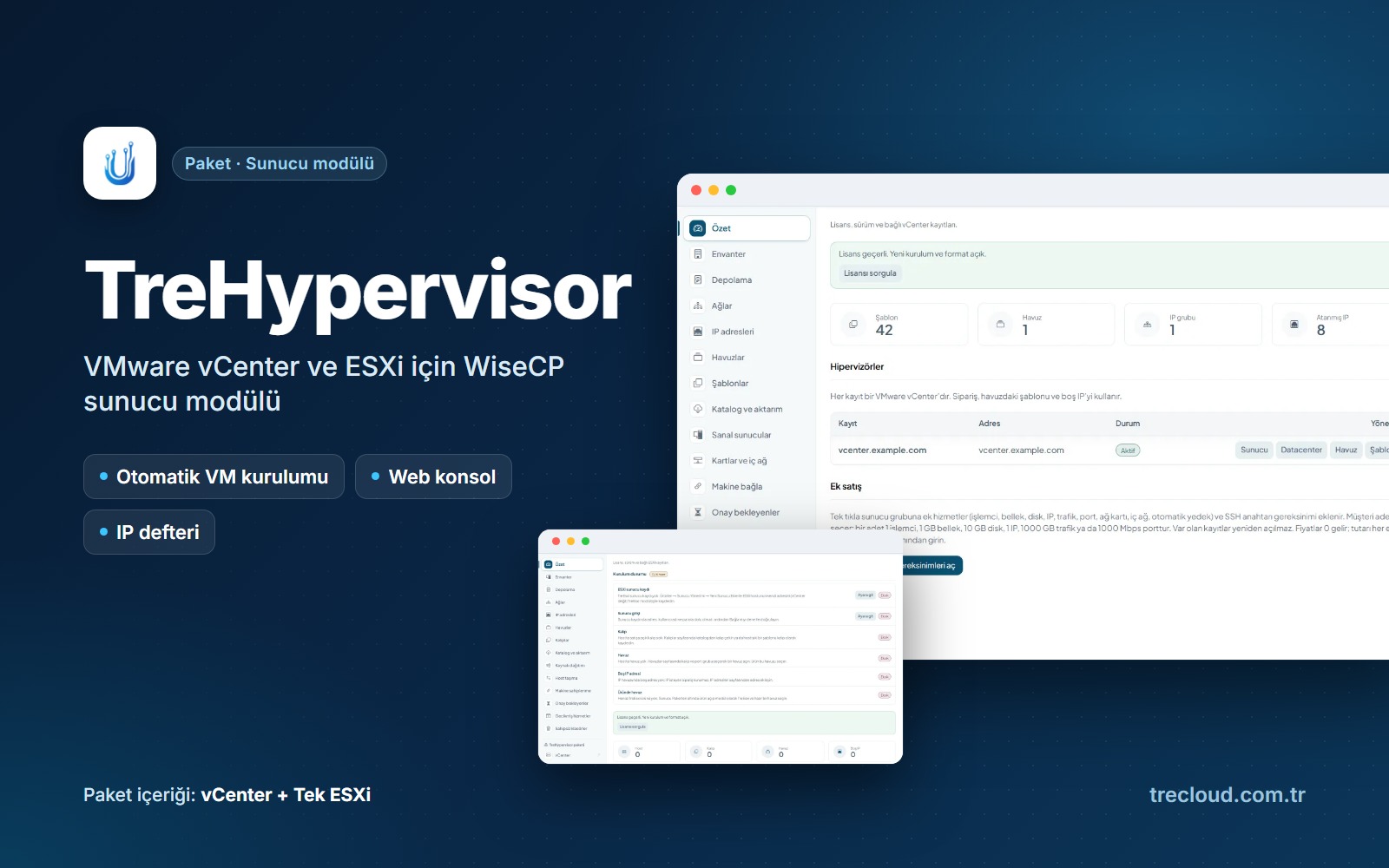
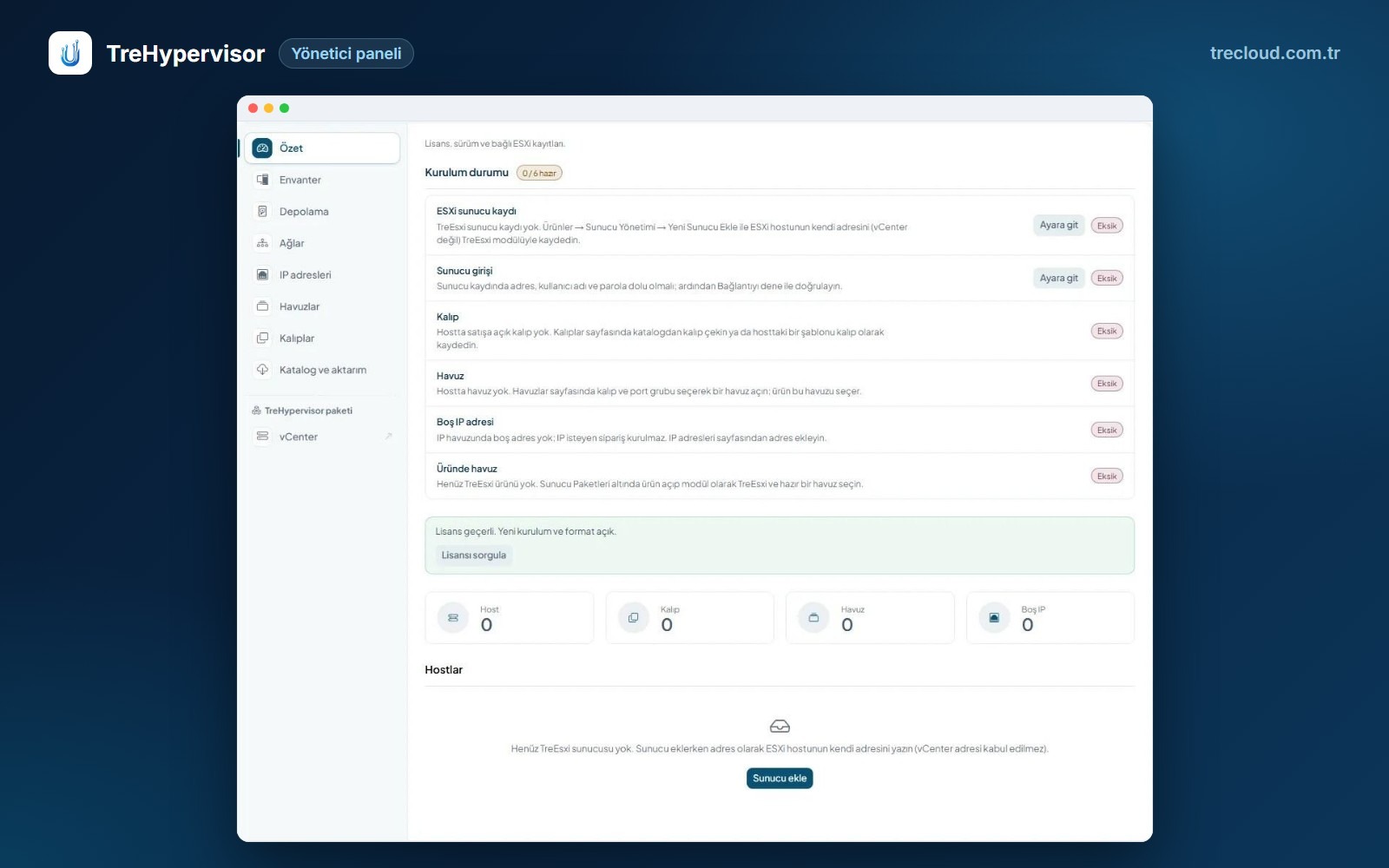
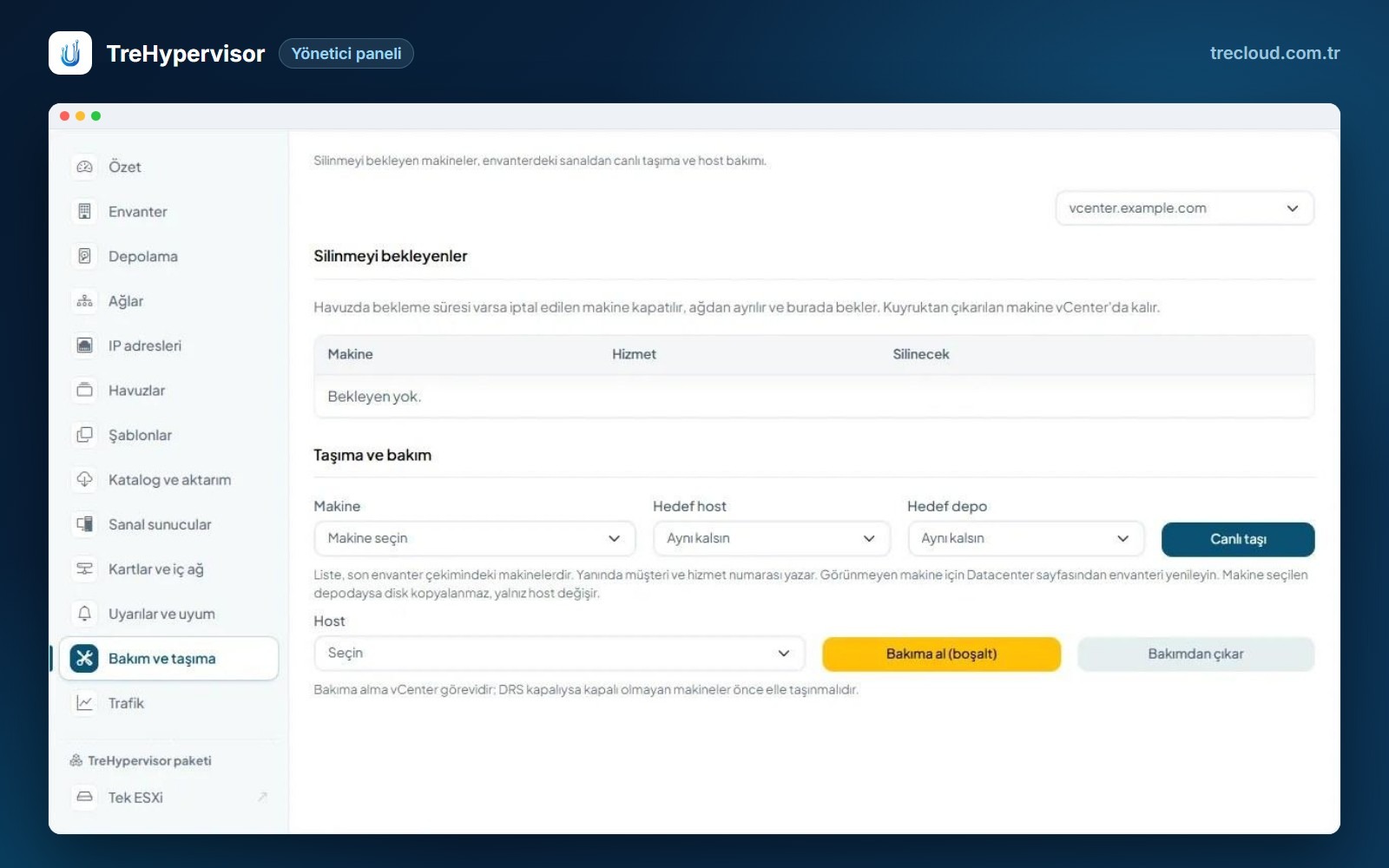
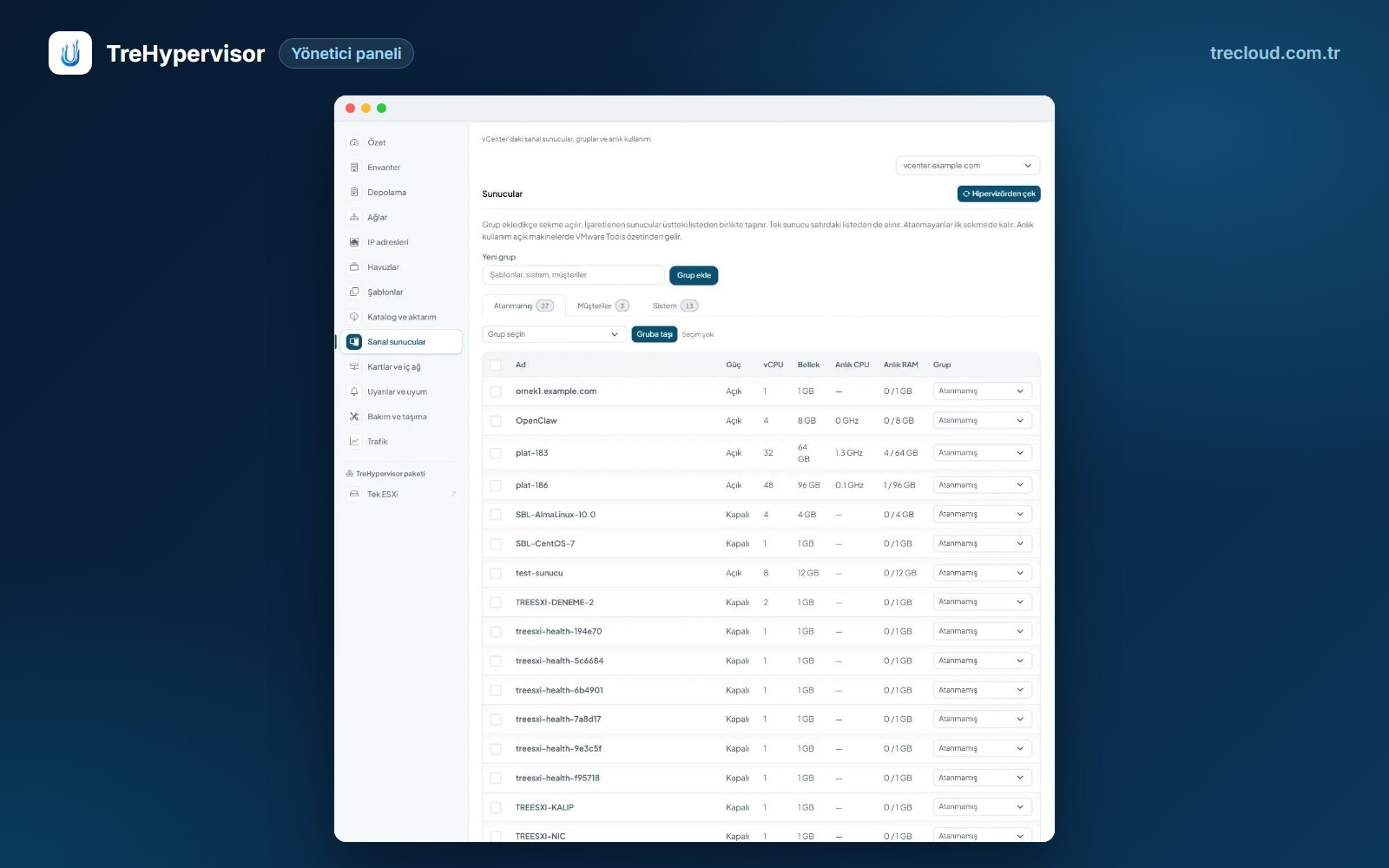
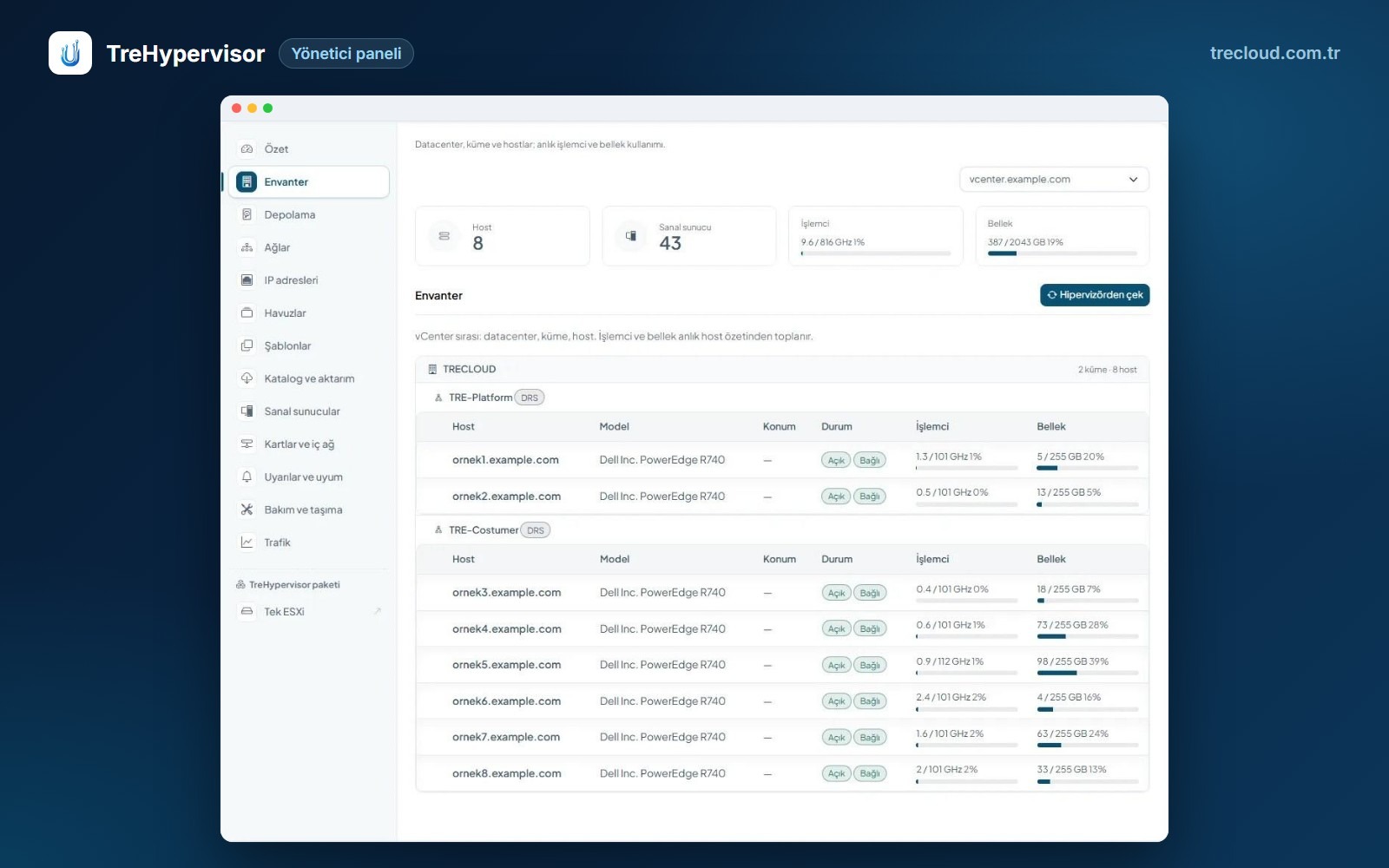
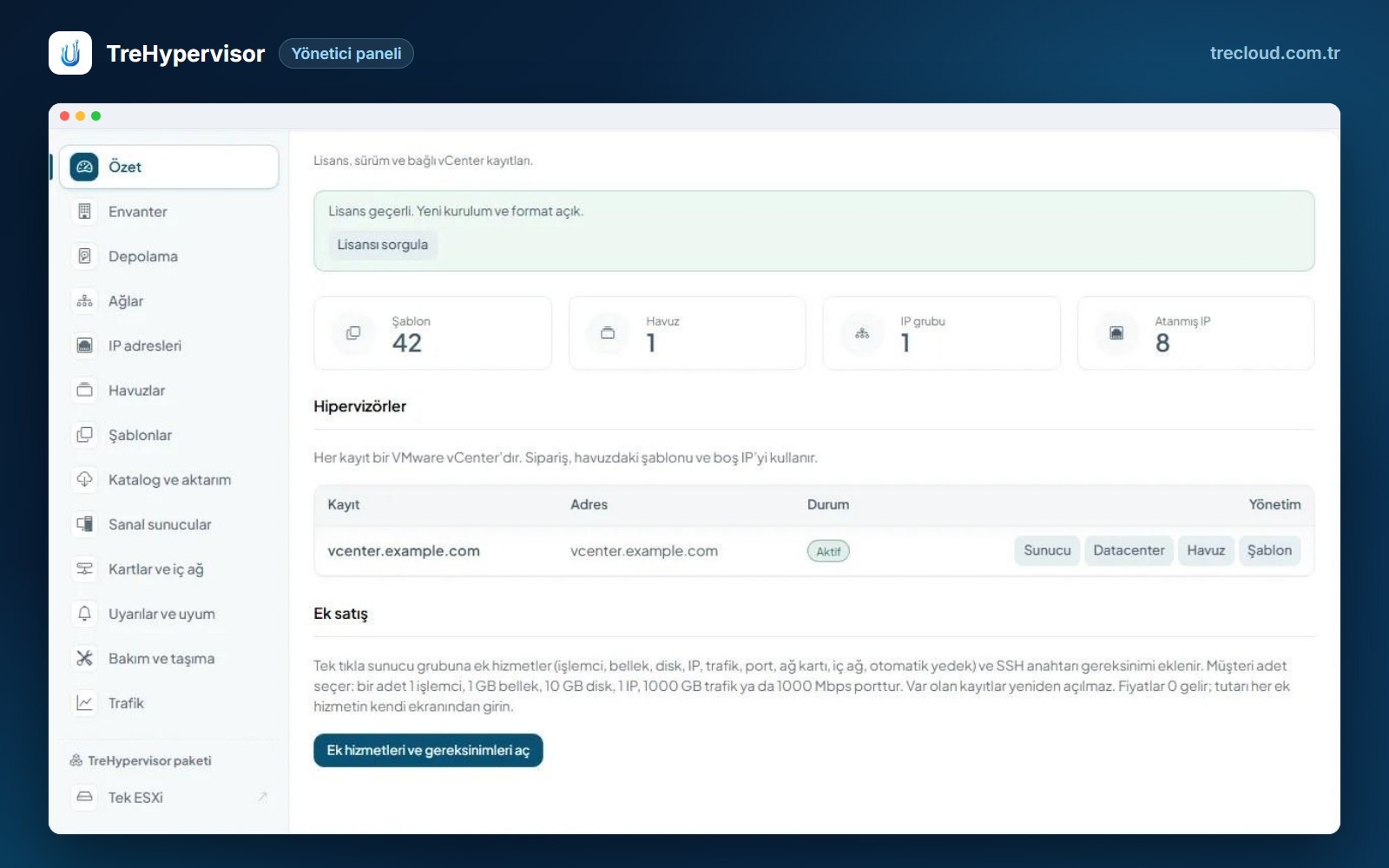
TreHypervisor connects your VMware vCenter estate to WiseCP billing and the client area. You do not deploy a separate orchestration stack: the module talks to vCenter directly from your panel. We run our own VDS fleet on TreCloud with the same module.
Customer panel
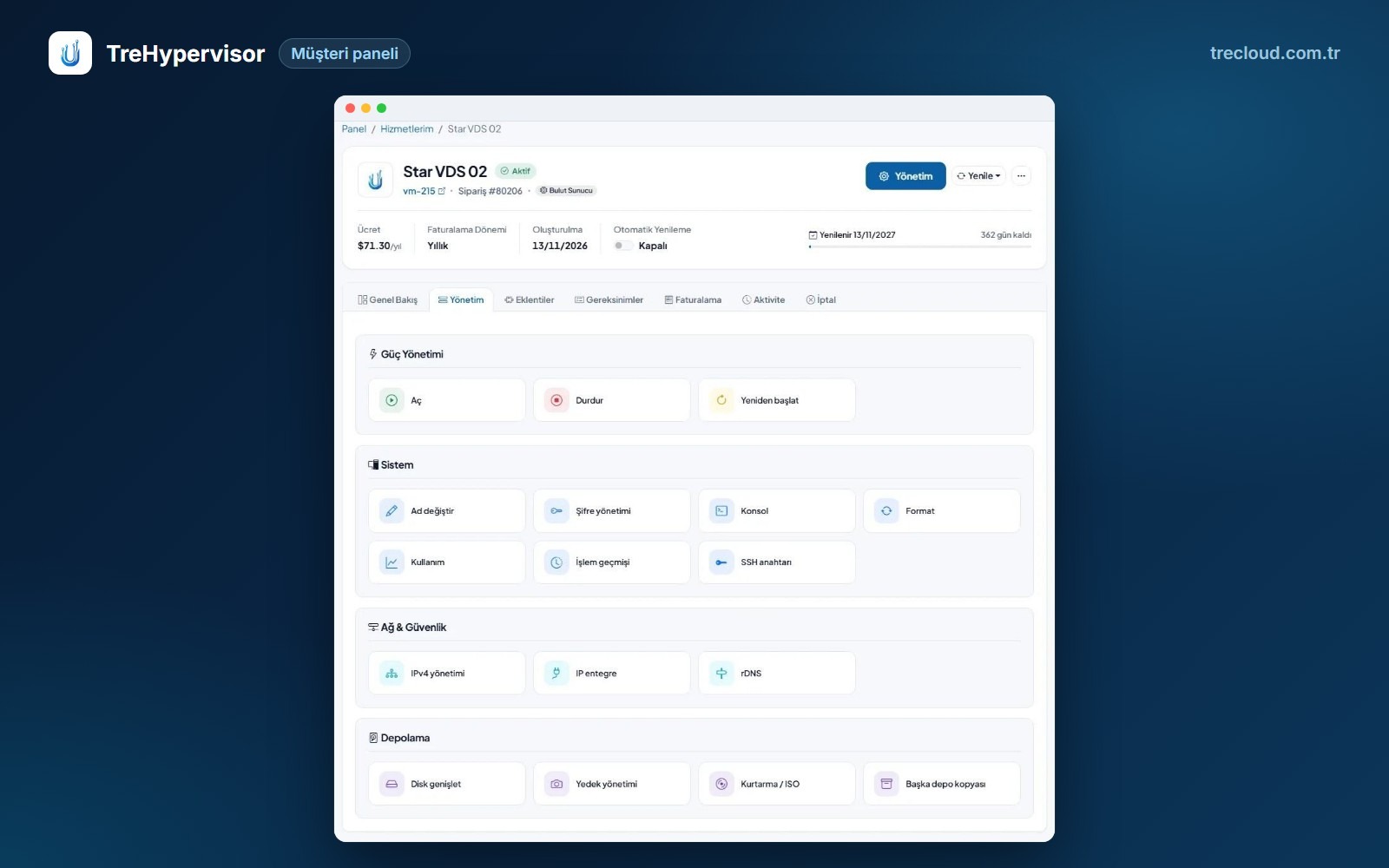
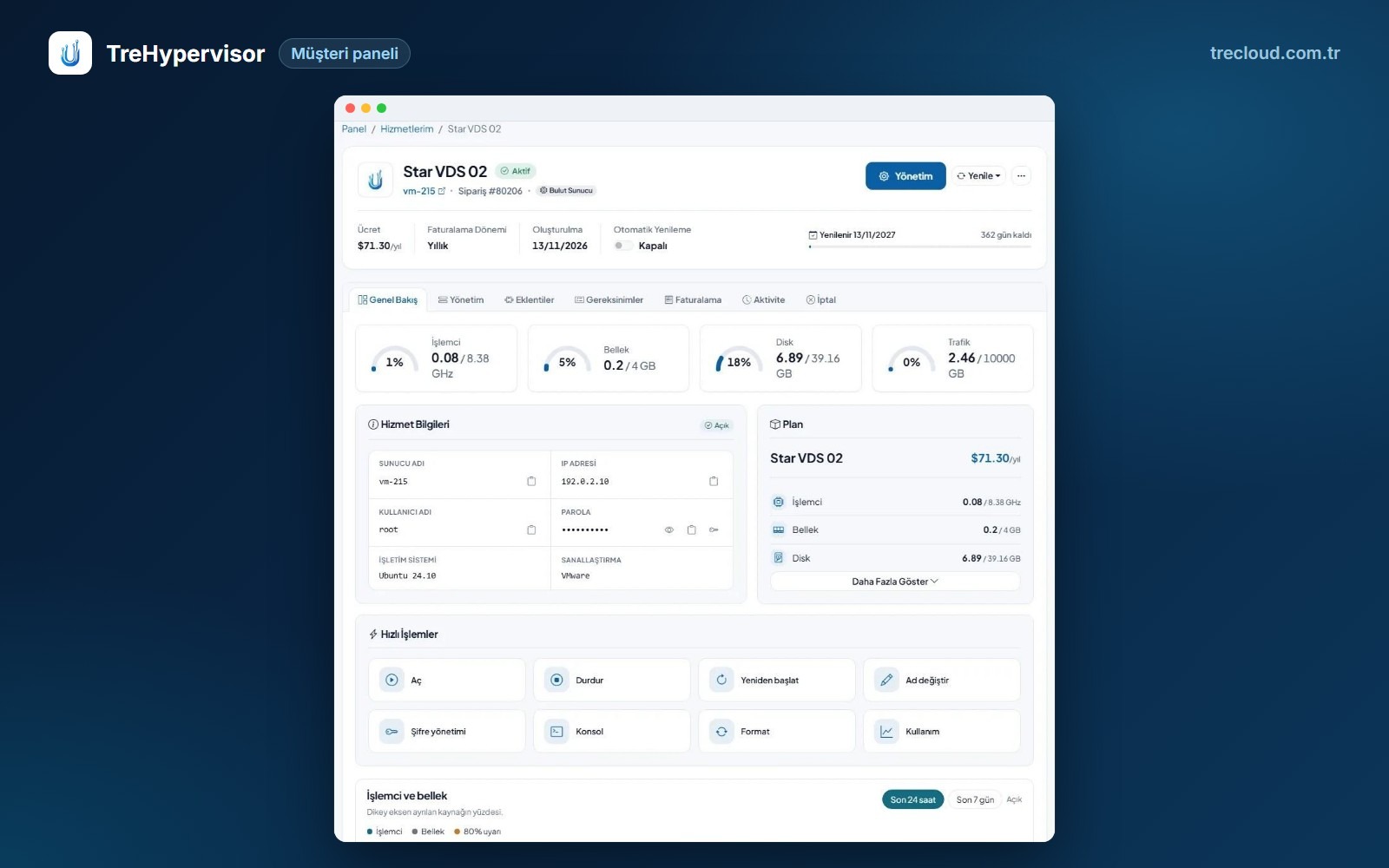
- Power control: start, stop, reboot
- Hostname, password and SSH key changes
- In-browser Linux console; Windows remote-desktop file
- Reinstall (format) from pool OS list — IP kept
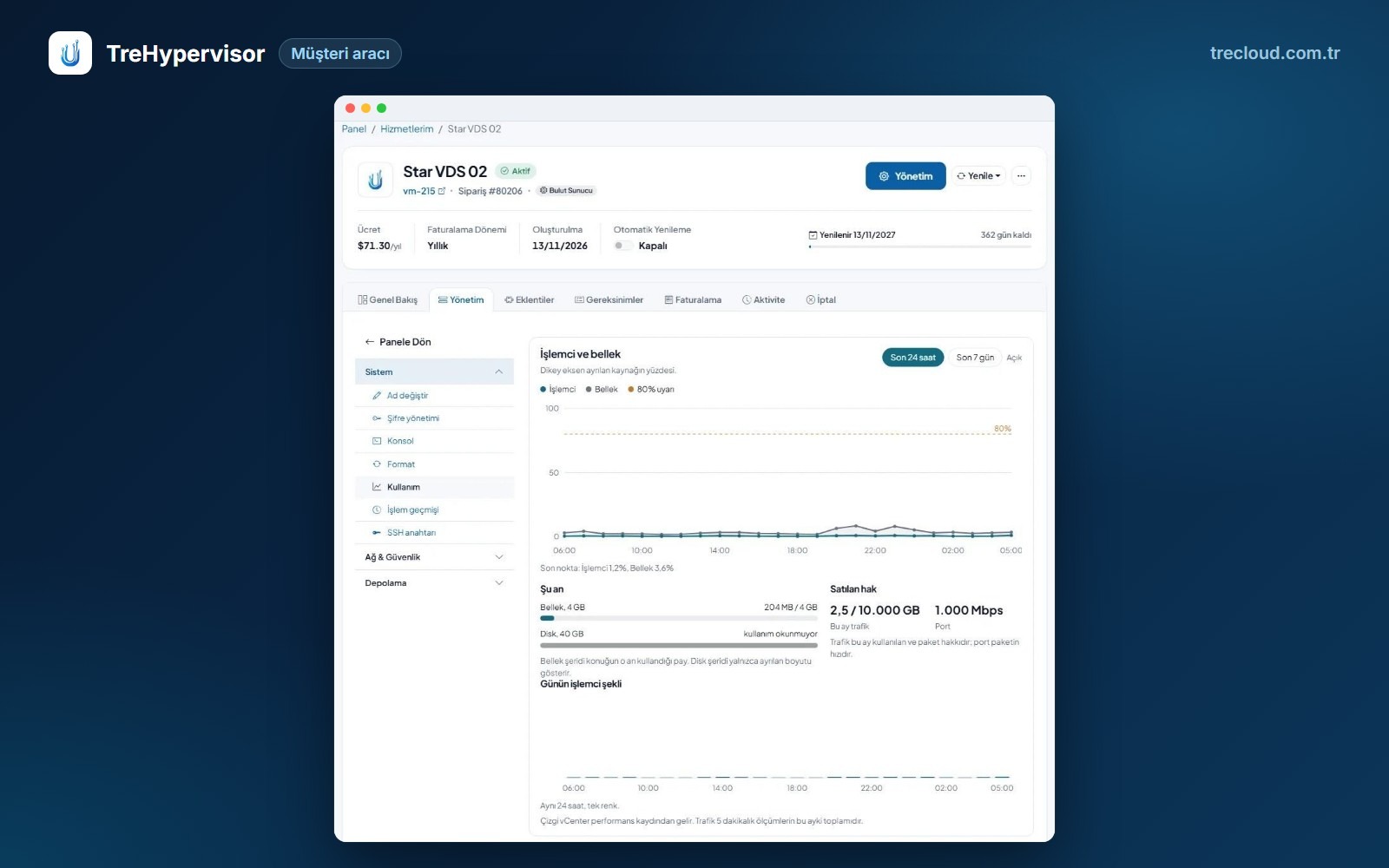
- CPU and memory charts (24h / 7d), monthly traffic and port speed
- IPv4 list, push address into the guest, reverse DNS
- Grow disk to purchased size; prepare empty extra disks
- Backup (vCenter snapshot), rescue ISO and activity history
Admin panel
- Infrastructure: datacenter, cluster and host inventory; live CPU/memory; storage and networks
- IP book: CIDR blocks, split/merge, port group and conflict checks
- Pools: placement hosts, least-busy install, machine caps and oversell; optional location labels for checkout
- Templates: sale names, health test, signed catalog pull into vCenter (disk never passes through WiseCP)
- Operations: vCenter alarms, compliance, maintenance, live migration, monthly traffic metering
Add-on sales
Extra CPU, memory, disk (SSD/HDD), IP, traffic, port, NIC, private network and scheduled backups sell as WiseCP quantity add-ons. The module applies purchased amounts to the guest. Disks never shrink; on Linux the partition and filesystem grow too. If hot-add is unavailable, the guest is powered off, resized and powered back on when it was on.
Traffic and port
Cron reads vCenter counters into a monthly total. When the quota is hit you choose warn, throttle the port, or shut the guest down. Port speed is written per machine on a Distributed Switch (DVS).
License and updates
Purchase opens the license automatically; the key appears in the client area. The license binds to your panel hostname and public IP and can be updated when you migrate. New releases install from the module Summary page with a backup of the previous build. If the license server is briefly unreachable, a seven-day lease keeps orders flowing. When a license expires, running customer servers keep power, console, password and IP tools.
One license covers one WiseCP panel. There is no per-host or per-VM surcharge.
- Upload the zip at the site root in cPanel File Manager and extract it. The folder
coremio/modules/Servers/TreHypervisoris created. - Open Products → Hosting/Server → Server Management → Add New Server.
- On the Virtualization tab choose TreHypervisor. Enter vCenter address, hostname, user and password; port 443. Run the connection test.
- On TreHypervisor → Summary click Lookup license. The license binds to your panel hostname and IP.
- On Templates pull vCenter templates or download from the catalog; set sale names and enable them.
- Define your IP block on Addresses and hosts/network/templates on Pools.
- Create the server product; on the module tab set CPU, memory, disk, IP count and pool name.
Full steps are in KURULUM.md inside the package. Docs: docs.trecloud.com.tr.
TreHypervisor
Modules- Automatic VDS/VPS from vCenter templates
- Client power, console, format, password and rDNS
- CPU, memory and traffic charts
| Billing Cycle | Total |
|---|---|
| Monthly | $15 |
| Annually | $150 |
Production-grade WiseCP server module for VMware vCenter — clone from template, assign IP and password, power on. Customers never open vCenter.
| Released | 7 October 2026 |
|---|---|
| Last Update | 17 November 2026 |
| Version | 1.7.16 |
| License | 1 WiseCP panel (domain and IP) |
| Updates | Included while active |
- WiseCP 5
- PHP 8.2 or 8.3 with ionCube Loader
- VMware vCenter 7.0 Update 2 or newer; panel reaches port 443
- vCenter account that can clone, power, migrate and read inventory
- VMware Tools in templates
- WiseCP cron every minute
- Distributed Switch (DVS) for port-speed limits
- Writable
coremio/storage(data incoremio/storage/trehypervisor) - Catalog pull: vCenter egress to
131.222.226.25port 80
Other Products
Browse All Products
Ready to Launch?
Create your account and order your first service in just a few minutes.