

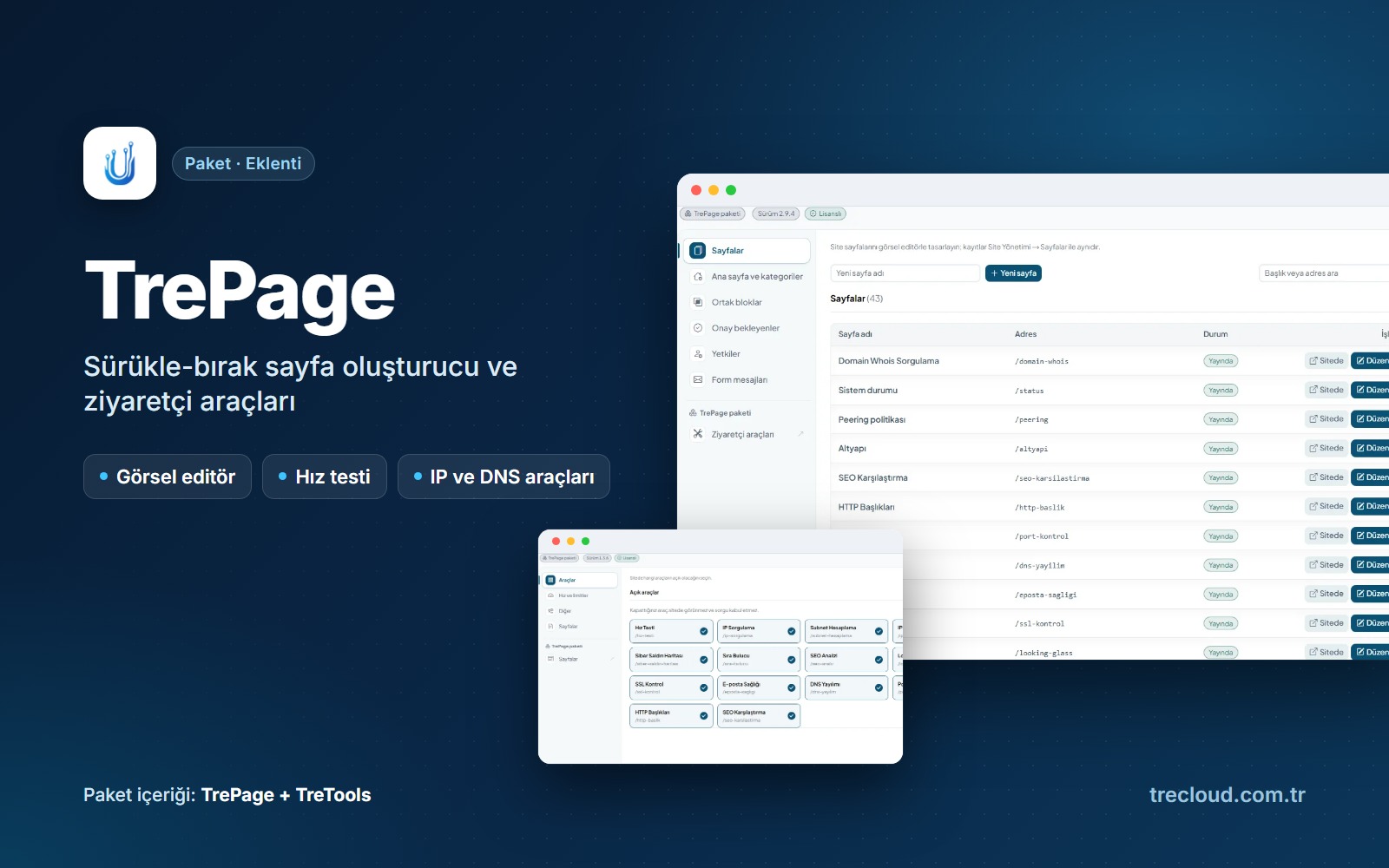
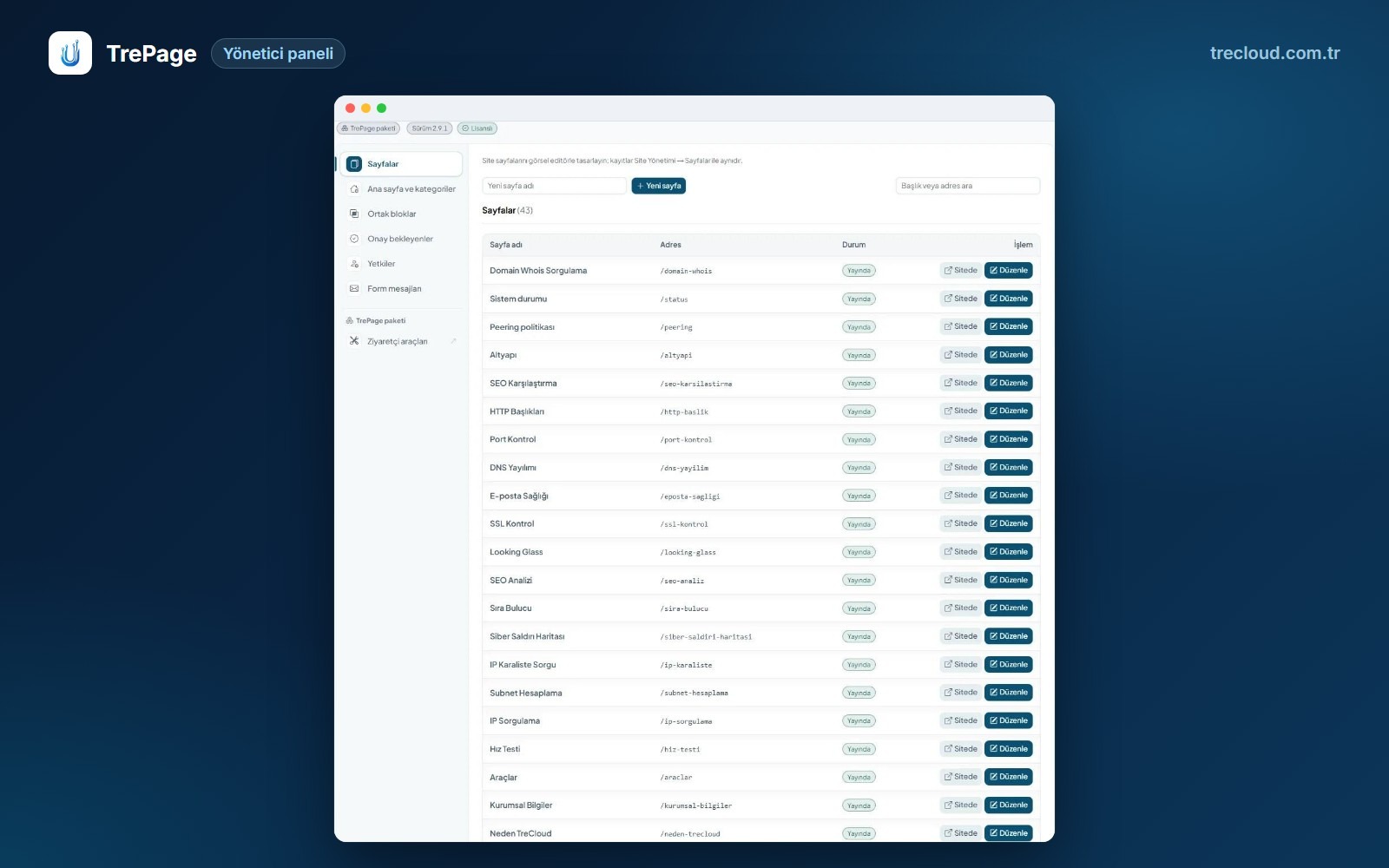
TrePage lets you build the pages of your WISECP site by dragging and dropping, without writing any code. The editor opens inside the admin area and shows the page in your own theme. What you see in the editor is what your customers see on the site.
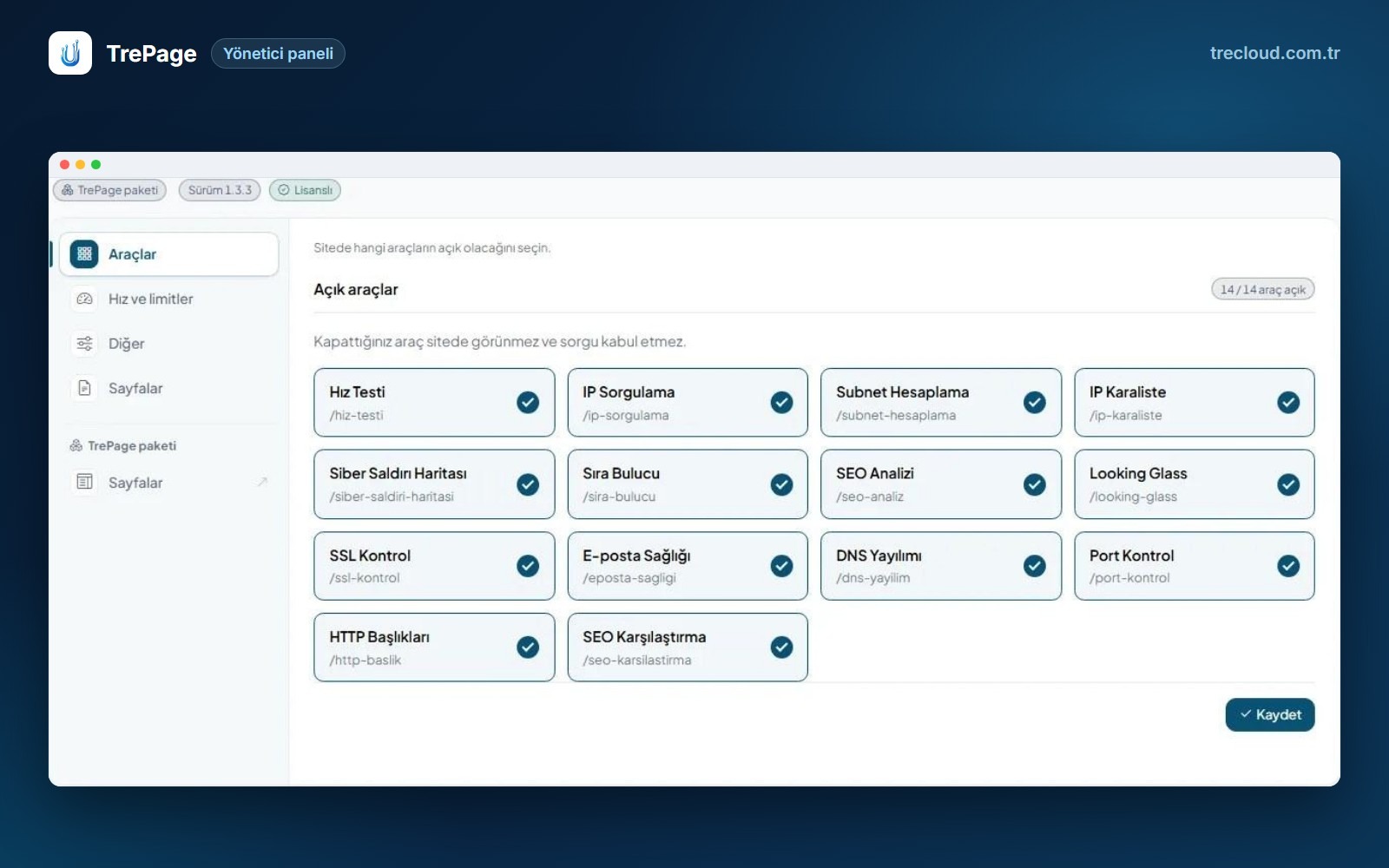
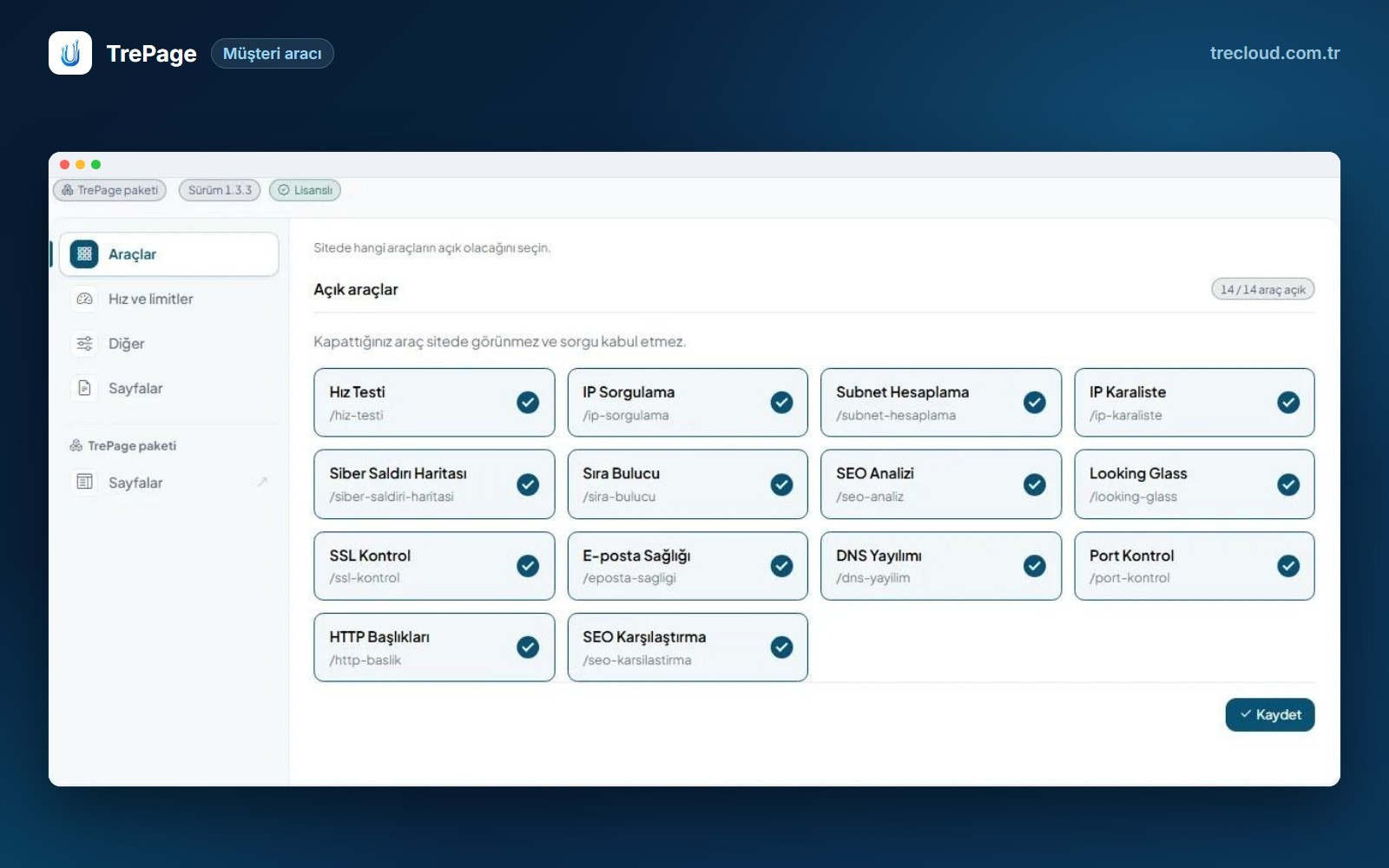
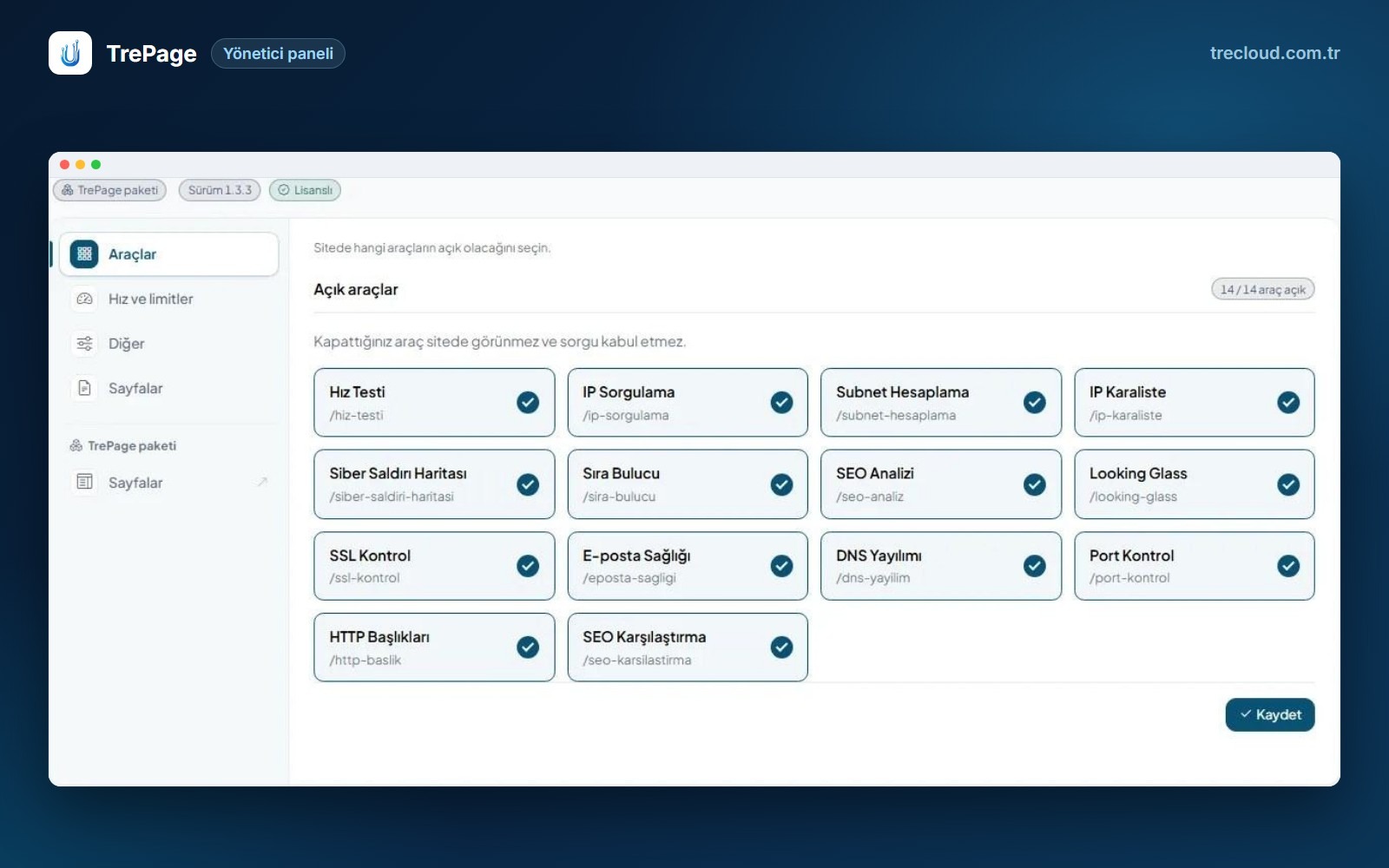
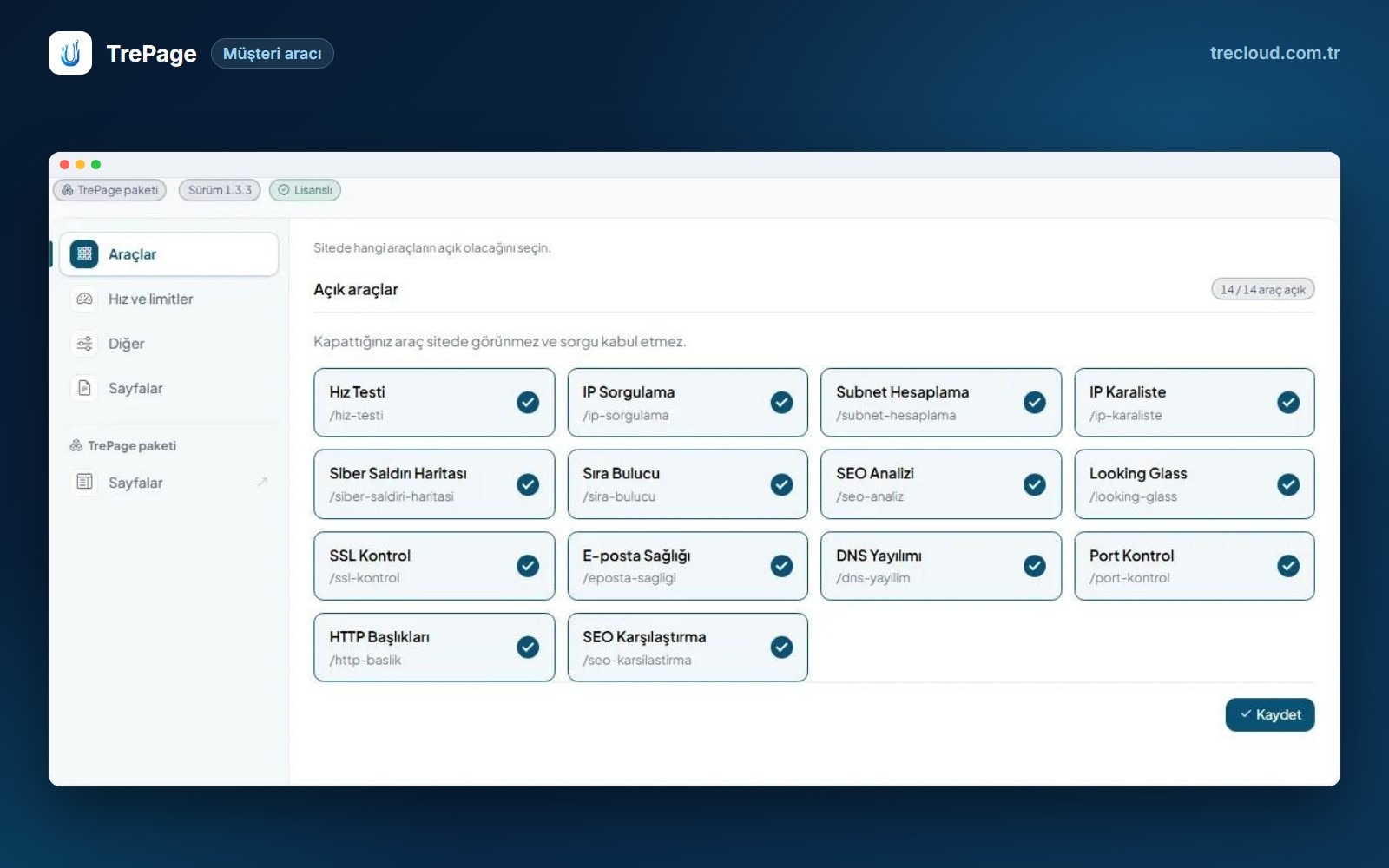
TrePage is one product with one zip and one license key. It installs two addons: TrePage, the page builder, and TreTools, the visitor tools. TreTools adds a speed test, IP lookup, subnet calculator, IP blacklist check, SSL check, email health, DNS propagation, port check, HTTP headers, SEO analysis and comparison, rank checker, looking glass and a cyber attack map to your site. The tools have their own pages on your site, and the editor's TreTools tool component places them on any page you build.
You don't have to start from a blank page. Pick one of the ready templates, such as about us, contact, campaign, server showcase or FAQ, and change the text and images to suit you. If something should look different on phones or tablets, you can adjust it separately.
What makes it different is that it works with WISECP. When you add a package list to a page, your packages and prices come straight from WISECP. The same goes for the package comparison table, the domain search box, TLD prices, announcements and blog posts. When you change a price, you don't need to touch the page. Messages from the contact and quote forms land in your WISECP inbox.
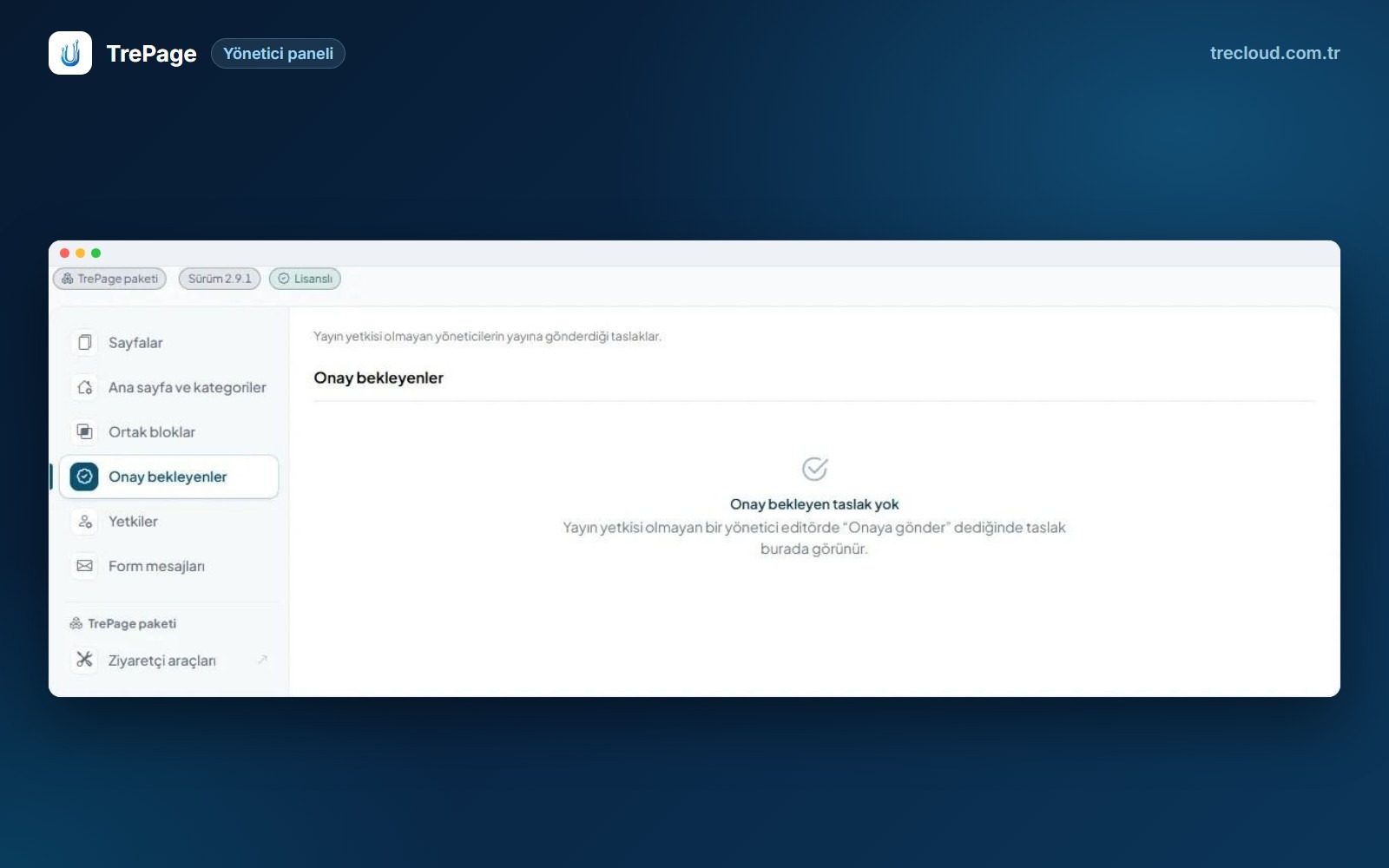
Your changes stay as a draft first. Before publishing you can preview the page, or set it to go live at a time you choose. Older versions are kept, so undoing a wrong change is easy. If you work as a team, you can let only some people publish and have the others send pages for approval.
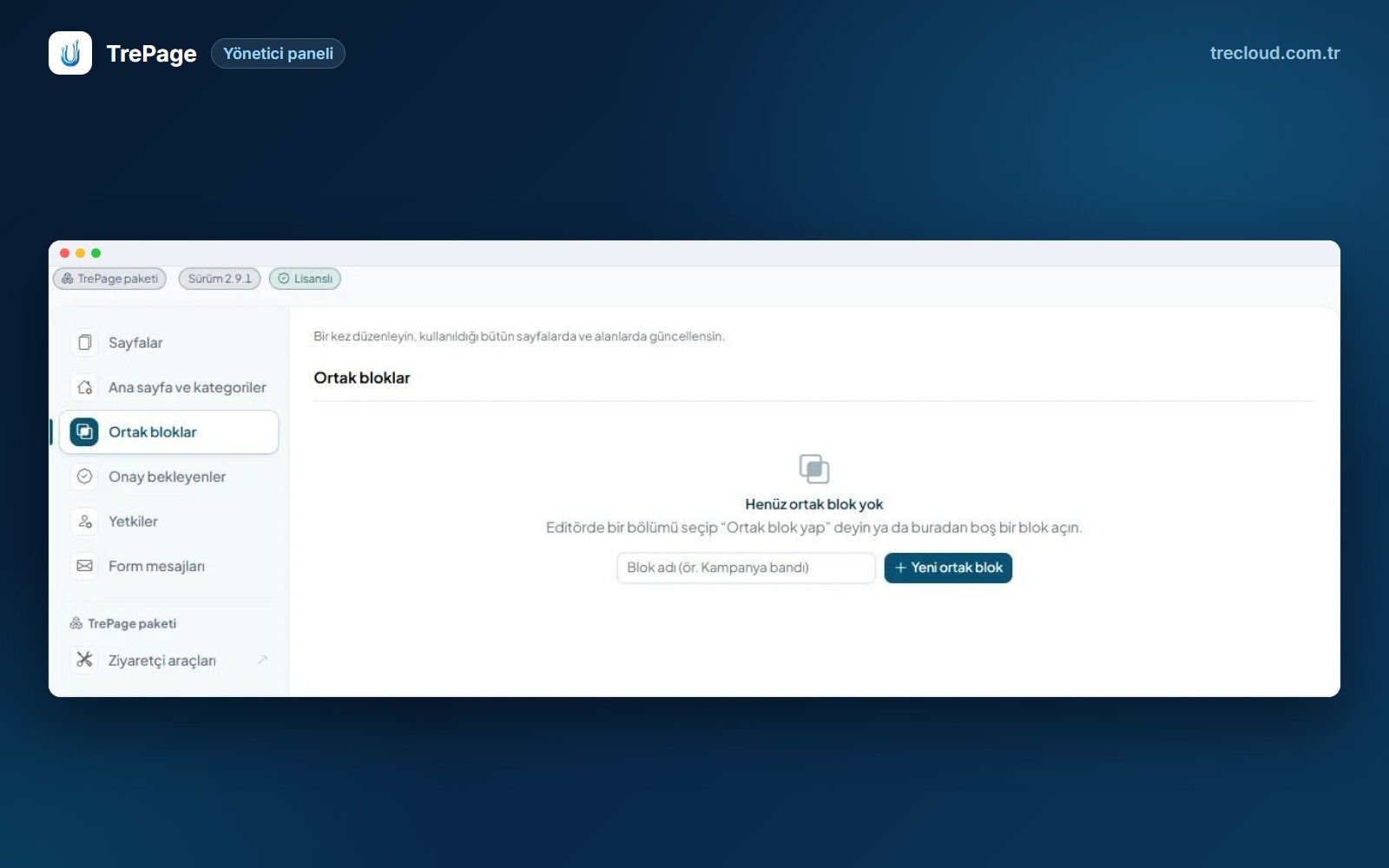
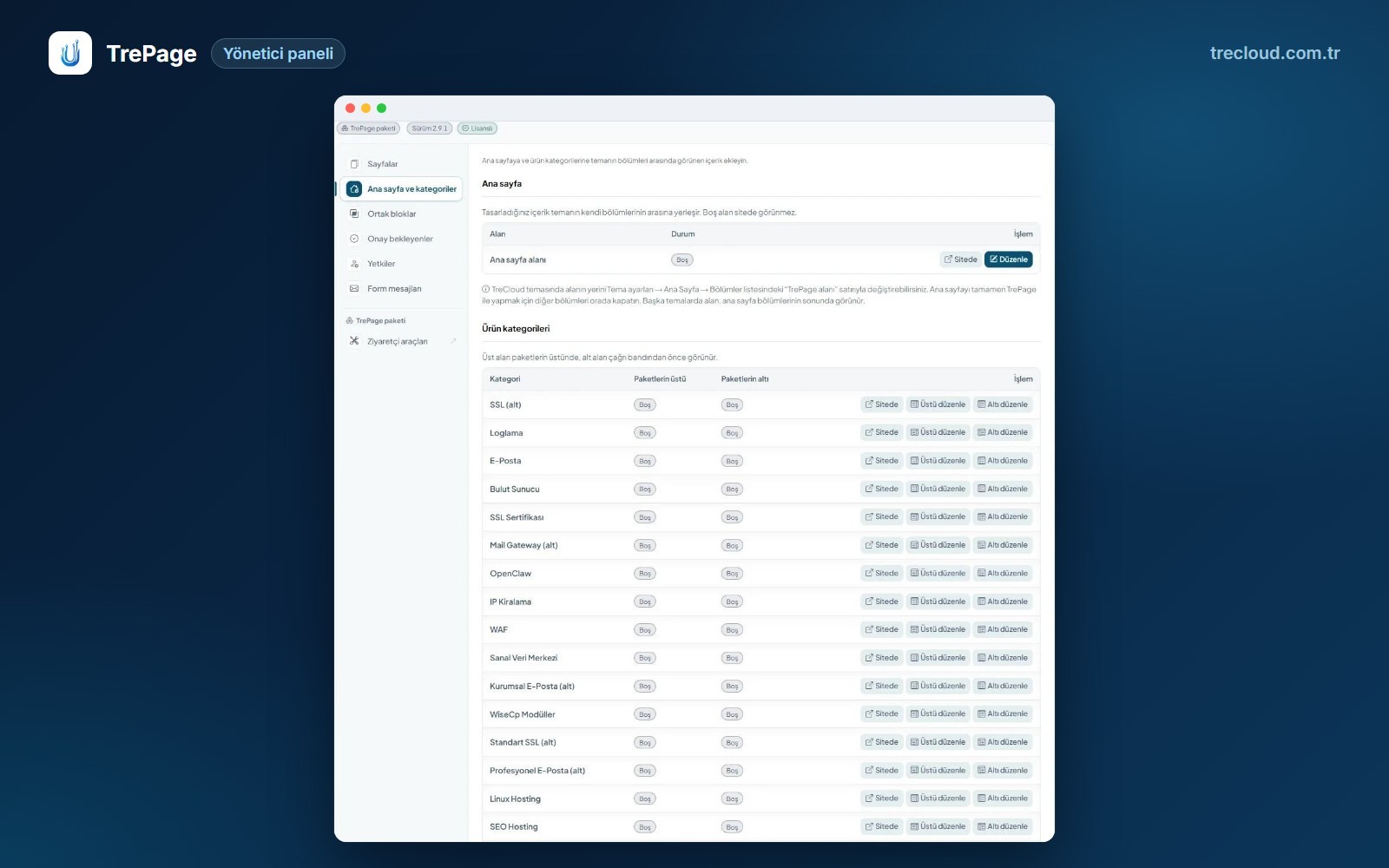
You can show a section only to logged-in customers, to a certain customer group, or to visitors browsing in a certain language. A section you use on many pages, like a campaign banner, only needs to be edited once and it changes everywhere. You can also add content to your home page and product category pages.
SEO settings (title, URL, description, share image) are right in the editor. It reminds you of a missing H1 heading or an image without a description. Large images are made smaller when you upload them, so pages load fast.
TrePage doesn't change your theme files. We tested it on WISECP's Basic and WStyle themes and on our own TreCloud theme.
The screens are in Turkish or English depending on the panel language; in any other panel language they show in English. The visitor tool pages follow the site language.
TrePage makes no license checks on visitor pages, so it doesn't slow your site down. Buy the license at trecloud.com.tr. The license key is issued for your WISECP domain and server, and you download the module from the WISECP Marketplace with that license. The same key activates both addons. Updates arrive through the Marketplace.
TrePage
Add-onsBuild your WISECP pages with drag and drop, no code needed. Your packages and prices show up on the page by themselves.
| Released | 19 October 2026 |
|---|---|
| Last Update | 17 November 2026 |
| Version | 2.9.6 |
| License | 1 WiseCP panel (domain and IP) |
| Updates | Included while active |
- WISECP 5.0-beta.3 or newer
- PHP 8.2 or 8.3 with ionCube Loader
- PHP extensions: curl, openssl, dom (with gd, images are resized)
- Outbound HTTPS from the server for the license check and the SSL, HTTP header, SEO and DNS tools
- Write access to the coremio/storage and resources/uploads folders
- WISECP cron (TreTools renews its license hourly; without cron, opening the admin page is enough)
Other Products
Browse All Products Popular
Ready to Launch?
Create your account and order your first service in just a few minutes.