

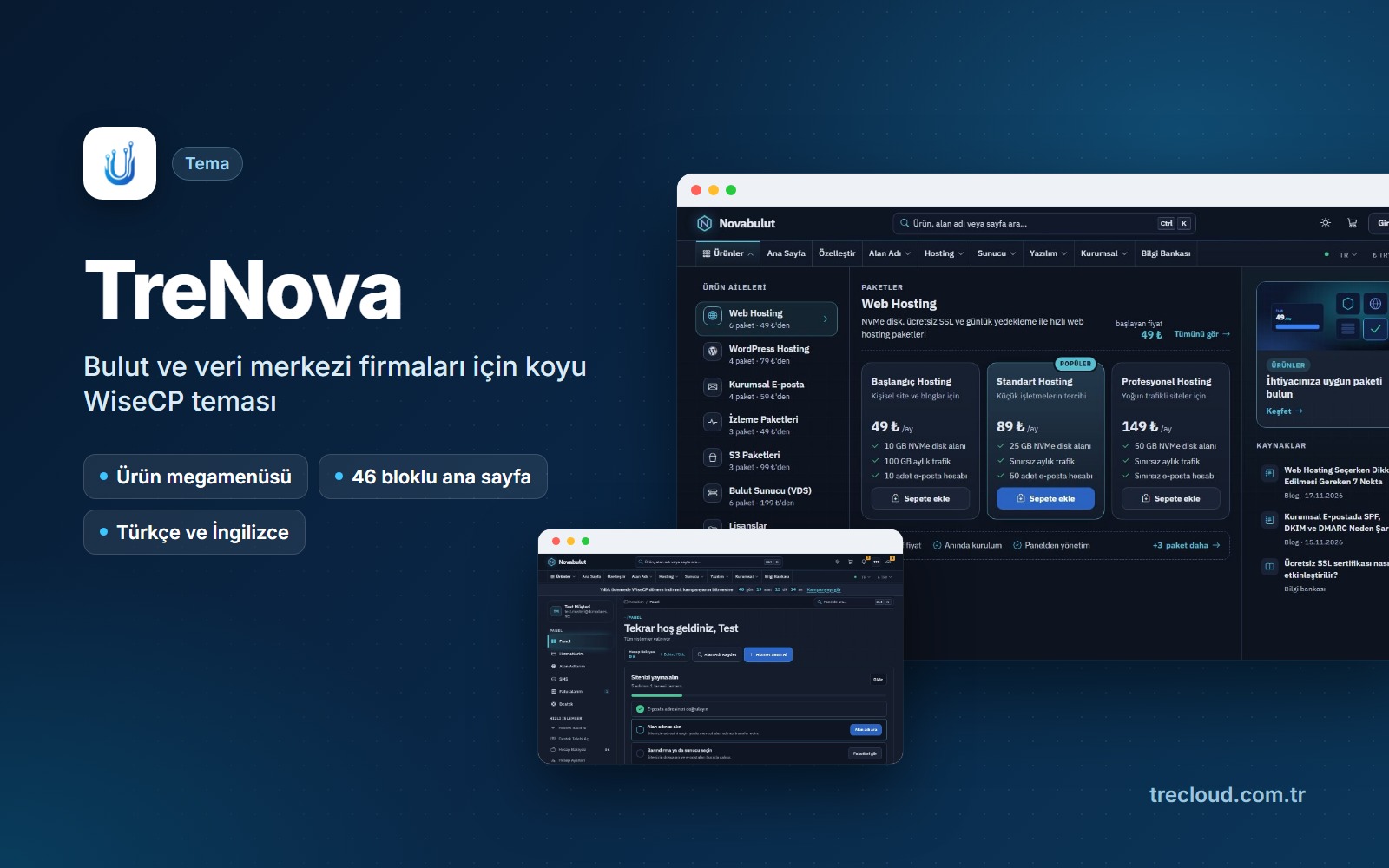
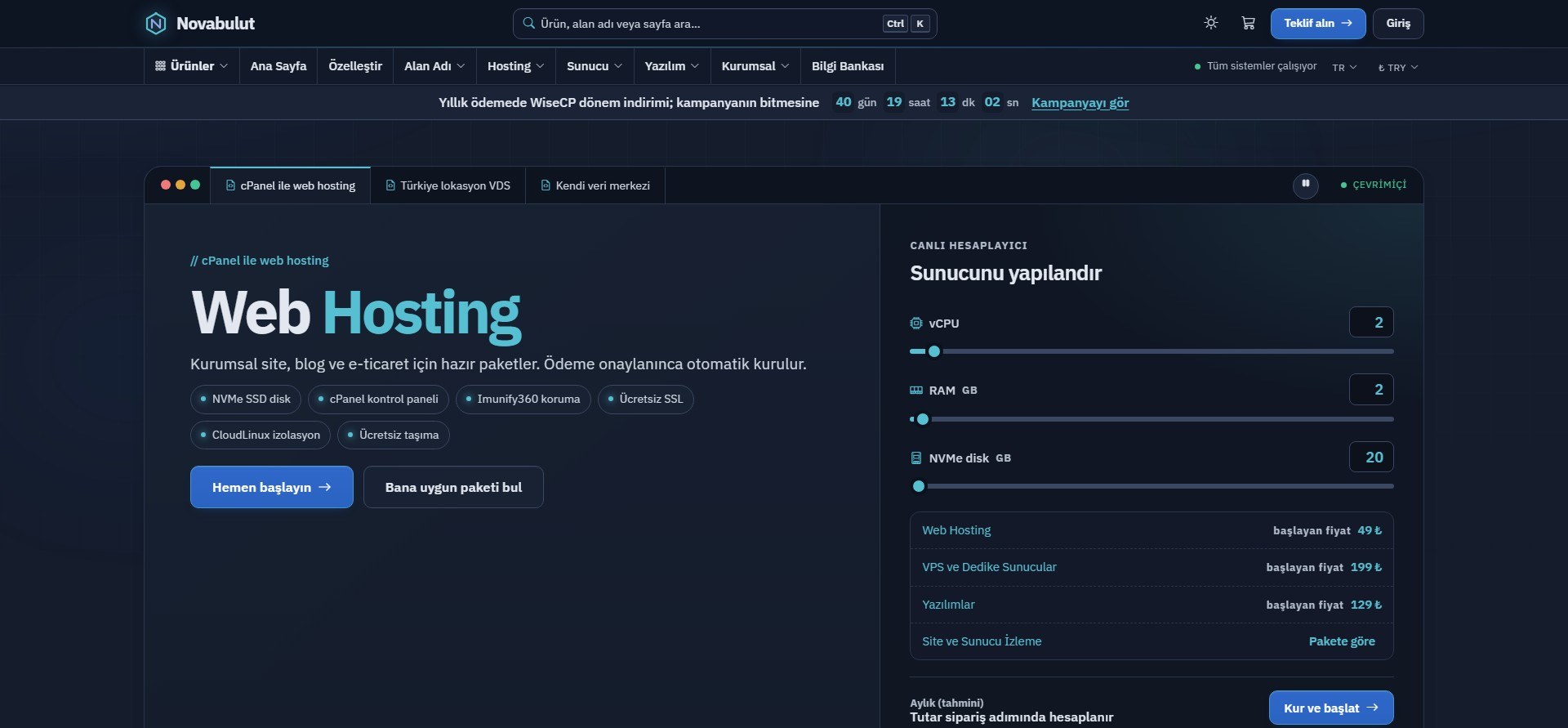
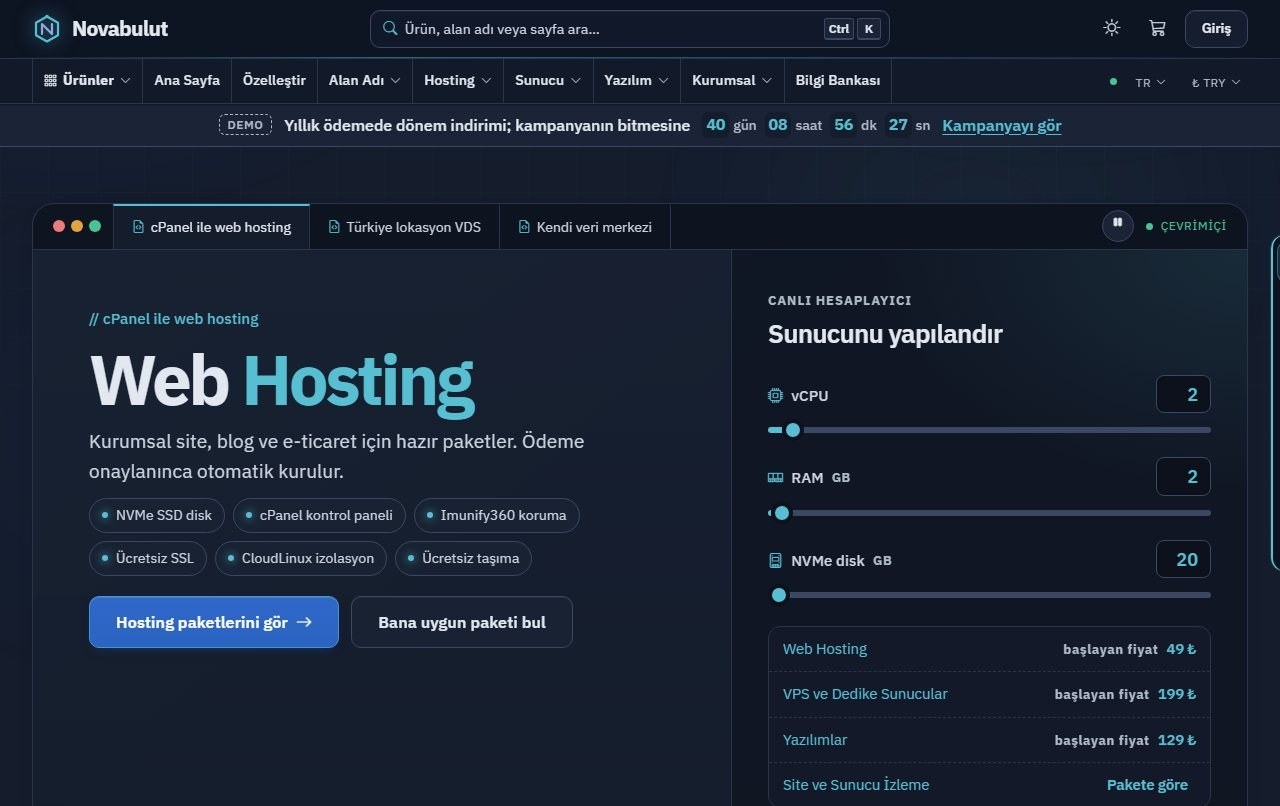
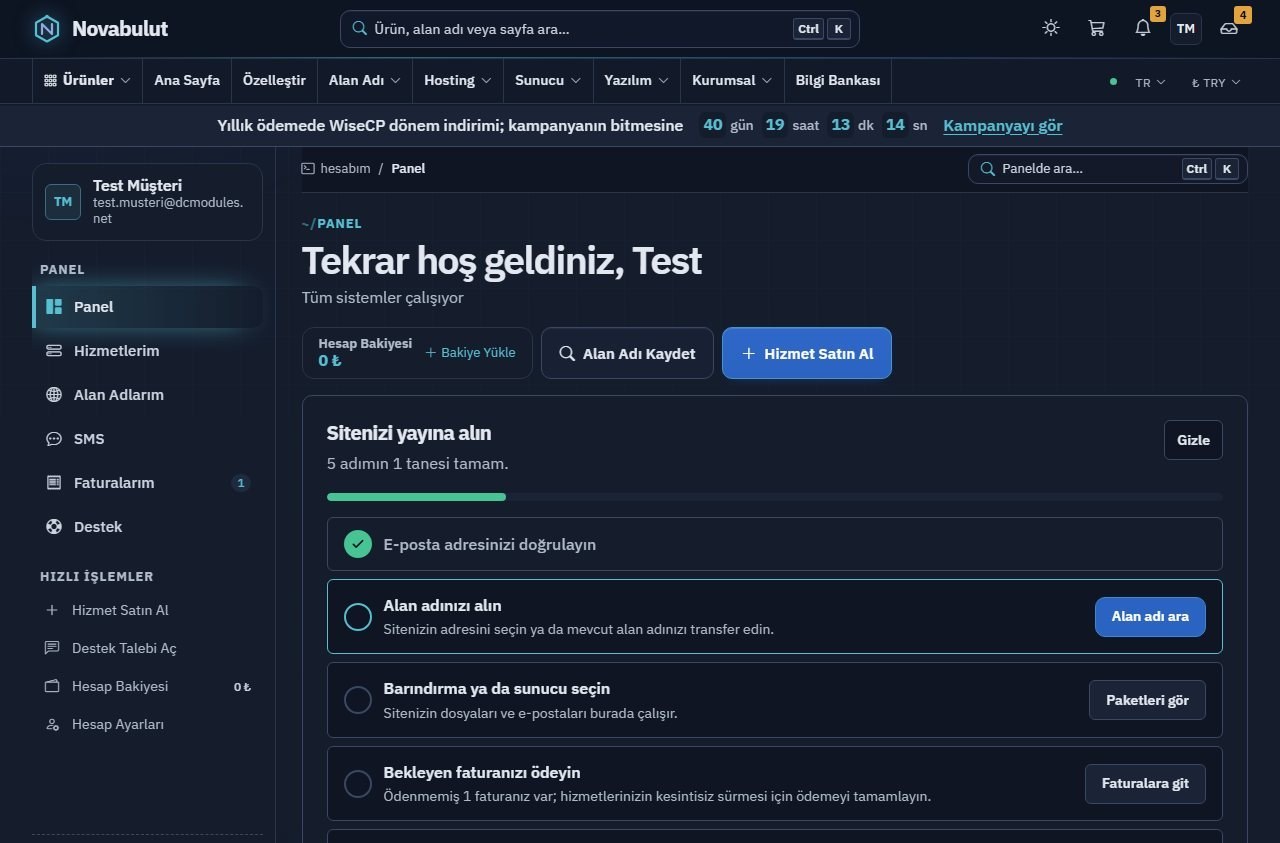
TreNova turns the visitor and customer side of your WISECP 5 site into a dark, technical storefront for cloud, VDS and data center providers. The header, home page, product pages, cart and checkout, customer area and footer share one design language. The site opens in dark mode; visitors can switch to light mode from the top bar.
Storefront
- Console-style top bar with a Ctrl+K command palette, announcement strip and a countdown campaign strip.
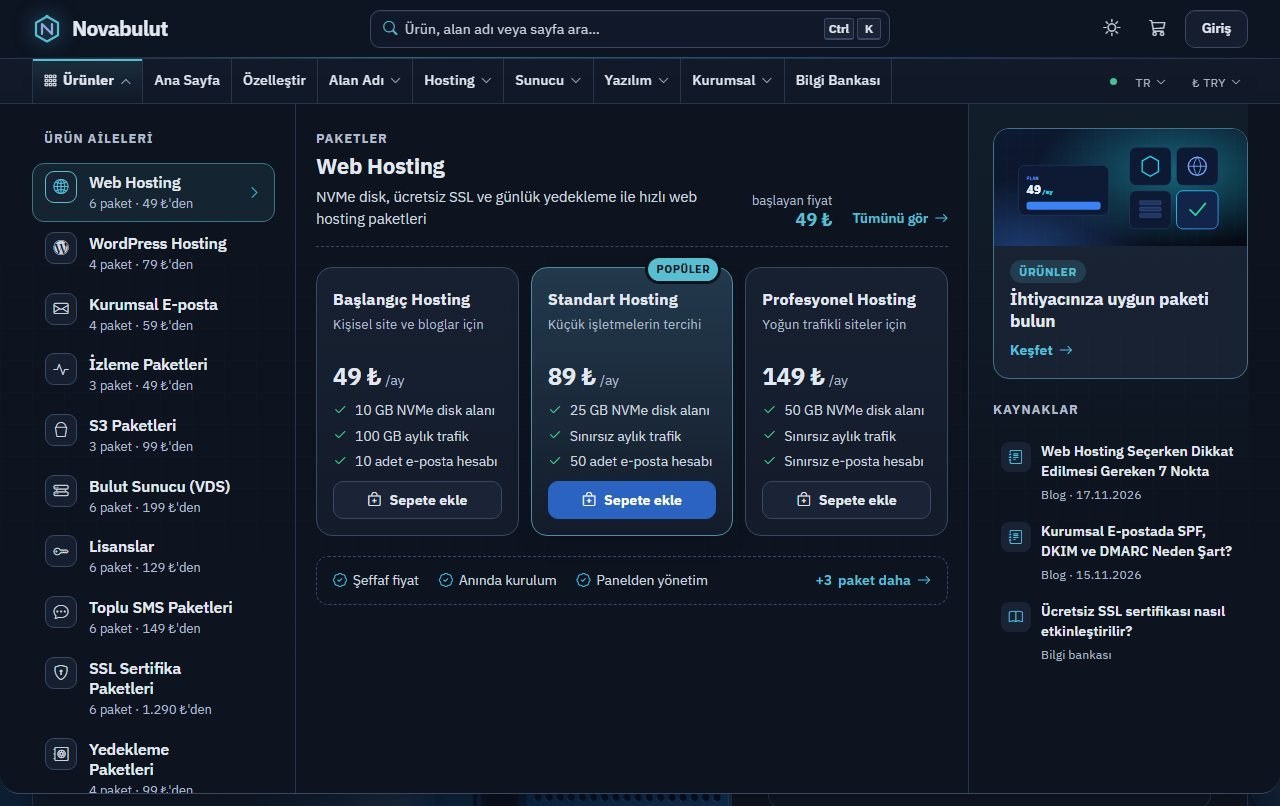
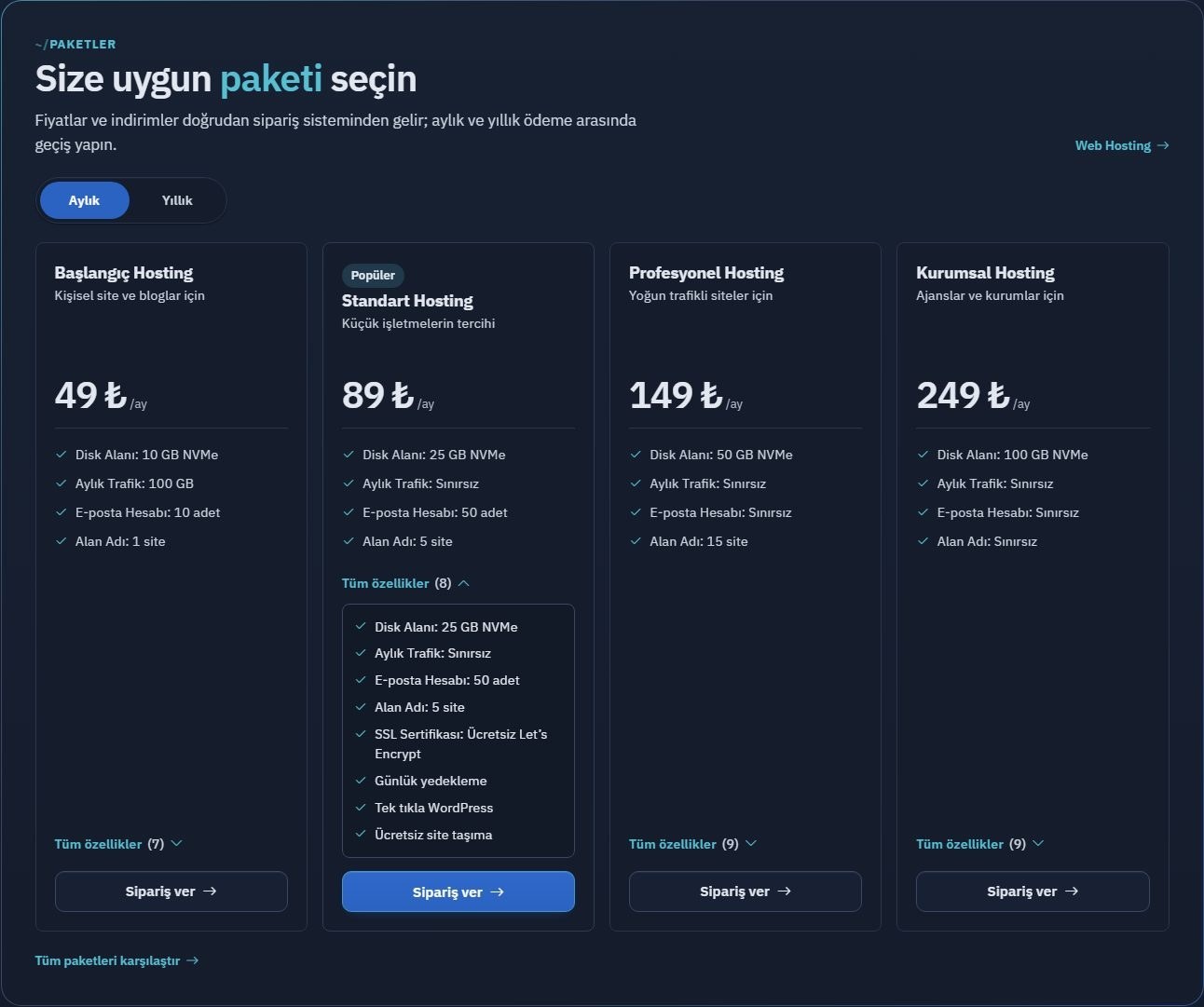
- Products mega menu built automatically from your catalogue: product families, three package cards with live prices and Add to cart, featured card and latest articles. Menu headings can also open their own mega menus; on mobile it becomes an accordion drawer.
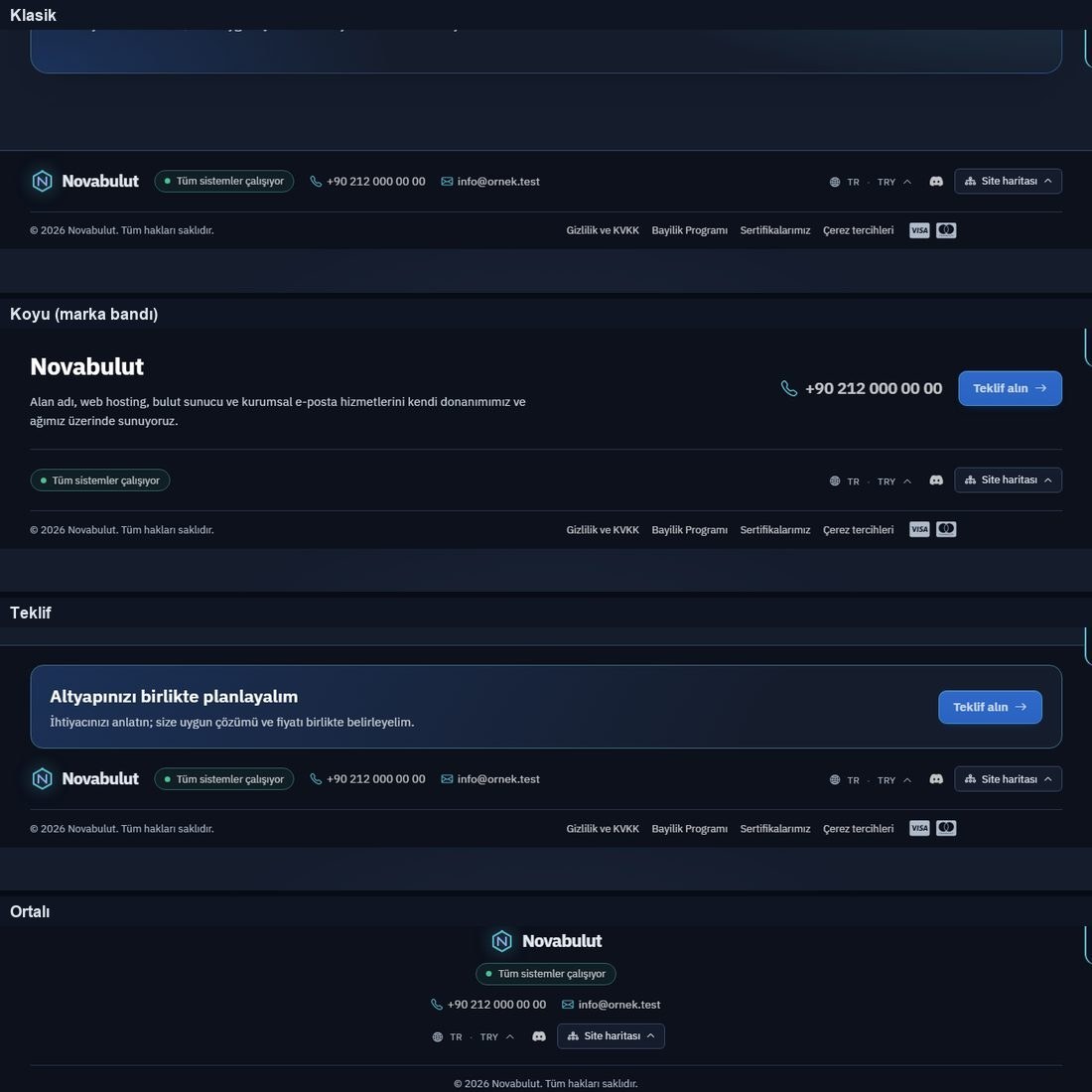
- 6 header layouts (Classic, Corporate, Centered, Dark, Floating, Glass) and 6 footer layouts.
- Home page built from 46 blocks with 7 presets; drag to reorder, switch each block on or off.
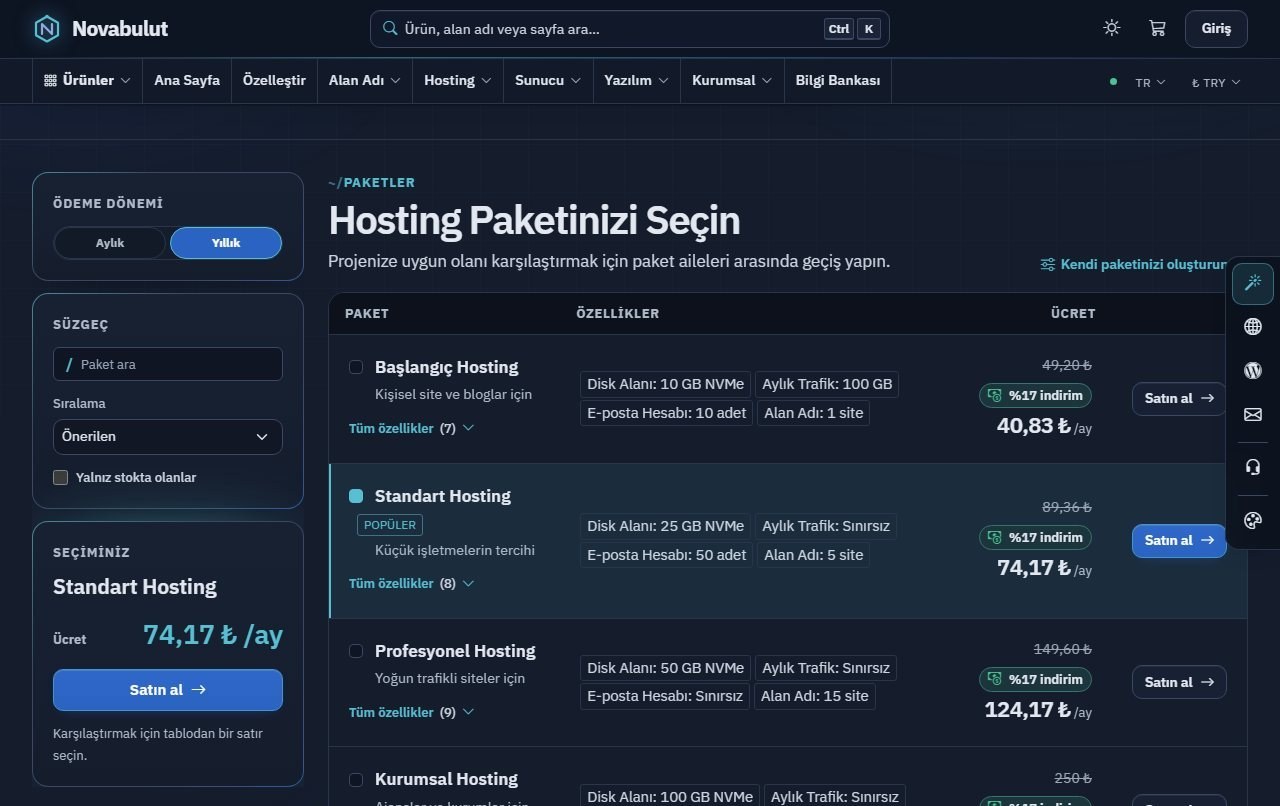
- Product list pages with a filter/summary bar and a package comparison table, billing cycle switch, Customize order wizard and package finder.
- Status rings and page bands are the theme's own vector drawings.
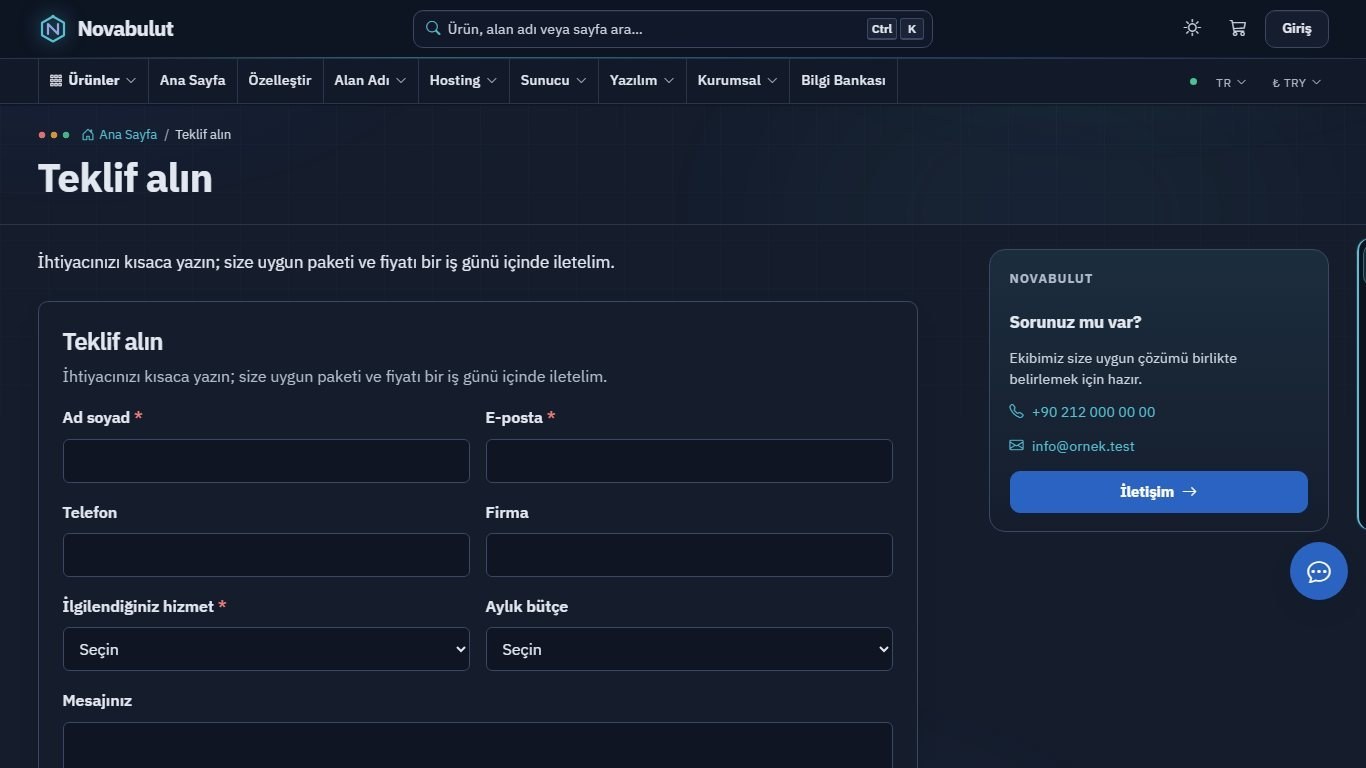
- Compact inner-page headers: breadcrumb, title and a short description in one band, so page content and the quote form start on the first screen.
Editable without code
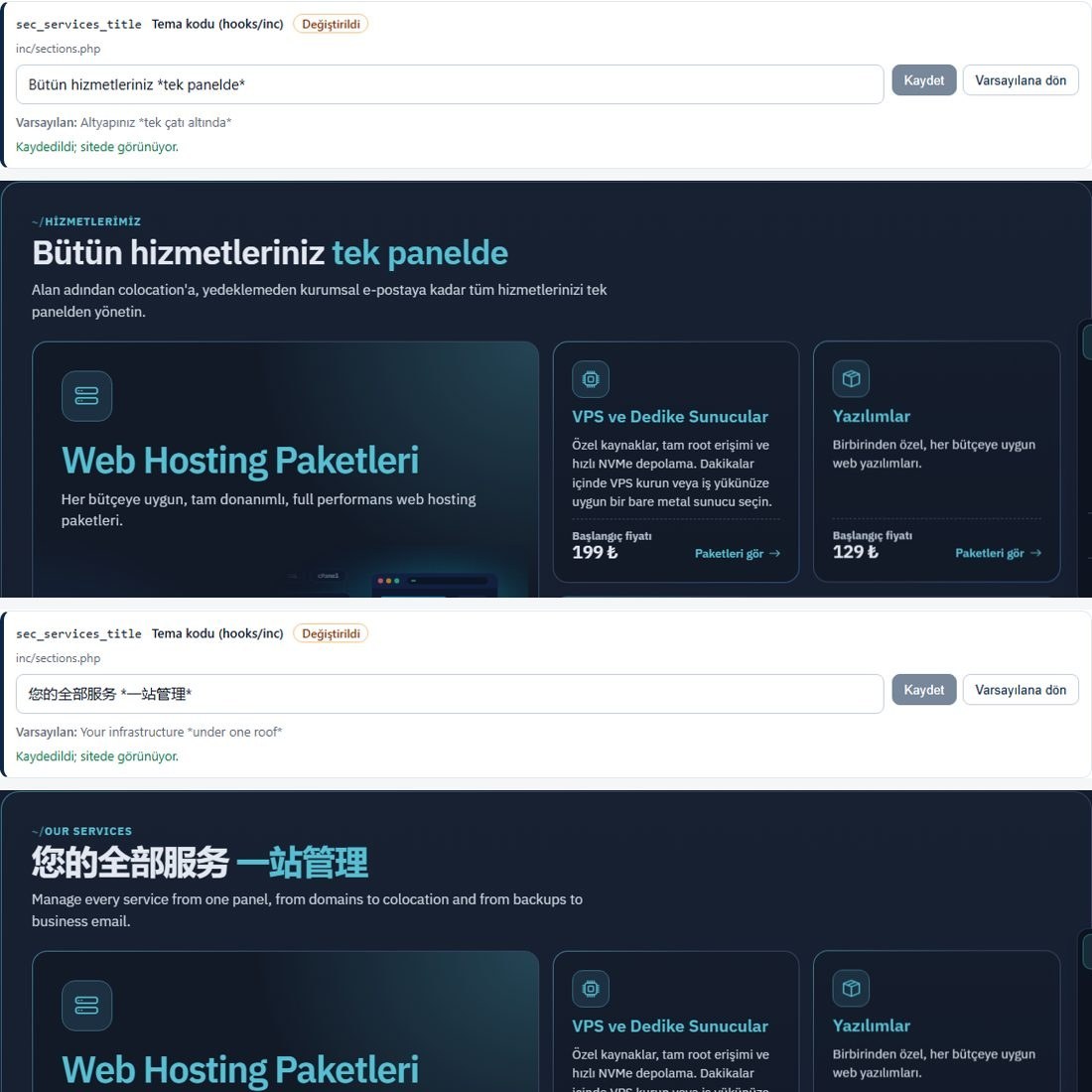
- Text manager: every theme text (section titles, labels, buttons, footer texts, script messages) is a language key you edit per language; theme updates keep your changes.
- Colours (8 schemes plus custom), fonts (served from the theme folder, no external CDN), corners, header/footer layout and home page order come from Theme Settings.
- Logo, contact details, products, prices, menus, blog and knowledge base are read from WISECP itself. The theme never prints a price or a claim figure on its own.
Features layer (TreKit)
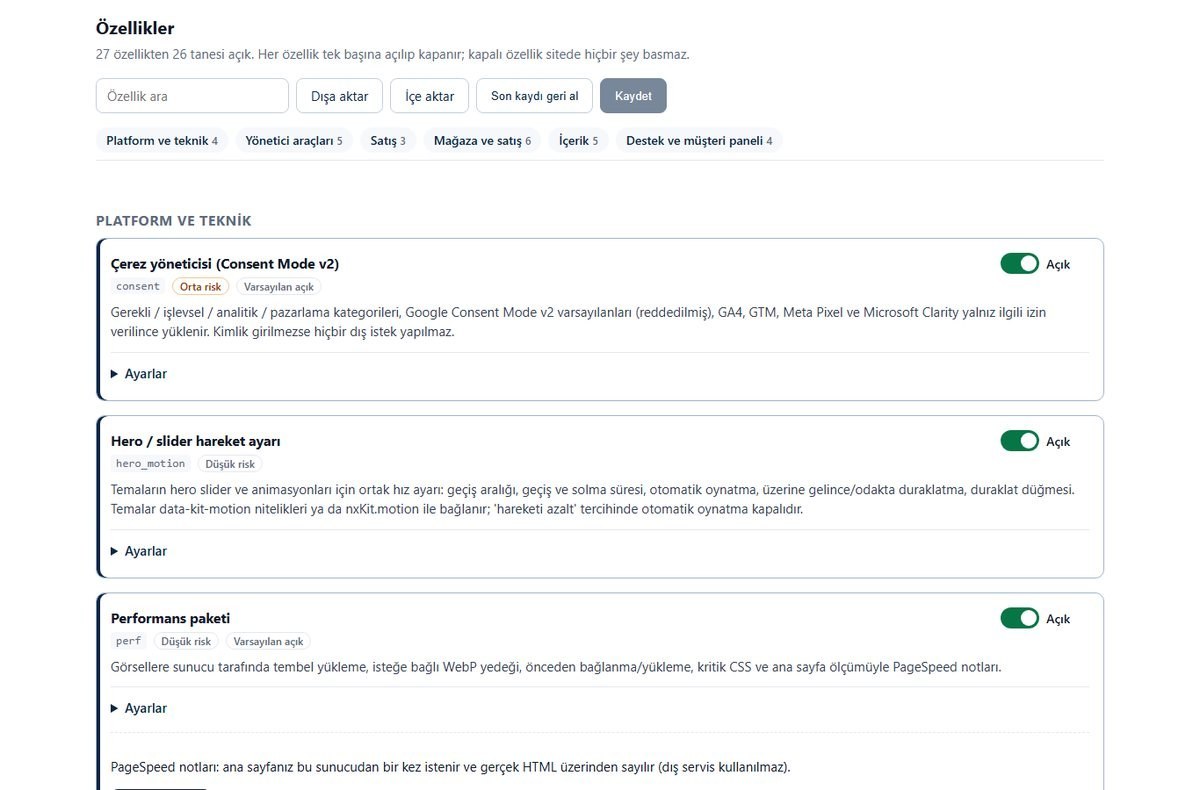
27 switchable features (TreKit 1.2.3) such as cookie consent, notification centre, quote form, live status widget, "Can't decide?" box, account summary and structured data. A disabled feature outputs nothing.
Languages and licence
The rotating hero window has a pause/play button and stays still when reduced motion is requested. Turkish and English are complete; a Chinese (zh) translation is included for the storefront and TreKit texts, and anything missing falls back to English. TreKit texts you enter can hold several languages in one field: TR // EN // ZH. Click-tested on the demo in Turkish and Chinese, desktop and phone. Right-to-left layout is supported. If the licence cannot be verified the storefront stays online; only the page cache and licensed editors pause.
Live demo: https://nova.dcmodules.net/tr (photos on the demo site are not part of the package; the theme ships with its own drawings).
Purchase on this page. The licence key is issued for your WISECP domain and your server's IP address; you download the theme from the WISECP Marketplace with that licence. Updates arrive through the Marketplace.
- Order the theme on this page; the licence key is issued for your panel's domain and IP address. Download the package from the WISECP Marketplace with your licence and extract the zip into the WISECP root; files land in
templates/website/TreNova/. - Under Settings › Theme › Theme Management, click Activate on the TreNova card.
- Open the theme settings with the Settings button on the TreNova card; enter the domain, licence user and 48-character key in the licence box and save.
- Review the theme settings and save. Logo, contact details, menus, products and prices come from WISECP's own screens.
TreNova
Temas- Prices read live from your WISECP catalogue
- Opens dark; visitors can switch to light mode
- Products mega menu built from your catalogue
A dark, technical WISECP 5 storefront for cloud, VDS and data center companies, with prices read live from your own catalogue.
| Lançamento | 21 novembro 2026 |
|---|---|
| Última atualização | 22 novembro 2026 |
| Versão | 1.9.9 |
| Licença | 1 WiseCP panel (domain and IP) |
| Atualizações | Incluídas enquanto a licença estiver ativa |
- WISECP 5.0-beta.4 or later. Not compatible with WISECP 3.x.
- PHP 8.1 or later with a matching ionCube Loader.
- Writable templates/website and coremio/storage folders.
- Outbound HTTPS (port 443) to wisecp.trecloud.com.tr for the licence check.
- Extract the zip into the WISECP root (files land in templates/website/TreNova), then activate the theme under Settings › Theme › Theme Management.
Outros produtos
Ver todos os produtos Popular
Pronto para começar?
Crie sua conta e peça seu primeiro serviço em poucos minutos.