

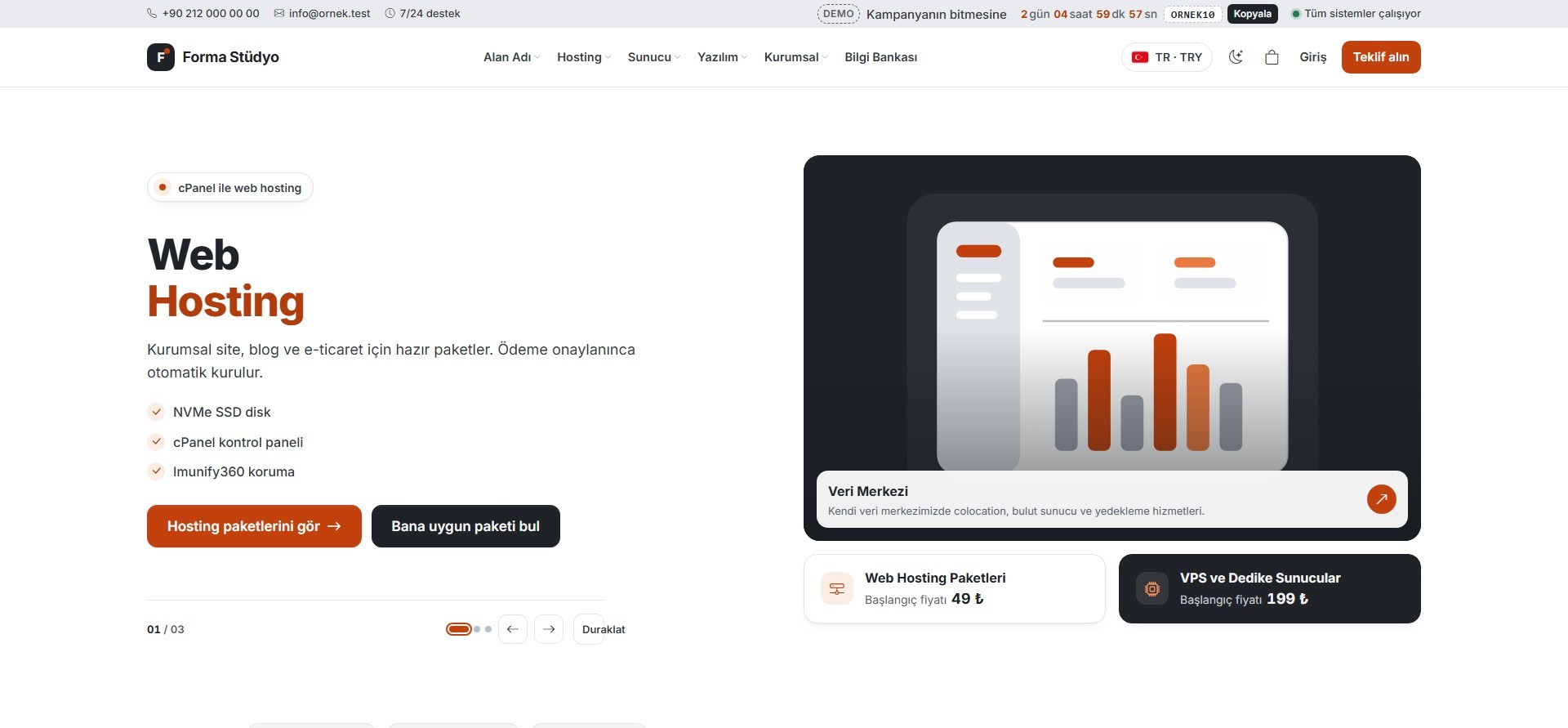
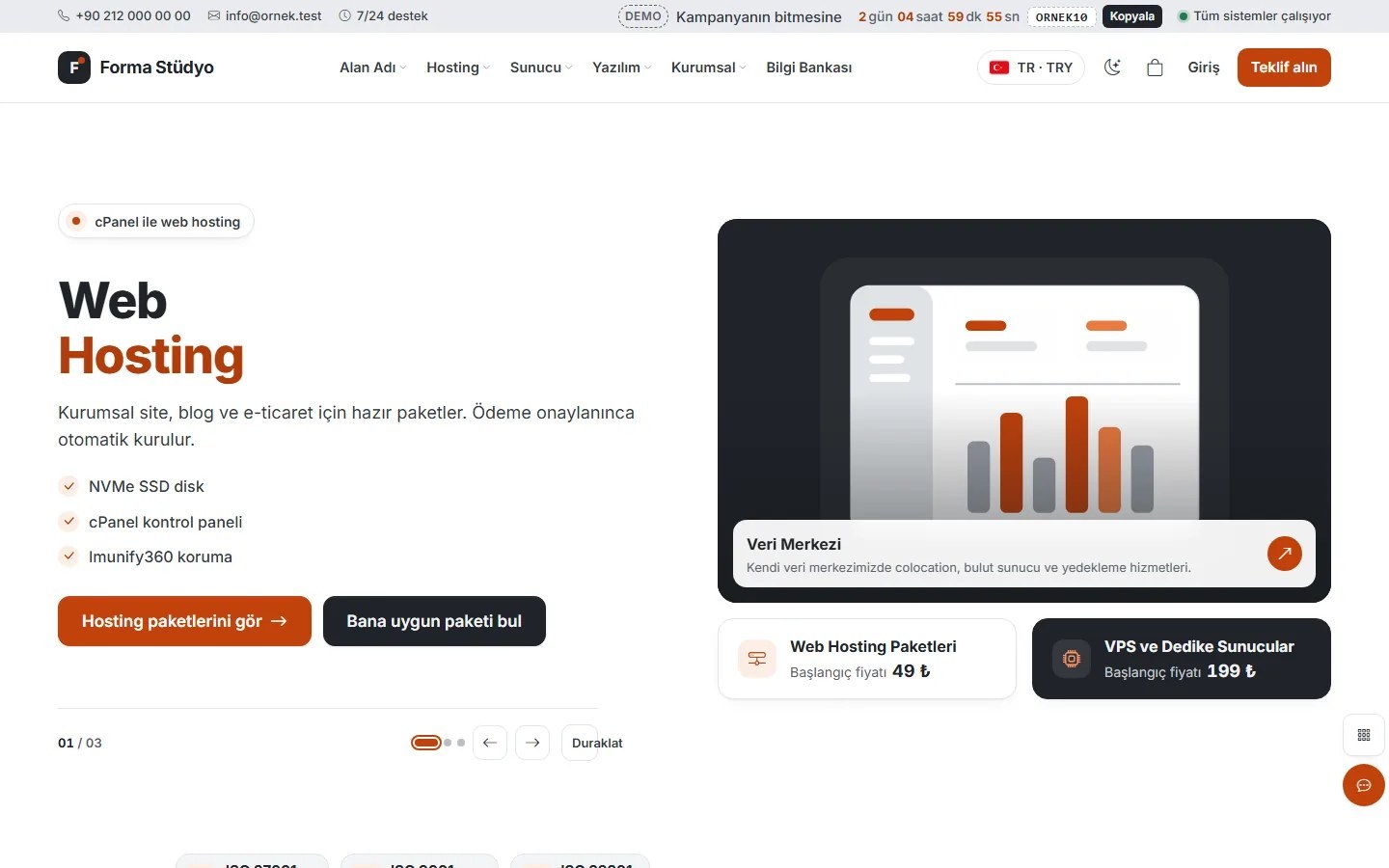
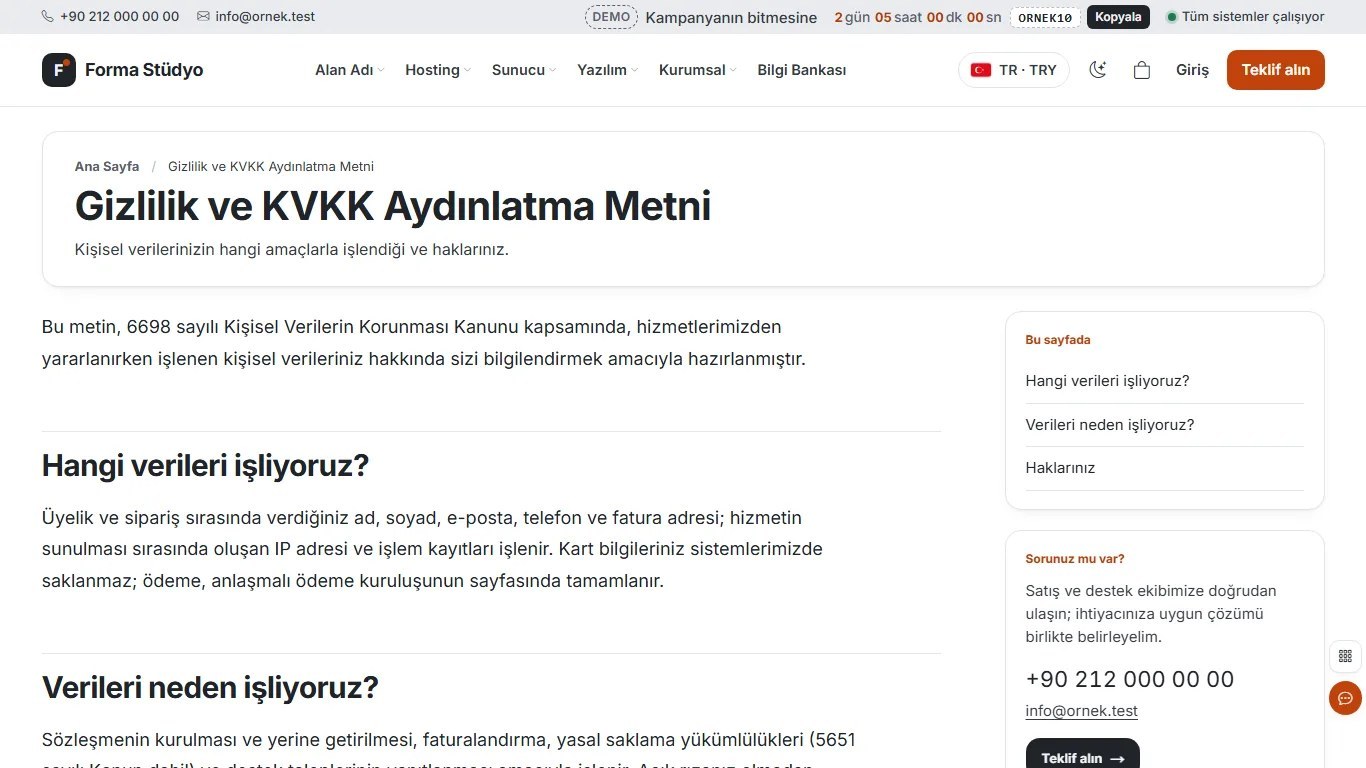
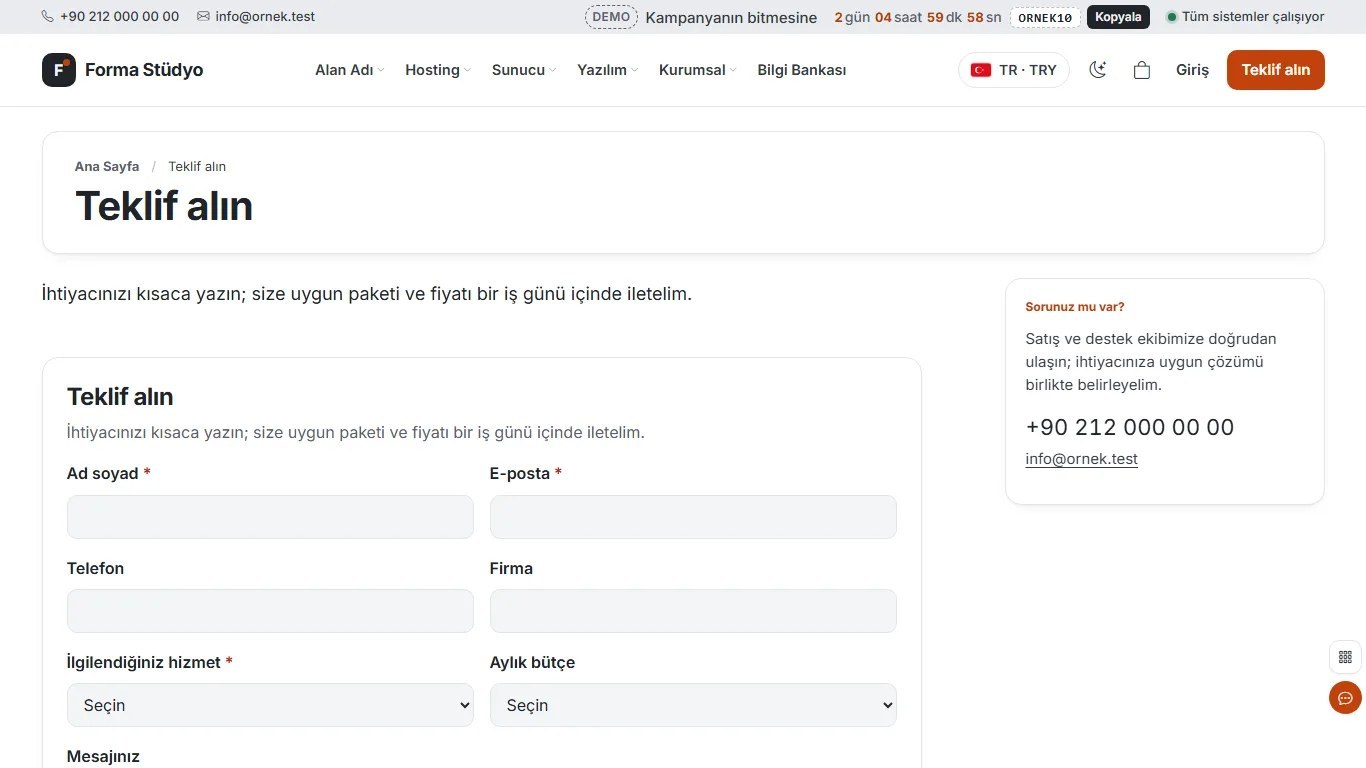
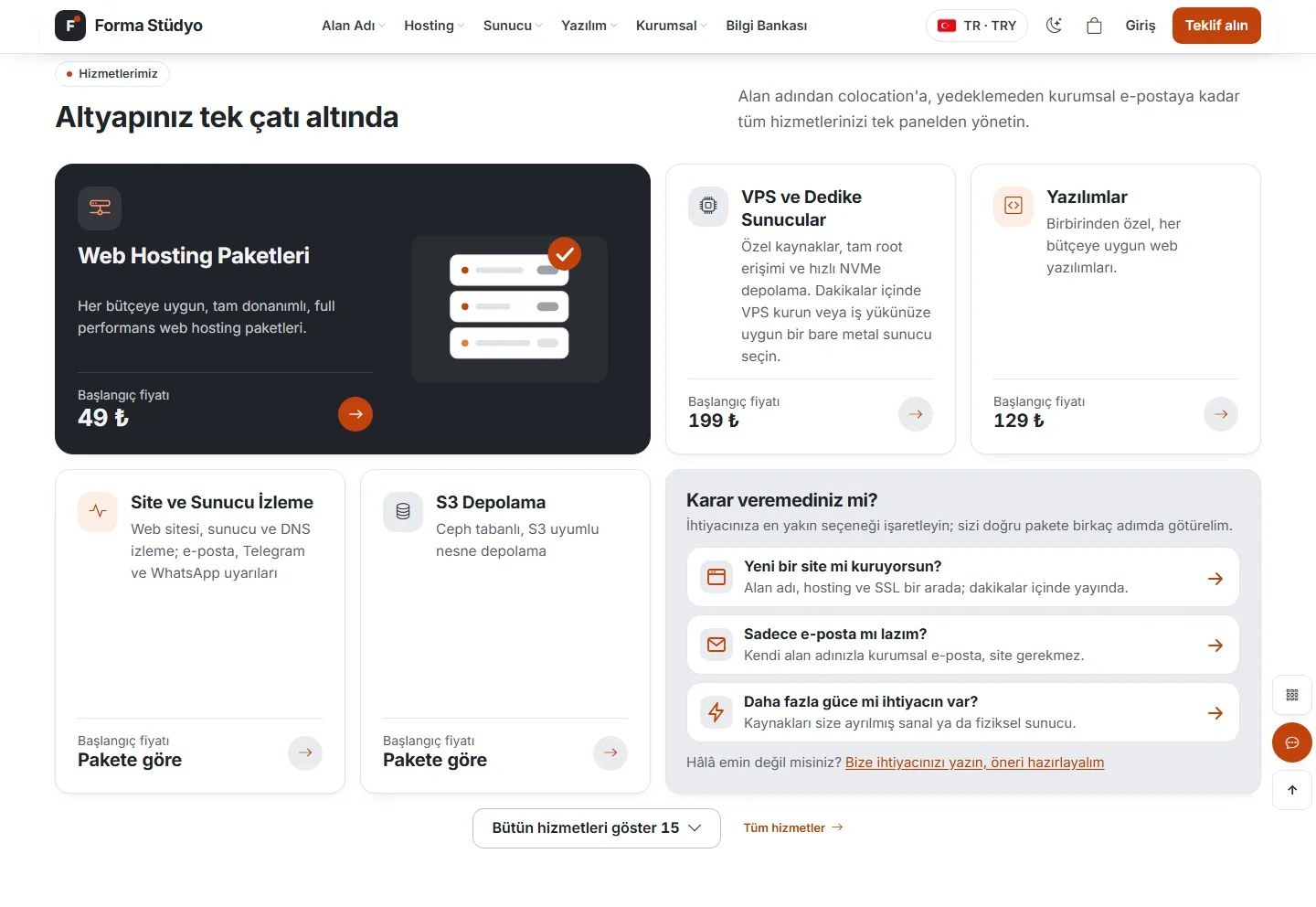
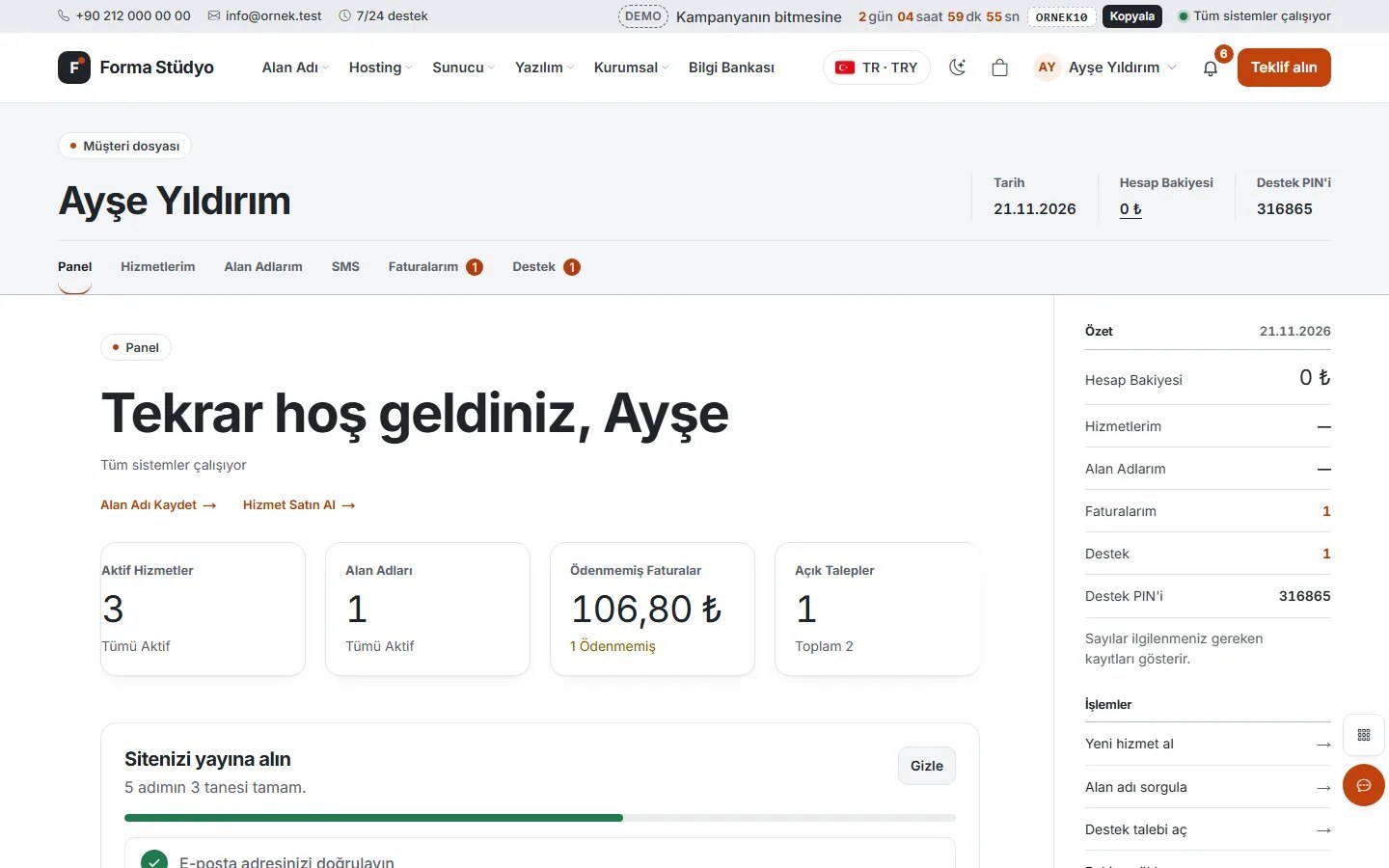
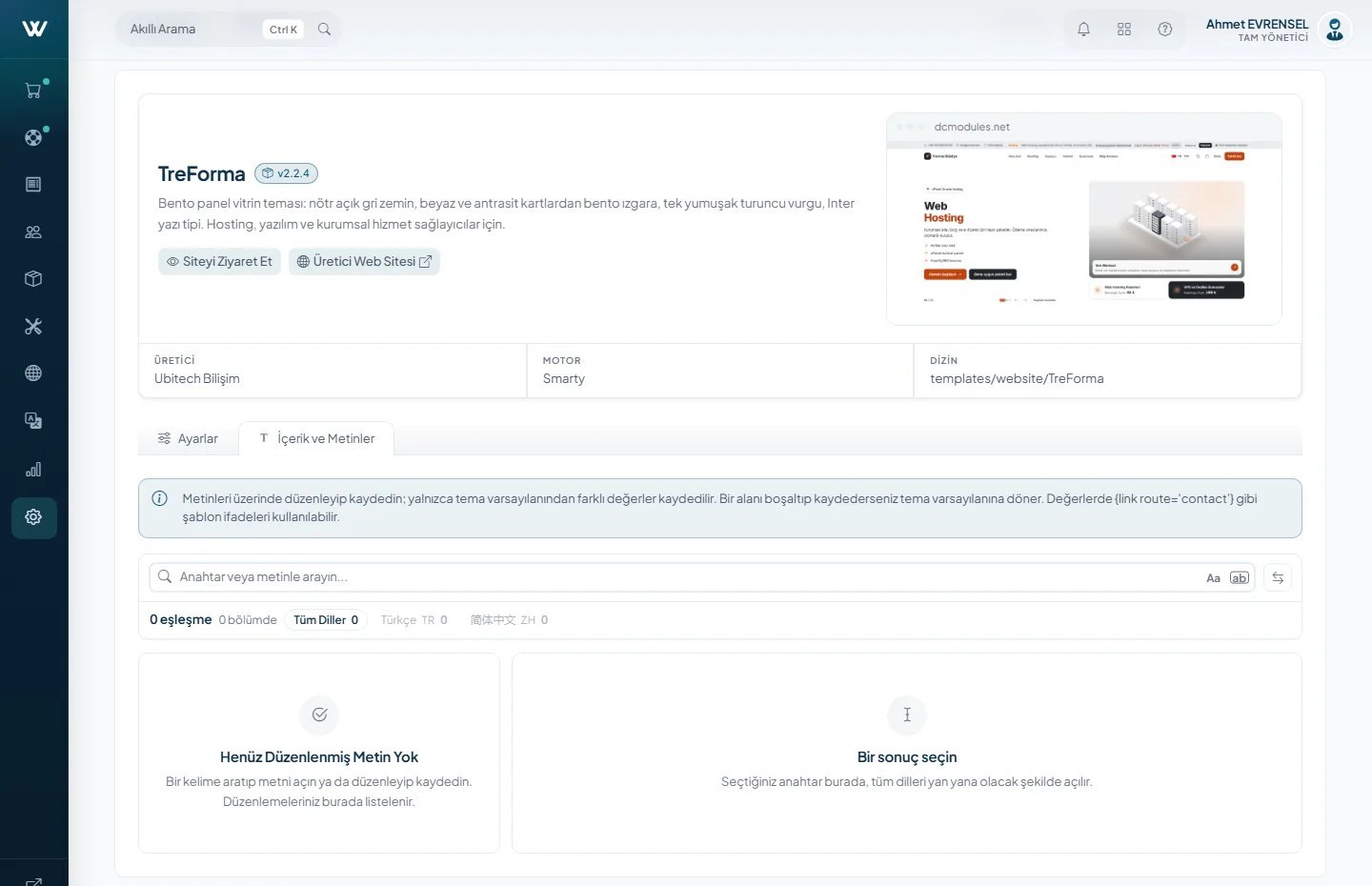
TreForma turns the visitor and customer side of your WISECP 5 site into a bento panel storefront: white and warm anthracite cards on a neutral light grey background, one soft orange accent, a local Inter font, rounded cards and a single soft shadow level. It is designed for hosting, server, software and corporate service providers.
Storefront
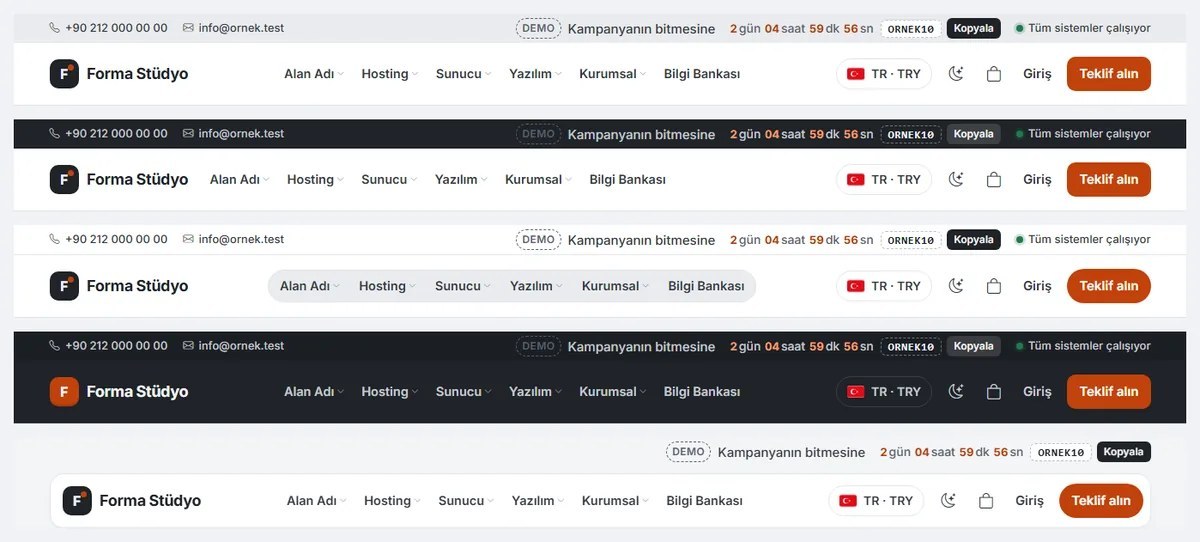
- Single-row 72 px header with a flag language/currency pill, light/dark switch, cart and call-to-action button; a slim helper strip carries contact details, announcements, campaign countdown and coupon code.
- 5 header layouts (Classic, Corporate, Centered, Anthracite, Floating) and 5 footer layouts, each previewable before saving.
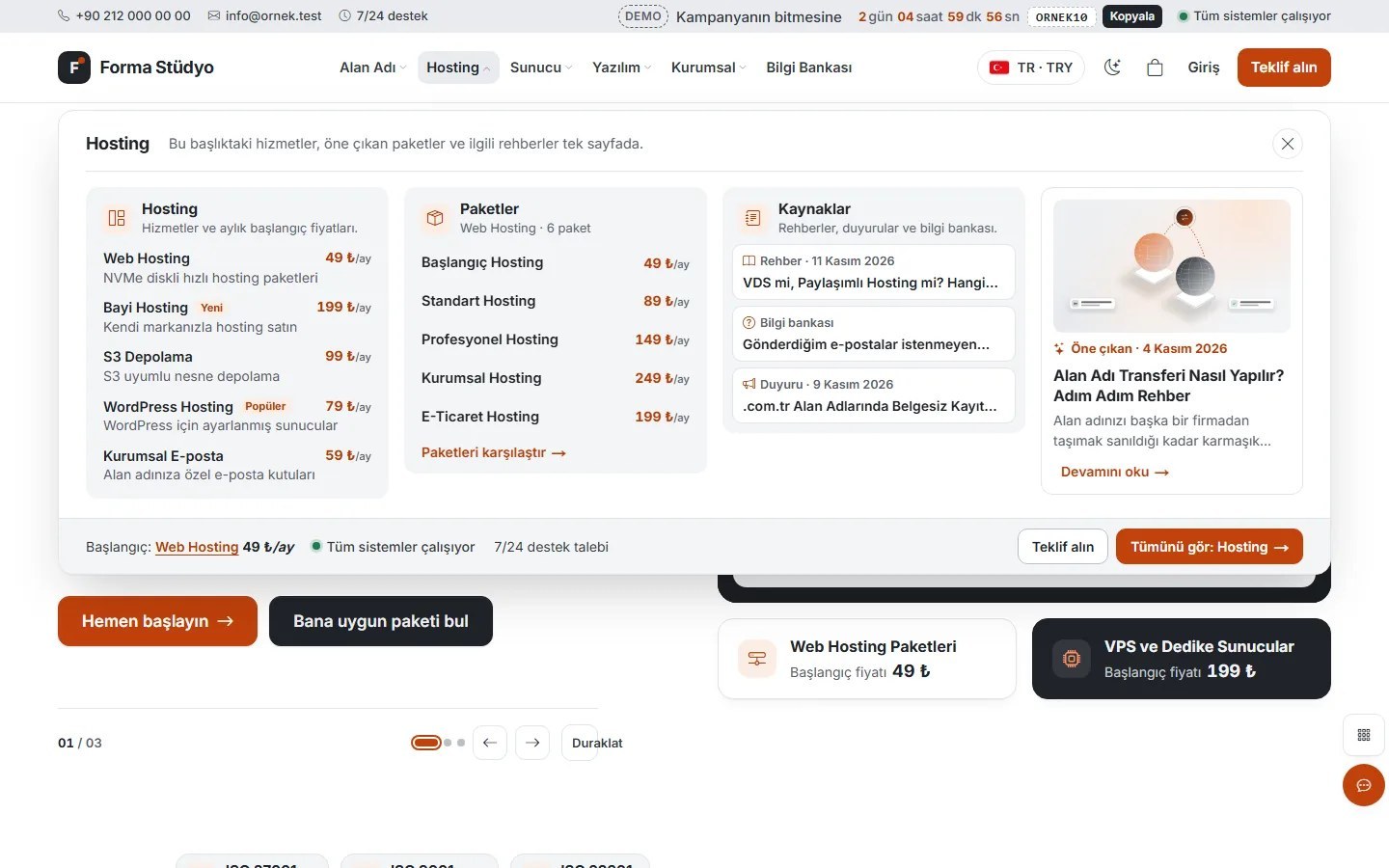
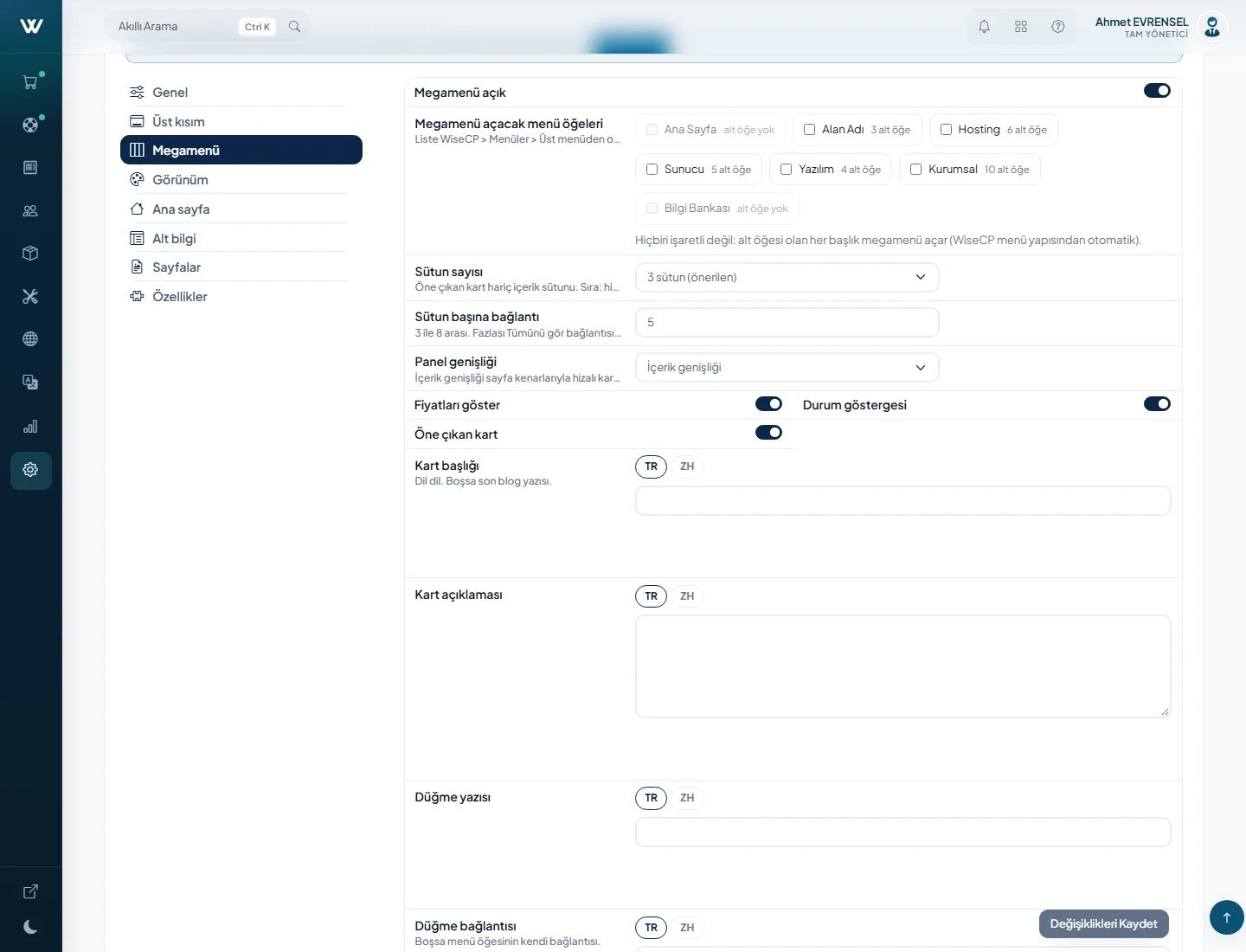
- Mega menu with its own settings tab: choose which menu headings open it, 2, 3 or 4 columns, links per column, prices, status indicator and a featured card, entered per language. Domain menu with search and extension prices.
- Home page from a 55-block library plus TreKit blocks; drag to reorder, switch off or edit each block.
- Equal-height package cards with billing cycle tabs; strike-through price and discount badge appear only on a real WISECP discount. Server packages show flag location tabs when a location is defined.
- Login, configuration, cart, checkout and customer area pages are rebuilt as bento cards.
- Compact inner-page headers: breadcrumb, title and a short description in one band, so page content and the quote form start on the first screen.
Editable without code
- Text manager: every theme text (section titles, buttons and links, labels, footer texts, wizard and tool texts, script messages) is edited per language; theme updates keep your changes.
- 9 colour schemes, 4 fonts served from the theme folder (no external CDN), corner and depth density, and light, dark or device mode come from Theme Settings.
- Logo, contact details, products, prices, menus and pages are read from WISECP itself.
Features layer (TreKit)
27 switchable features (TreKit 1.2.3) such as cookie consent, notification centre, quote form, live status widget, social proof countdown and structured data. A disabled feature outputs nothing.
Accessibility and languages
Keyboard navigation for the mega menu, reduced-motion support. The hero slider has a pause/play button (can be switched off in Theme Settings) and stays paused when reduced motion is requested. Turkish and English are complete; a Chinese (zh) translation is included for the storefront and TreKit texts, and anything missing falls back to English. TreKit texts you enter can hold several languages in one field: TR // EN // ZH. Click-tested on the demo in Turkish and Chinese, desktop and phone. If the licence cannot be verified the storefront stays online.
Live demo: https://forma.dcmodules.net/tr
Purchase on this page. The licence key is issued for your WISECP domain and your server's IP address; you download the theme from the WISECP Marketplace with that licence. Updates arrive through the Marketplace.
- Order the theme on this page; the licence key is issued for your panel's domain and IP address. Download the package from the WISECP Marketplace with your licence and extract the zip into the WISECP root; files land in
templates/website/TreForma/. - Under Settings › Theme › Theme Management, click Activate on the TreForma card.
- Open the theme settings with the Settings button on the TreForma card; enter the domain, licence user and 48-character key in the licence box and save.
- Review the theme settings and save. Logo, contact details, menus, products and prices come from WISECP's own screens.
| 发布日期 | 21 11月 2026 |
|---|---|
| 最近更新 | 22 11月 2026 |
| 版本 | 2.2.9 |
| 许可证 | 1 WiseCP panel (domain and IP) |
| 更新 | 许可证有效期间包含 |
- WISECP 5.0-beta.4 or later. Not compatible with WISECP 3.x.
- PHP 8.1 or later with a matching ionCube Loader.
- Writable templates/website and coremio/storage folders.
- Outbound HTTPS (port 443) to wisecp.trecloud.com.tr for the licence check.
- Extract the zip into the WISECP root (files land in templates/website/TreForma), then activate the theme under Settings › Theme › Theme Management.
其他产品
浏览所有产品 热门
准备好上线了吗?
只需几分钟,即可创建账户并订购您的第一项服务。